

MobileBoost ✓
Let AI handle your mobile app QA testing.
Verdict
A quick read before you dig into the full page.
- Best if
- Let AI handle your mobile app QA testing
- Skip if
- Complex setup for non-technical teams
- Pick this when
- Automated prompts to tests
Considering Momentic instead? Compare side by side
Overview
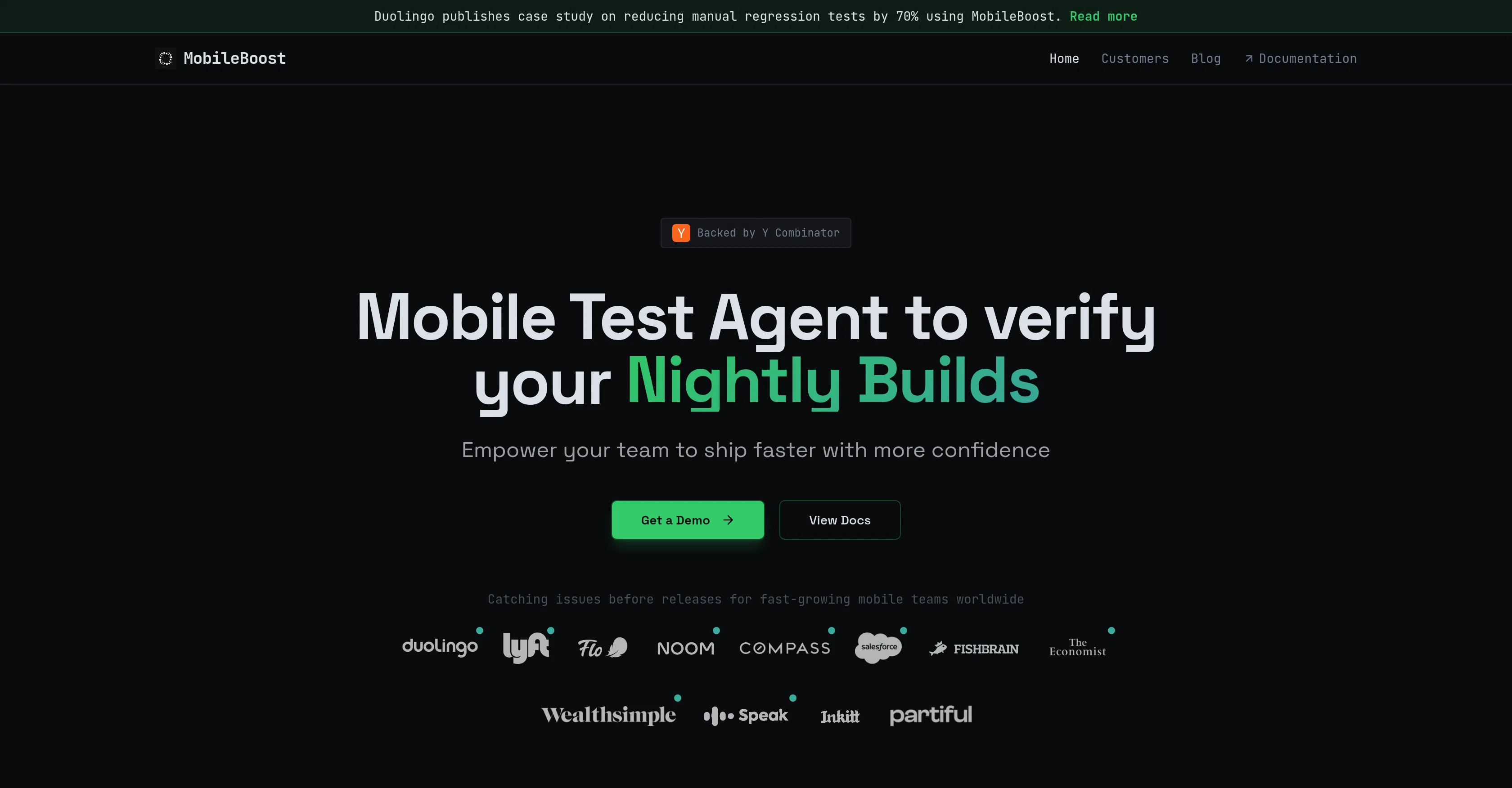
MobileBoost GPT Driver is an AI-powered tool specifically designed for mobile app Quality Assurance (QA). It offers a new dimension in mobile test automation, going beyond traditional approaches to reach the interface elements that native automation and AI-generated test code cannot.
The tool works within several frameworks, including XCUITest, Espresso, and Appium, making it versatile and compatible with different testing environments.
Users can expect to address the complexities of UI testing through its AI capabilities, which streamline processes and boost testing efficiency. The core advantage of MobileBoost GPT driver comes from its innovative way of handling UIs, allowing for more thorough testing on mobile applications.
Bear in mind, however, that as AI technologies advance, the functionality of this tool might evolve over time. It's best suited for those who want to elevate their mobile application testing protocols while simultaneously improving accuracy and speed in identifying potential UI-related issues.
Access & connections
Where you can use MobileBoost.
Platforms
Capabilities
What this tool accepts, produces, and is strongest at.
Input
- Text
Output
- Text
Supported features
- QA Automation
Pros & cons
Pros
- Automated prompts to tests
- Adapts to app changes
- Visual assisted GPT models
- Functional on multiple devices
- No code changes required
- Comprehensive testing reports
- Works with IPA, APK, Web files
- Integration with JIRA, ClickUp
Show 12 more
- Test triggers via CI/CD
- Test reports on Email & Slack
- Leading mobile platform support
- Streamlines testing process
- Supports local build publishing
- Greater accuracy in testing
- Efficient and flexible testing
- Provides full control over testing
- Allows device log replay
- Self-adjusting test cases
- Improved productivity
- Bug detection and elimination
Cons
- Unclear error reporting
- No support for non-mobile
- No multi-language documentation
- Limited integration options
- No user community
- Lacks live support
- No CRM integration
- Complex setup for non-technical teams
Show 2 more
- Interface not user-friendly
- Lack of offline capabilities
Compare alternatives
Similar tools in the catalog — with a clear reason to open each one.


Replay QA ✓
FreemiumAI wrote the app. Replay QA finds what broke.
Why look Offers a public API
Full comparison
Webo ✓
PaidAutomate web app testing in three business days
Why look Higher community rating
Full comparison

Releases 1
FAQ 12
What does the MobileBoost GPT Driver do?
How does MobileBoost GPT Driver handle UIs differently?
Can the MobileBoost GPT Driver be integrated with different testing environments?
What frameworks is MobileBoost GPT Driver compatible with?
How does MobileBoost GPT Driver streamline testing processes?
Does MobileBoost GPT Driver allow for testing on both iOS and Android platforms?
Can the functionality of MobileBoost GPT Driver evolve over time?
Can MobileBoost GPT Driver identify potential UI-related issues?
How does MobileBoost GPT Driver improve accuracy and speed in testing?
Is the MobileBoost GPT Driver meant for mobile applications only?
How can the MobileBoost GPT Driver automate mobile app QA testing?
Does MobileBoost GPT Driver support testing without element IDs?
Related tools
Recommended

Stratup.ai ✓
FreemiumInnovative idea generation for businesses.

PostPerfect ✓
FreemiumAutomated social media posts.

GPTinf ✓
PaidBypass AI detectors with one-click rephrasing.

User Evaluation ✓
FreemiumStreamline your data discovery with AI

AiAgent.app ✓
FreemiumManaged web-based goal and task system.

NexusGPT ✓
UnknownBuild custom AI agents to automate workflows without code