

SVG illustrations 2026 Rank: #2258
GlyPho ✓
Generate matching SVG sets from a single prompt.
Verdict
A quick read before you dig into the full page.
- Best if
- Generate matching SVG sets from a single prompt
- Skip if
- Limited assets variety generation
- Pick this when
- Generates matching SVG sets
Considering SVGStud.io instead? Compare side by side
Overview
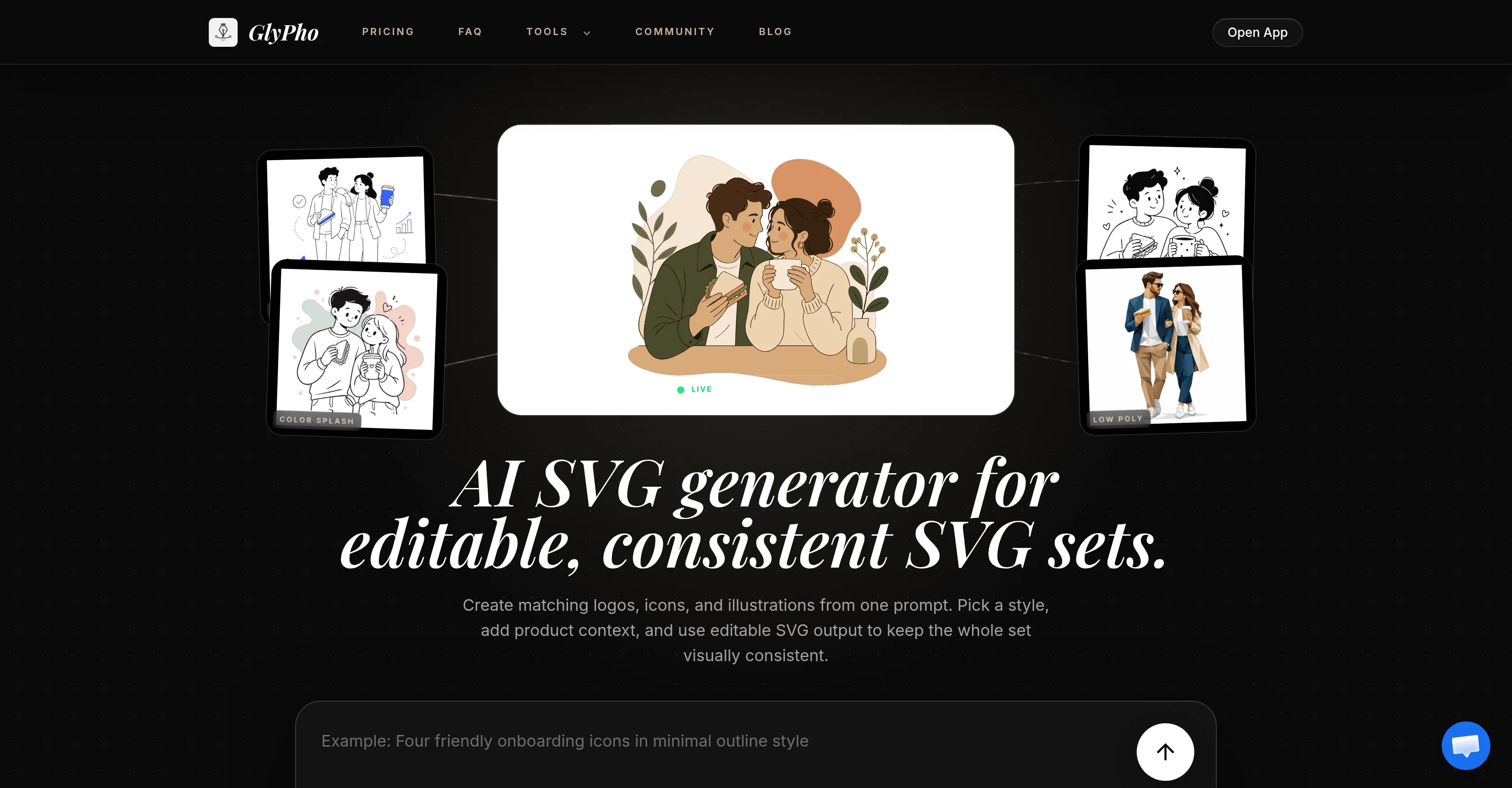
GlyPho is an AI-powered Scalable Vector Graphics (SVG) generator geared towards creating editable, and visually consistent sets of SVGs, such as logos, icons, and illustrations.
This tool operates by taking in a user-specified design prompt, style, and context for a prospective product. From a single prompt, the system can generate a harmonized set of SVGs, maintaining stylistic consistency across all outputted pieces.
The GlyPho generator is equipped with various preset styles like Minimal Outline Accent, Notion Style, Cozy Lifestyle, Low Poly, and Color Splash, amongst others.
Users can modify generated SVGs by altering colors, inspecting paths, or placing the file in design or coding tools, making this tool highly adaptable and flexible to numerous design applications.
The GlyPho platform also supports a community aspect, allowing users to share their generated SVGs with other users. Furthermore, GlyPho enables the saving and reapplication of good design direction, allowing for an efficient creation process as users move from one production item to another.
A key distinguishing feature of GlyPho is its focus on creating new, editable assets for consistent design as opposed to using unrelated stock images.
This AI tool is particularly helpful for teams seeking to quickly produce visually consistent design assets for various product purposes.
Access & connections
Where you can use GlyPho, and what it plugs into.
Platforms
Integrations
Capabilities
What this tool accepts, produces, and is strongest at.
Input
- Text
Output
- Image
Pros & cons
Pros
- Generates matching SVG sets
- Allows user-specific prompts
- Ensures visual consistency
- Offers multiple preset styles
- Enables SVG modifications
- Compatible with design tools
- Supports community sharing
- Design direction saving feature
Show 28 more
- Adaptable to various design applications
- Focused on new editable assets
- Fast output production
- Preset-driven visual consistency
- Fast iteration loop
- Community reward system
- Private library for assets
- Generates family resemblance
- Specific designed style system
- Detailed style presets
- Logo, icon and illustration generation
- Product context consideration
- Editable SVG output
- Repeatable creation workflow
- Private asset saving
- Prompt reuse feature
- Publishing control for SVGs
- On-demand asset brief changes
- Library growth through first-time shares
- Maintains stroke character within designs
- Preserves design family resemblance
- Full illustration cycle alternative
- Quantified community contributions
- Customisable SVG exploration
- Free SVG quality testing
- Controlled exploration via credits
- Team-ready workflow and support
- Commercial use of outputs
Cons
- Limited preset styles
- Lacks advanced editing features
- No mentioned integration capabilities
- Dependent on user prompts
- No detailed customization options
- No offline functionality mentioned
- Limited to SVG output
- No multi-language support mentioned
Show 2 more
- Community sharing prompts duplication
- Limited assets variety generation
Compare alternatives
Similar tools in the catalog — with a clear reason to open each one.

SVGStud.io ✓
FreeGenerate and search custom SVGs with AI
Why look Fully free option
Full comparison
SVGMaker.io ✓
FreemiumGenerate pixel perfect SVGs using AI commands.
Why look Typically cheaper
Full comparison
Brushless AI ✓
PaidWe provide brand-consistent and fully customisable illustration sets at speed and scale
Why look Typically cheaper
Full comparison


Releases 1
FAQ 12
How does GlyPho generate SVGs from a single prompt?
Does GlyPho have preset design styles?
Can I alter the generated SVGs by GlyPho?
What is the community aspect in GlyPho?
How does GlyPho ensure maintaining a consistent style across generated SVGs?
Is GlyPho suitable for logo, icon, and illustration designs?
Can I share my generated SVGs with other users on GlyPho?
Does GlyPho allow for design customization?
Can GlyPho save and reapply design directions?
How is GlyPho different from using stock images?
How can GlyPho be helpful for creating product design assets?
How do I use a design prompt with GlyPho?
Related tools
Recommended

Whacka ✓
Free TrialTurn ideas into real apps from your phone.

HappySeeds ✓
FreemiumTurn ideas into AI-powered apps instantly.

WebZum ✓
Free TrialSite, Google ad, and a 15-second video ad. Five minutes.

Humanize AI Text.io ✓
FreeMake AI text sound human.

GetLogit ✓
FreemiumArtificial intelligence, available for everyone.

ChatGPT ✓
FreemiumAsk anything, create anything, and move from idea to action.