Code assistant

Glitch

A friendly community with free tools to build and use web apps.

Source rating 5.0 (67) 111k views 111k/mo traffic 0 saves Freemium
More categories (7)

Free + from $8 / per month, billed annually

Verdict

A quick read before you dig into the full page.

Best if
You are beginner web developers and need: Building simple websites
Skip if
You need enterprise SLAs or a fully managed team plan right away
Pick this when
Freemium · Free + from $8 / per month, billed annually

Overview

Glitch is a friendly community where everyone builds the web. It provides simple, powerful, and free tools to create and use millions of apps. It allows users to build fast, full-stack web apps in their browser for free, start a new blog, play with React, or build new worlds with WebXR.

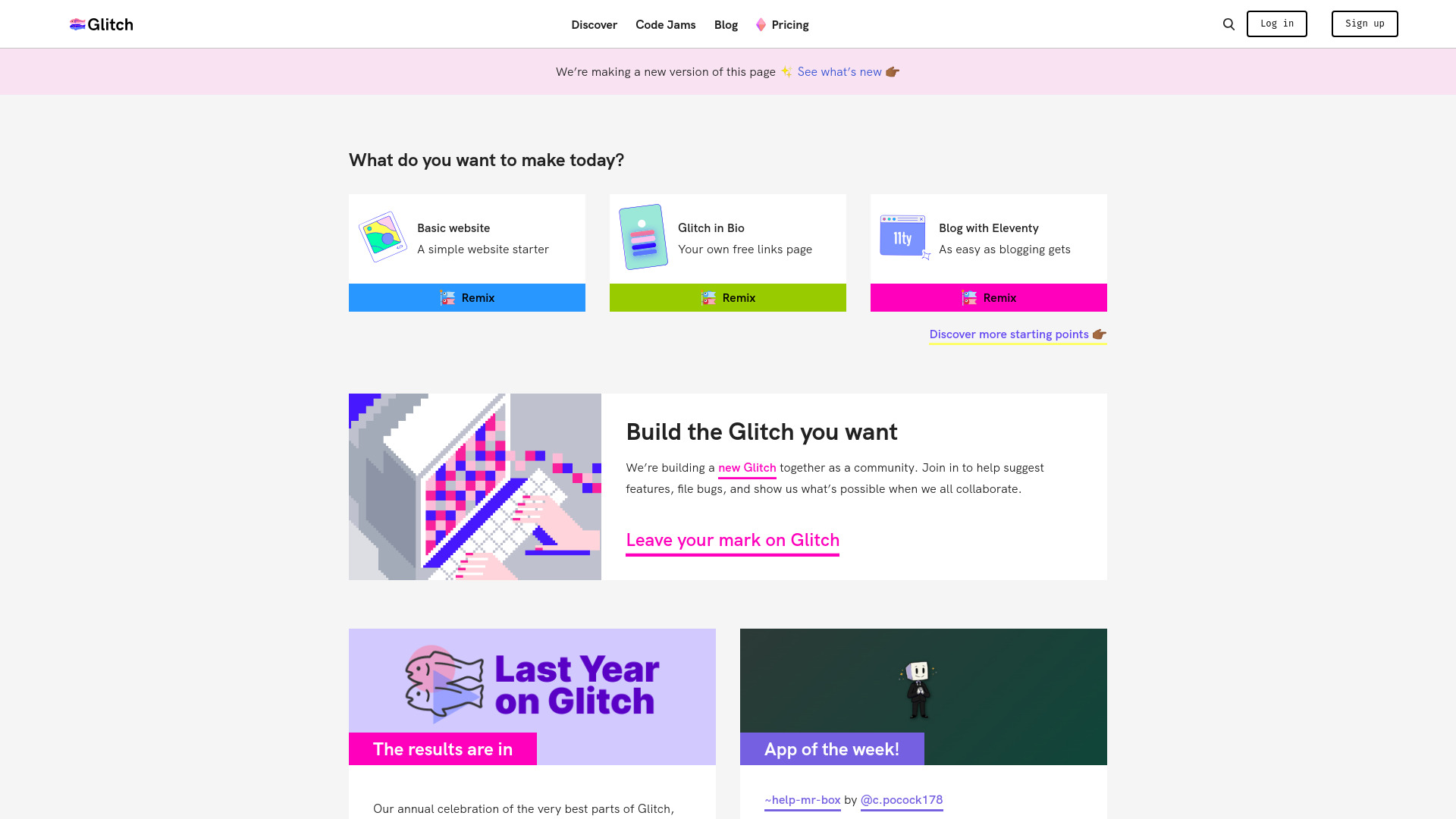
Glitch screenshot

Best for

Short scenarios where Glitch tends to shine.

  • Building simple websites

    Best for Beginner web developers

  • Creating blogs

    Best for Hobbyists

  • Developing React applications

    Best for Educators

  • Building WebXR experiences

    Best for Small teams

  • Creating Fastly Compute apps

    Best for Prototyping

Example outputs 1

Sample generations and before/after results for Glitch.

Access & connections

Where you can use Glitch, and what it plugs into.

Platforms

Web

Integrations

Capabilities

What this tool accepts, produces, and is strongest at.

Highlights

  • In-browser code editor
  • Full-stack web app development
  • Community collaboration
  • Project remixing
  • GitHub import/export
  • Prettier support
  • Fastly Compute integration

People also view

Tools that often show up alongside Glitch in collections and comparisons.

FAQ 5

What is Glitch?
Glitch is a friendly community where everyone builds the web. It provides simple, powerful, and free tools to create and use millions of apps. It allows users to build fast, full-stack web apps in their browser for free, start a new blog, play with React, or build new worlds with WebXR.
How to use Glitch?
Users can sign up for a free account and start building web applications directly in their browser using the provided tools and templates. They can remix existing projects, start from scratch, and collaborate with others in the community.
What are private projects?
All Glitch projects are public by default. Paid members can control who can view/edit their code, and even who can see their live Glitch projects.
What is 'always-on'?
With the Starter plan, full-stack apps go to sleep after five minutes of inactivity. Your app wakes up when it has visitors, but they might see a loading screen. This keeps our servers happy. Always-on apps don’t sleep when inactive and only editing time counts against your project hours.
What else does the Pro plan include?
In addition to boosted full-stack apps that are always-on, private projects, and robust access control the Pro plan includes more project hours and no rate limits. You can read more about what’s included in the Glitch Help Center.
Glitch Free + from $8 / per month, billed annually
