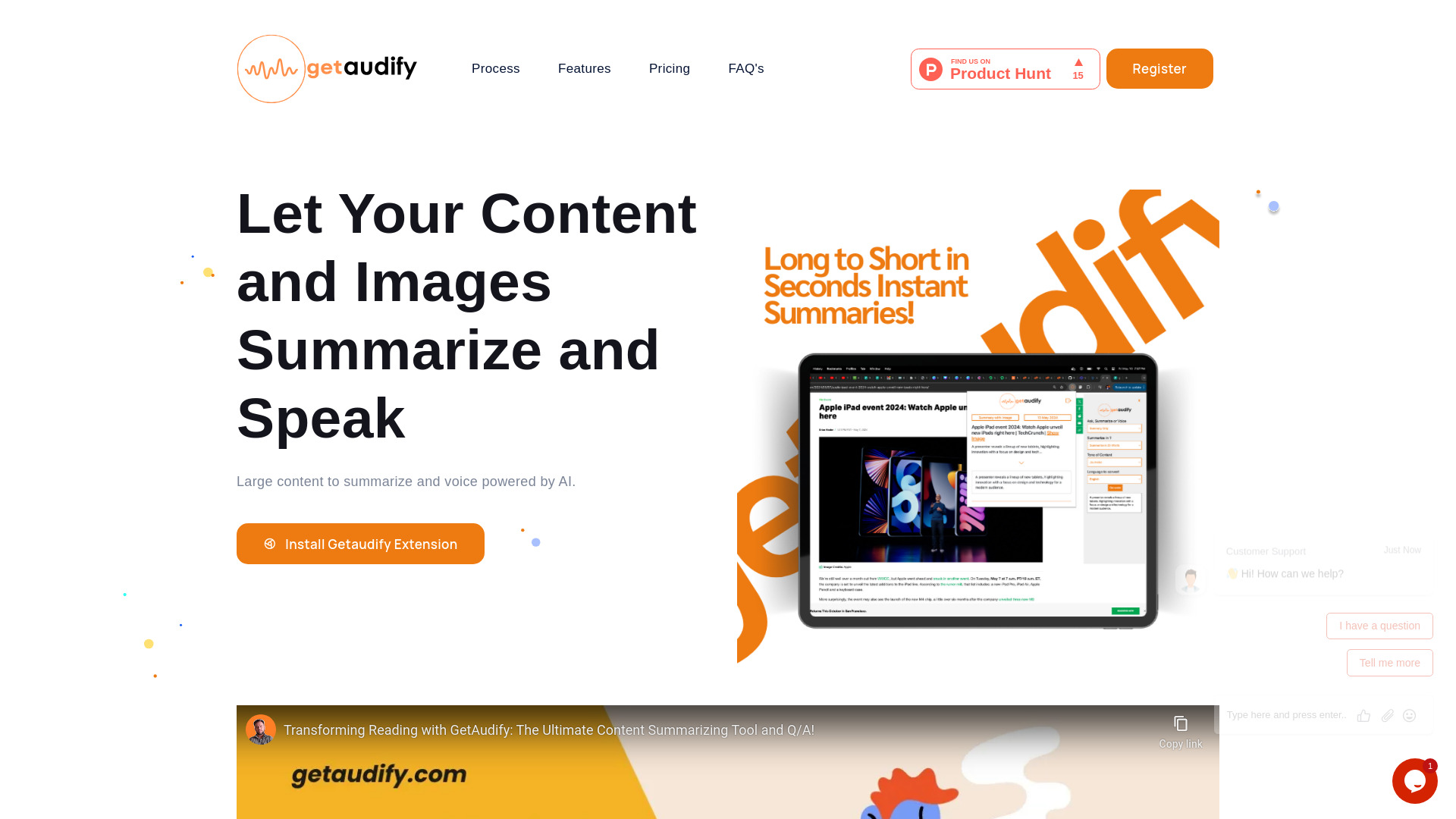
What is GetAudify?
GetAudify is a powerful AI-based Chrome extension designed to enhance productivity and information consumption for professionals, students, and enthusiasts. It offers features such as text summarization, text-to-voice conversion, Q&A from text and images, code analysis, and image analysis. The platform also includes a dashboard for managing credits, API keys, and viewing usage history. It aims to help users summarize large content, convert images to text, ask questions, and enjoy multilingual capabilities with customized tones.
How to use GetAudify?
To use GetAudify, first create a free account to receive 20 free credits and generate an API key from the dashboard. Next, download the GetAudify Chrome extension and sign in using your API key. To summarize content or convert it to voice, right-click on selected text or an image on a webpage and choose the 'GetAudify' option. For images, a popup will appear with summarization options like 'Summary Only' or 'Summary with Voice'. To ask a question about text or an image, select it, right-click, choose 'GetAudify', and then 'Ask Question' to reveal a new question field. The dashboard, accessible via email and password login, allows you to manage your credits, settings, and API keys.
What does the extension do?
Our extension summarizes longer content and provides the option to generate narration in both male and female voices. Users can customize the tone of the content and choose from multiple languages.
How does the summarization feature work?
Users simply input longer content into the extension, and it generates a concise summary based on their preferences. Each summary consumes 0.5 credits.
Can I listen to the summarized content?
Yes, our extension also provides narration functionality. Users can convert the summarized text into voice using both male and female voices. Each voice generation consumes 1 credit.
Is there a limit to the length of content I can summarize?
Content exceeding 1200 words for summarization incurs an additional cost of 0.25 credits.
How do I purchase credits?
Users can purchase credits from the dashboard using a secure email/password authentication system. The base price for each credit is $0.6, and by default, users receive 20 free credits upon registration.
How do I summarize text using an image?
Right-click on the image and select the 'GetAudify' option. A popup will appear on the right side of the screen with options for summarization.
How do I ask a question about text or an image on a webpage?
Simply select the text or image you're interested in, then right-click and choose the 'GetAudify' option. From there, select the 'Ask Question' option, and a new question field will appear.
What's the minimum number of credits required for purchase?
The minimum number of credits required for purchase is 20. Users can buy additional credits as needed.
How long are purchased credits valid?
Purchased credits have a longer validity period, although the policy may change at the discretion of the admin.
Who can benefit from this extension?
Our extension is beneficial for students, Ph.D. students, article readers, and programmers who need to efficiently summarize and understand lengthy content.