

Fusion Chat ✓
Add ChatGPT AI to your search engine and browser.
Free + from $4.08/mo
Verdict
A quick read before you dig into the full page.
- Best if
- Add ChatGPT AI to your search engine and browser
- Skip if
- May struggle with complex requests
- Pick this when
- ChatGPT 4 integration
Considering Perplexity instead? Compare side by side
Overview
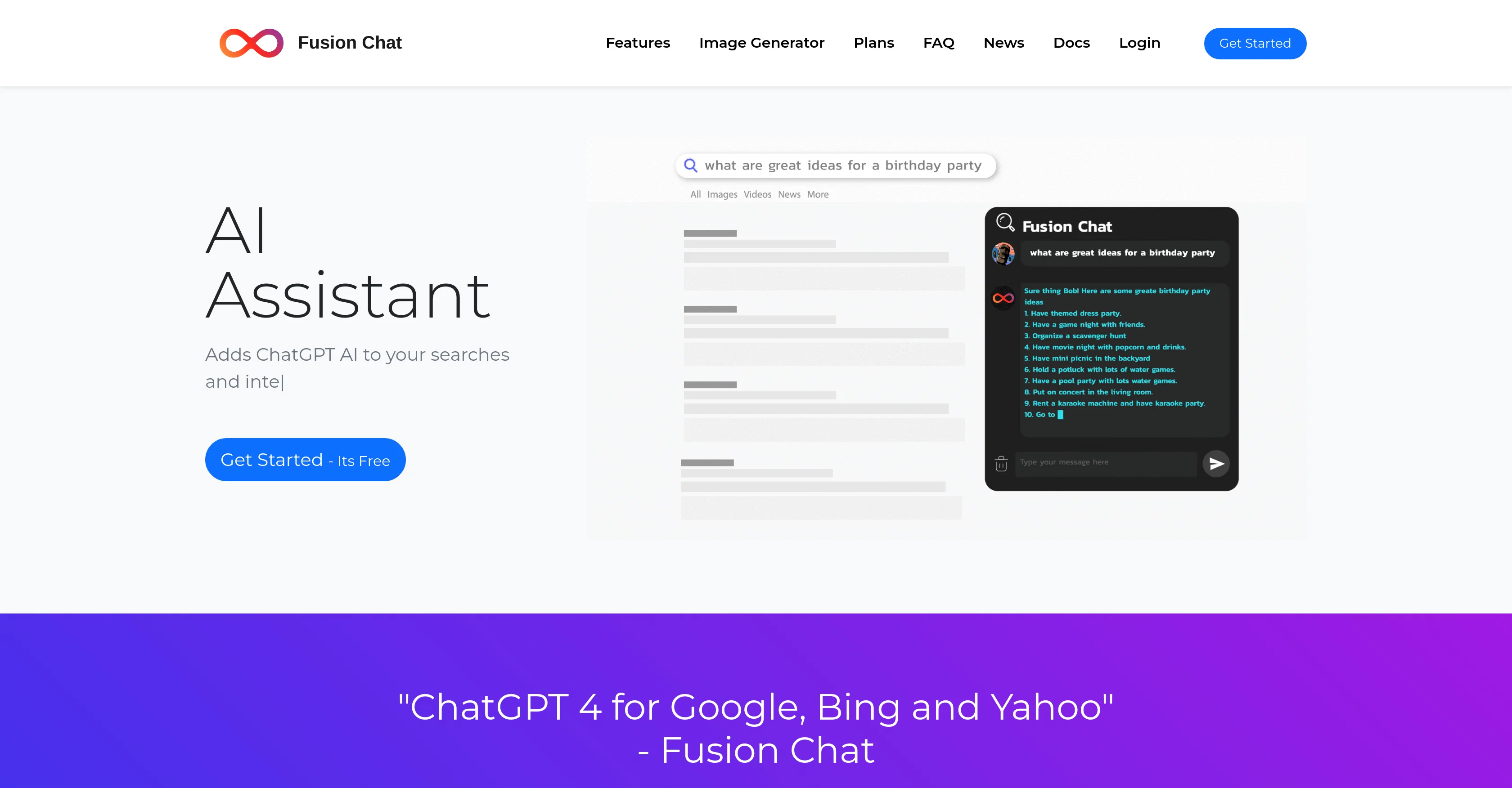
ChatGPT 4 Fusion Chat is an AI assistant that integrates with your web browser and search engine. It is powered by the advanced ChatGPT 4 software, enabling users to chat with the assistant when a query arises or while conducting a search using popular search engines such as Google, Bing, or Yahoo.
Fusion Chat offers several functions: it can assist in searches directly from your search engine, pop-up when you select text, create documents, and generate images based on descriptions provided by users.
Remember, Fusion Chat is not just for typing: simply call it with text commands to perform tasks like writing emails, generating reports, and creating images.
As with any AI, Fusion may generate plausible but potentially incorrect responses - the team behind Fusion Chat is actively working on improving its accuracy.
It's important to note that Fusion takes privacy very seriously. It doesn't use data for anything other than providing assistance, and user privacy rights are strictly maintained.
Accessibility and ease of use are core features of Fusion Chat, as users can easily sign up and install it via an extension.
Access & connections
Where you can use Fusion Chat.
Platforms
Capabilities
What this tool accepts, produces, and is strongest at.
Input
- Tabular
- Text
Output
- Text
- Image
Pros & cons
Pros
- ChatGPT 4 integration
- Web browser integration
- Search engine assistance
- Text selection pop-up
- Document creation functionality
- Image generation from descriptions
- Text command calling
- Email automation
Show 19 more
- Report generation
- Real-time assistance
- Browser extension availability
- Active accuracy improvement
- Strict privacy protection
- Ease of sign-up
- Google Chrome compatibility
- Mozilla Firefox compatibility
- Microsoft Edge compatibility
- Long conversation support
- Automatic trigger for tasks
- Recall functionality
- Right click pop-up
- User-friendly document composer
- Credits-based payment system
- Extension installation guide
- Privacy-focused data usage
- Doesn't use data for training
- Uses explicit user feedback
Cons
- Requires browser extension
- Limited to certain search engines
- Generates potentially incorrect responses
- May struggle with complex requests
- Data use unclear despite privacy policy
- Usage involves credit system
- Limited to text commands
- No mobile application
Show 2 more
- May not remember user queries
- Might misinterpret text selections
Compare alternatives
Similar tools in the catalog — with a clear reason to open each one.

Perplexity ✓
FreemiumAI-powered answers to any question, instantly.
Why look Offers a public API
Full comparison
AI Findr ✓
Free TrialConversational AI search & product discovery
Why look Offers a public API
Full comparison
You ✓
FreemiumAn AI-built search engine for customized, private searches.
Why look More privacy-focused
Full comparison
Komo AI ✓
FreemiumAI-powered search: Private, fast, ad-free.
Why look More privacy-focused
Full comparison

Yutori ✓
FreemiumAI agents that monitor the web for you.
Why look Higher community rating
Full comparisonReleases 1
FAQ 12
What is Fusion Chat?
How does Fusion Chat interact with search engines?
Can Fusion Chat assist with writing emails?
In what ways is Fusion Chat able to create documents?
How does Fusion Chat handle image generation?
How can I ensure that Fusion Chat provides accurate responses?
What measures does Fusion Chat take to protect user privacy?
How accessible is Fusion Chat for new users?
What steps are involved in installing the Fusion Chat extension?
How does the real-time assistance feature of Fusion Chat work?
Can Fusion Chat understand and execute text commands?
Can Fusion Chat automate email and report generation?
Related tools
Recommended

ownAI ✓
FreemiumThe AI that belongs to you – open source, local, self-evolving.

AI search VIP ✓
FreeAI-powered search without ads or SEO junk.

WP Now ✓
FreeOne click, every headline: Real-time global news at your fingertips.

RetroFix - Old Picture Restore ✓
FreemiumRevive old photos with AI-powered restoration.

TutorAI ✓
FreemiumInstant knowledge on any topic

Eightify
UnknownAI-powered YouTube video summarizer extracting key ideas for quick content assessment.