sales assistant

folk 2.0

Lightweight, customizable CRM with AI for stronger relationships and simplified sales.

Source rating 5.0 (70) 25k views 25k/mo traffic 0 saves Paid
More categories (15)

Verdict

A quick read before you dig into the full page.

Best if
You are sales teams and need: Sales teams tracking leads and deals
Skip if
You need a free plan with no credit card
Pick this when
Paid · $19 per member/month

Overview

folk is a CRM designed to work for the user, offering a lightweight, customizable, and AI-powered platform to build stronger relationships. It integrates with LinkedIn, Gmail, Outlook, WhatsApp, and other platforms, providing features like contact enrichment, personalized email sequences, sales dashboards, and collaborative pipelines. folk aims to be a single source of truth for leads and deals, simplifying sales flows and helping teams prioritize leads.

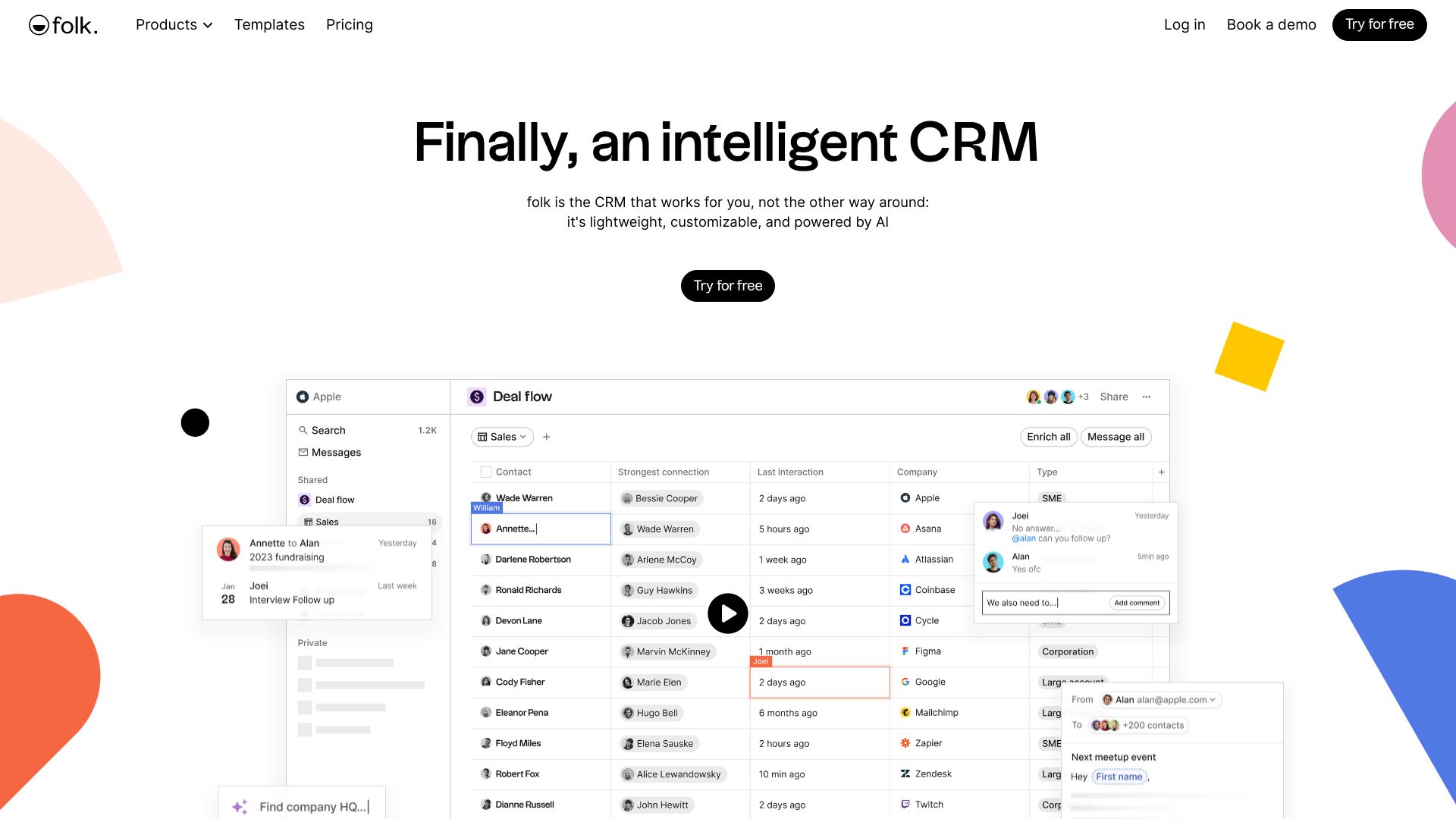
folk 2.0 screenshot

Best for

Short scenarios where folk 2.0 tends to shine.

  • Sales teams tracking leads and deals

    Best for Sales teams

  • Agencies streamlining CRM organization

    Best for Agencies

  • Startups managing customer relationships

    Best for Startups

  • Partnership teams collaborating on deals

    Best for Partnership teams

How it works

Start with a template, edit like a spreadsheet, and customize what you want to track. Connect folk to your email, social, and sales tools. Collaborate with your team on deals using shared pipelines and sales dashboards. Leverage AI to suggest the best next steps.

Example outputs 1

Sample generations and before/after results for folk 2.0.

Access & connections

Where you can use folk 2.0, and what it plugs into.

Platforms

Web

Capabilities

What this tool accepts, produces, and is strongest at.

Highlights

  • Contact Management
  • Integrations with LinkedIn, Gmail, Outlook, WhatsApp, and 6000+ other tools
  • AI-powered contact enrichment
  • Personalized email sequences with analytics
  • Sales dashboards and pipeline management
  • Team collaboration features

People also view

Tools that often show up alongside folk 2.0 in collections and comparisons.

FAQ 12

What is folk?
folk is a CRM designed to work for the user, offering a lightweight, customizable, and AI-powered platform to build stronger relationships. It integrates with LinkedIn, Gmail, Outlook, WhatsApp, and other platforms, providing features like contact enrichment, personalized email sequences, sales dashboards, and collaborative pipelines. folk aims to be a single source of truth for leads and deals, simplifying sales flows and helping teams prioritize leads.
How to use folk?
Start with a template, edit like a spreadsheet, and customize what you want to track. Connect folk to your email, social, and sales tools. Collaborate with your team on deals using shared pipelines and sales dashboards. Leverage AI to suggest the best next steps.
Can I try folk for free with my team?
When you sign up on folk, we automatically activate a 2 weeks free trial on your workspace, so that you can fully test folk for free with all the premium features.
What happens if I don't upgrade at the end of the trial?
At the end of the 2 week trial, if you don't upgrade, we'll block your account. But no worries, the data is not immediately deleted. You can either request to extend your trial for another week, or upgrade to get access back to your data.
Do I need to add my credit card during the free trial?
No, we don't ask for your credit card during the trial. You can test for free during 2 weeks, and only add your payment details when you upgrade.
How does adding or removing members impact my bill?
Our pricing is based on the number of members in your workspace. When you add a new member, a new prorated price will be calculated and implemented in your next bill. Likewise, when you remove a member, a new prorated price will be calculated and implemented in your next bill.
How do I upgrade my plan?
You can upgrade your plan at any time. Go to Settings > Plans and then click the "upgrade" on the plan of your choice.
Can I change my payment method?
We only accept credit cards as a payment method. You can update your credit card details at any time from the Billing section in your Settings.
What happens if my payment fails? Like if my credit card expires?
If your payment fails, you'll have 7 days to update your payment details. You can update your payment details at any time from the Billing section in your Settings. If after 7 days you haven't updated your payment method, your account will be temporarily blocked until updated.
How do I cancel my paid plan?
You can cancel your plan at any time. Just go to the plan section in your settings, and then click "downgrade" on the free plan to cancel your subscription.
Can I belong to multiple workspaces on folk?
Yes, you can have multiple workspaces. Billing is calculated per workspace.
Can I update my billing details to add the right info on my invoices?
Yes it's possible to edit your billing details, from the Billing page in your Settings.You can use the first Address line, to add your company name. However, be careful because once the invoice is issued & paid, it is not possible to edit the info for these invoices. The new information will be updated only for the upcoming invoices.
folk 2.0 $19 per member/month