Text to speech

Flowtica AI,

AI voice assistant for organizing work and life with voice commands and automation.

Source rating 5.0 (88) 36k views 36k/mo traffic 0 saves Unknown
More categories (6)

Verdict

A quick read before you dig into the full page.

Best if
You are busy professionals and need: Managing tasks and to-dos using voice commands
Pick this when
AI voice assistant for organizing work and life with voice commands and automation

Overview

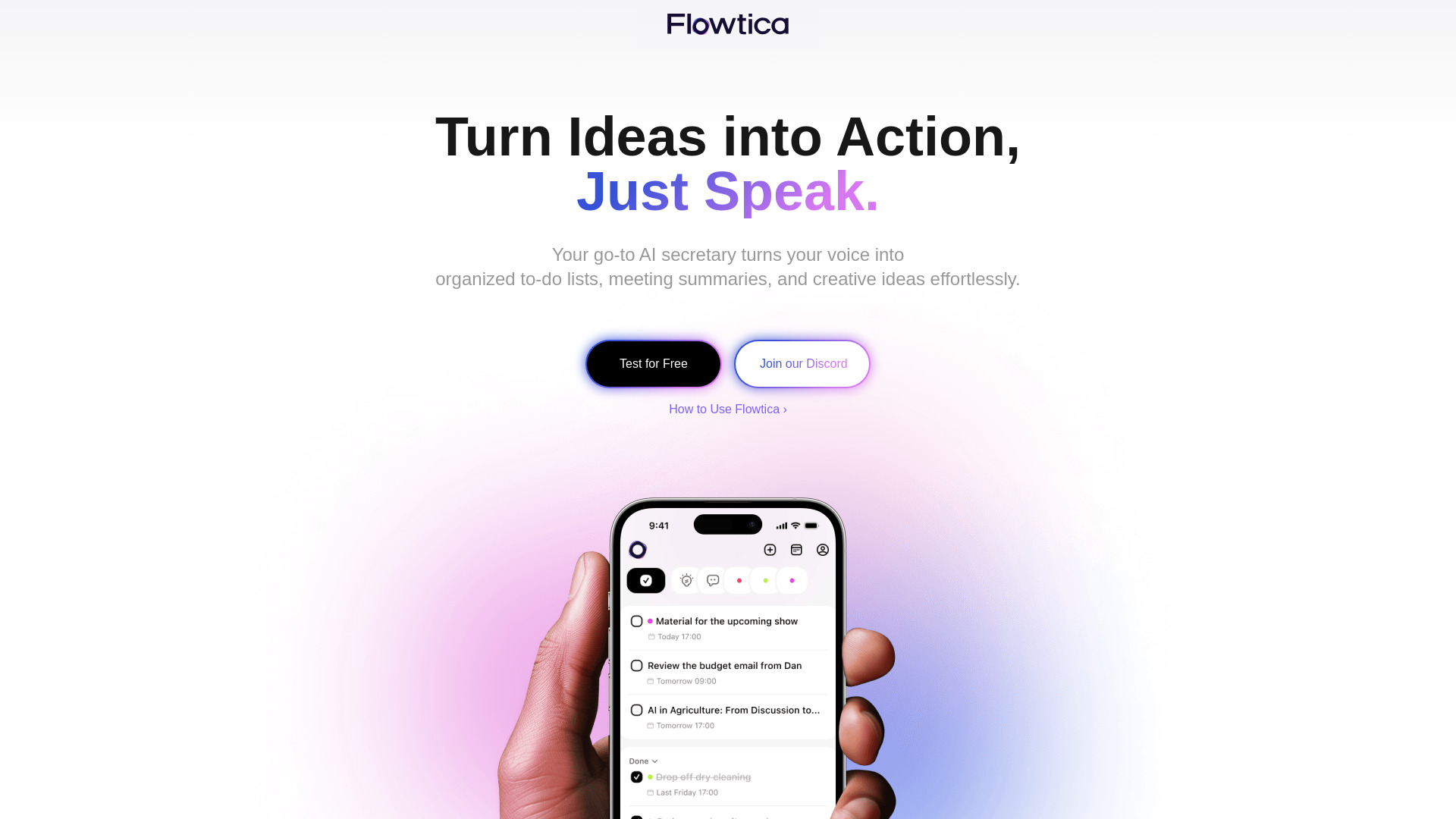
Flowtica is an all-in-one AI voice assistant designed to help users organize their work and life. It allows users to speak naturally to add to-dos, capture ideas by taking photos and speaking, and automatically organize information with FlowTags. Flowtica also enables users to instantly retrieve past records using keywords, timestamps, and context. It syncs across devices (iOS, Web, and more) for task management anywhere, anytime.

Flowtica AI, screenshot

Best for

Short scenarios where Flowtica AI, tends to shine.

  • Managing tasks and to-dos using voice commands.

    Best for Busy professionals

  • Capturing ideas instantly by taking photos and speaking.

    Best for Students

  • Organizing notes and tasks automatically with FlowTags.

    Best for Project managers

  • Retrieving past records quickly using keywords and context.

    Best for Anyone needing help with organization

Example outputs 1

Sample generations and before/after results for Flowtica AI,.

Access & connections

Where you can use Flowtica AI,.

Platforms

iOS

Capabilities

What this tool accepts, produces, and is strongest at.

Highlights

  • Natural Voice Input
  • FlowTags for Automated Organization
  • Instant Information Retrieval
  • Cross-Device Syncing

People also view

Tools that often show up alongside Flowtica AI, in collections and comparisons.

FAQ 7

What is Flowtica?
Flowtica is an all-in-one AI voice assistant designed to help users organize their work and life. It allows users to speak naturally to add to-dos, capture ideas by taking photos and speaking, and automatically organize information with FlowTags. Flowtica also enables users to instantly retrieve past records using keywords, timestamps, and context. It syncs across devices (iOS, Web, and more) for task management anywhere, anytime.
How to use Flowtica?
Use Flowtica by speaking naturally to add to-dos, taking photos and speaking to capture ideas, and letting FlowTags automatically organize your information. Access and manage your tasks across iOS, Web, and other devices.
Can Flowtica be used as a voice agent for task management?
Yes! Flowtica acts as your personal voice agent, allowing you to effortlessly manage tasks and take notes using just your voice. Whether you're in a meeting or on the go, Flowtica listens and organizes your thoughts for you, making task management smoother than ever.
Is Flowtica customizable for my needs?
Absolutely! Flowtica allows you to customize tags, tasks, and the way your information is categorized, making it a personalized assistant that adapts to your workflow and preferences.
Does Flowtica support multiple languages?
Yes! Flowtica currently supports 12 languages, including English, Chinese, Cantonese, Spanish, French, Russian, Portuguese, German, Japanese, Turkish, Korean, and Egyptian Arabic. We are continuously working on adding more languages in the future. Stay tuned for updates!
Is my voice data secure with Flowtica?
At Flowtica, your privacy is our top priority. Flowtica uses end-to-end encryption to protect your data, ensuring that your voice inputs and tasks remain private and secure. Flowtica supports dual storage—your tasks are securely stored on the cloud while also allowing local storage options for added flexibility.
Can I use Flowtica for free?
Flowtica is currently in its beta testing phase and is completely free for all users. We're continuously adding exciting new features and improvements. If you're interested in Flowtica, we’d love for you to join our community and follow us on Twitter to share your feedback!
Flowtica AI,