
flowtext.io
MacOS app that simplifies 2FA autofill by automatically detecting and copying SMS codes.
Source rating 5.0
(93)
745 views
745/mo traffic
0 saves
Paid
From $5.00
Verdict
A quick read before you dig into the full page.
- Best if
- MacOS app that simplifies 2FA autofill by automatically detecting and copying SMS codes
- Skip if
- You need a free plan with no credit card
- Pick this when
- Paid · From $5.00
Overview
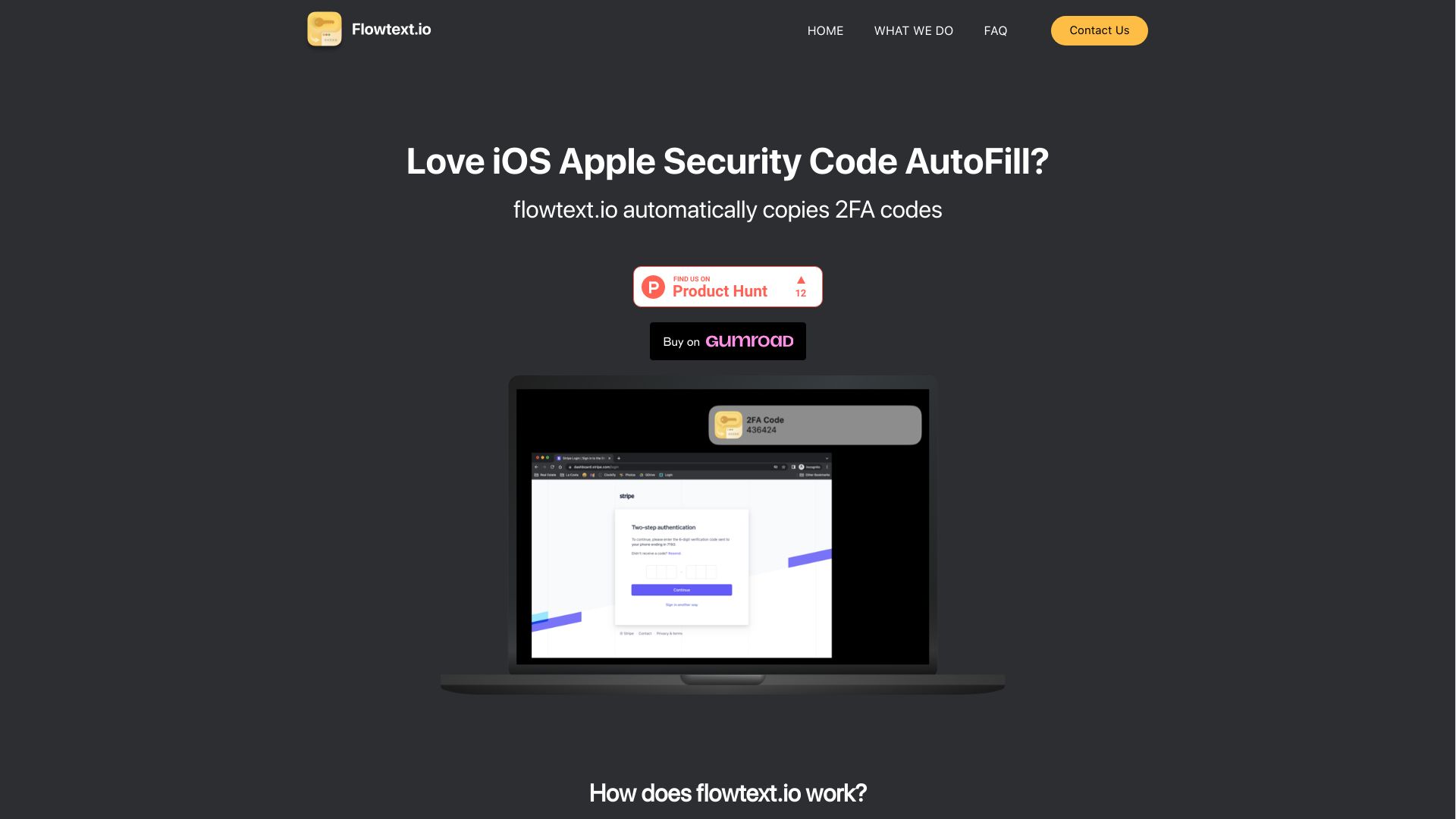
Flowtext.io is a MacOS application designed to simplify two-factor authentication (2FA) autofill on Mac Chrome. It automatically detects and copies 2FA codes from SMS messages to the clipboard, allowing users to easily paste them into the required fields. Flowtext.io supports a variety of services, including banks, Instagram, GitHub, and GMail.
Access & connections
Where you can use flowtext.io, and what it plugs into.
Platforms
macOS
Capabilities
What this tool accepts, produces, and is strongest at.
Highlights
- Automatic detection and copying of 2FA SMS codes
- Support for various services like banks, Instagram, GitHub, and GMail
- Clipboard integration for easy pasting
- Notifications for incoming codes
FAQ 7
What is Flowtext.io?
Flowtext.io is a MacOS application designed to simplify two-factor authentication (2FA) autofill on Mac Chrome. It automatically detects and copies 2FA codes from SMS messages to the clipboard, allowing users to easily paste them into the required fields. Flowtext.io supports a variety of services, including banks, Instagram, GitHub, and GMail.
How to use Flowtext.io?
Download and install the Flowtext MacOS app. Once set up, it automatically detects incoming SMS messages, scans for 2FA codes, and copies them to your clipboard for easy pasting.
How does flowtext.io work?
flowtext.io automatically detects incoming SMS authentication codes and copies them to your clipboard. When you receive a two-factor authentication code from various services such as banks, Instagram, GitHub, GMail, etc., flowtext.io identifies the code and makes it readily available for you to paste into the required field, saving you time and effort.
Is flowtext.io secure? Will my data be safe?
Yes, flowtext.io is built with your security and privacy in mind. The app does not send any of your data out from your computer, ensuring that your sensitive information stays safe and secure. We take your privacy seriously and are committed to protecting your data.
Is flowtext.io compatible with my device?
Right now, flowtext.io is designed to be compatible with a MacOS computers using iMessage SMS messages. We have plans to expand the number of platforms with market demand.
What services does flowtext.io support?
flowtext.io supports a variety of services that use two-factor authentication codes, including banks, Instagram, GitHub, GMail, and many others. We are constantly working to expand the list of supported services to provide you with an even more seamless experience.
How do I get started with flowtext.io
Getting started with flowtext.io is easy! Simply download the app from our website or your device’s app store, install it on your device, and follow the on-screen instructions to set it up. Once you’ve completed the setup, flowtext.io will automatically detect and copy two-factor authentication codes for supported services, streamlining your login process.
Related tools
Recommended

flowtext.io
From $5.00