Verdict

A quick read before you dig into the full page.

Best if
You are sales teams and need: Closing Deals: Win more deals with a smooth process
Skip if
You need a free plan with no credit card
Pick this when
Paid · From $49

Overview

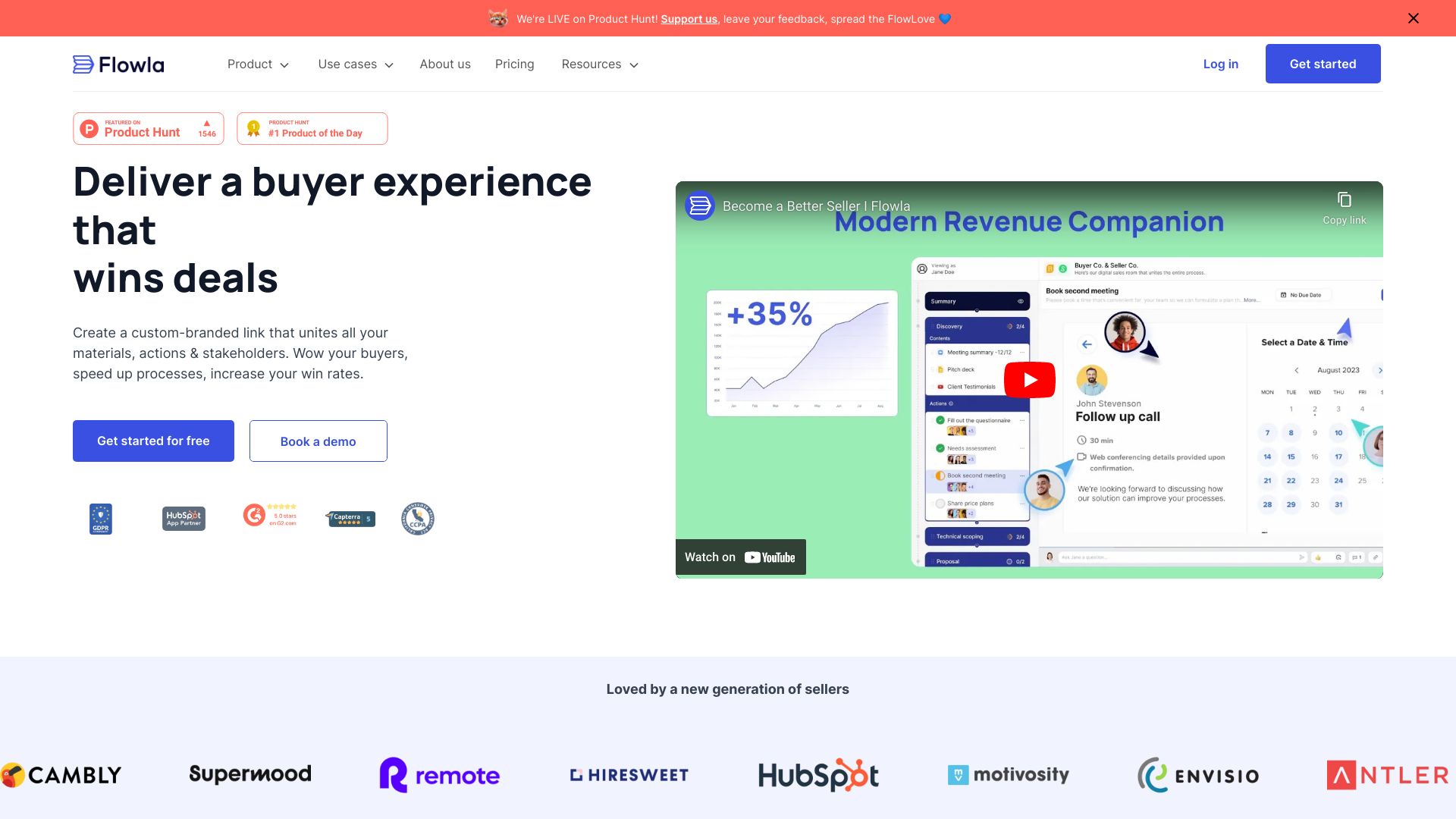
Flowla is a client-facing workspace designed for sales and customer success teams. It provides a single link to unite documents, tasks, calendars, and chats, aiming to streamline buyer journeys, enhance collaboration, and boost win rates. Flowla offers interactive, personalized spaces for sales and CS teams to engage with their buyers, automate processes, and manage revenue pipelines end-to-end.

Flowla screenshot

Best for

Short scenarios where Flowla tends to shine.

  • Closing Deals: Win more deals with a smooth process.

    Best for Sales teams

  • Onboarding & Implementation: Onboard clients seamlessly to boost adoption.

    Best for Customer success teams

  • Account Management: For QBRs, renewals, upsells, and more.

    Best for Account executives

  • Revenue Intelligence: Build a predictable revenue machine.

    Best for Revenue leaders

Example outputs 1

Sample generations and before/after results for Flowla.

Access & connections

Where you can use Flowla, and what it plugs into.

Platforms

Web

Integrations

Capabilities

What this tool accepts, produces, and is strongest at.

Highlights

  • Digital Sales Rooms
  • Flowla AutoPilot (smart workflows)
  • AI Agents
  • Content Management
  • Reports & Analytics
  • E-signature
  • Data Collection (Forms & Sheets)
  • Integrations with CRM, AI Notetaker, Email, Slack, and more

People also view

Tools that often show up alongside Flowla in collections and comparisons.

FAQ 10

What is Flowla?
Flowla is a client-facing workspace designed for sales and customer success teams. It provides a single link to unite documents, tasks, calendars, and chats, aiming to streamline buyer journeys, enhance collaboration, and boost win rates. Flowla offers interactive, personalized spaces for sales and CS teams to engage with their buyers, automate processes, and manage revenue pipelines end-to-end.
How to use Flowla?
Flowla allows users to create a digital sales room or client workspace by uniting all necessary materials into a single, shareable link. Teams can automate follow-ups, identify key stakeholders, and manage sales-to-CS handoffs. The platform also offers AI-crafted actions for review and approval, ensuring a human-in-the-loop approach.
Is Flowla safe?
Yes. Flowla was built with your and your customers’ privacy in mind. We follow all data collection and compliance guidelines, and are compliant with the GDPR, UK GDPR, PECR, and CCPA.
Can I use Flowla for free forever?
Absolutely! Our freemium model limits usage with the number of rooms - not with time. Therefore, if your organization only needs 5 rooms or less, Flowla will be free for you, forever.
Can I cancel anytime?
If you are on a monthly paid plan, we will charge you month-to-month. You can cancel your Flowla subscription anytime with no additional costs, and restart it again whenever you need it. You are not tied to any long-term commitments.
How do I upgrade my plan?
Once you reach your 5-room limit on the free plan, we will let you know via email and within your Flowla dashboard. You can easily upgrade your plan on your own in just a few seconds with secure Stripe checkout. If you have several seats and want to upgrade them all, you can always book a call with us to talk.
What is a room?
A room is a client facing workspace used for sales and onboarding. You can think of each room as a single private link that unifies all your materials, actions, and stakeholders. Here's an example room to give you an idea. Each room is ideally used to manage only one process, or a number of processes with just one customer. There is no limit to the stages or steps that a room can include.
Why do you charge per seat instead of number of rooms?
There should be no cap to your team's productivity. Your team members can create as many rooms as they need to manage their processes effectively on Flowla. That's why we only charge per seat. That way, your entire team can collaborate on rooms and shared materials & assets, while they also have the freedom to handle their processes however they want.
Do I have to pay for all of the seats on my team?
No! You only pay for the room creators on your Flowla team. When adding new team members, you can invite them as viewer-only. They will still see all of your content, but won't be able to create or edit rooms. Viewer-only seats are excluded from billing.
Does Flowla integrate with other tools on my stack?
Yes. Flowla integrates seamlessly with your CRM, like HubSpot and Salesforce, and hosts materials from Loom, DocuSign, Calendly, Canva, Figma, and many many other environments. You can also choose to upload your own video files, spreadsheets, or PDFs, or create them right on Flowla.
Flowla From $49