
Flask
Video collaboration platform for creative teams.
Free + from $13 per member / month (billed annually)
Verdict
A quick read before you dig into the full page.
- Best if
- You are video creatives and need: Creative teams collaborating on video projects and providing feedback
- Skip if
- You need enterprise SLAs or a fully managed team plan right away
- Pick this when
- Freemium · Free + from $13 per member / month (billed annually)
Overview
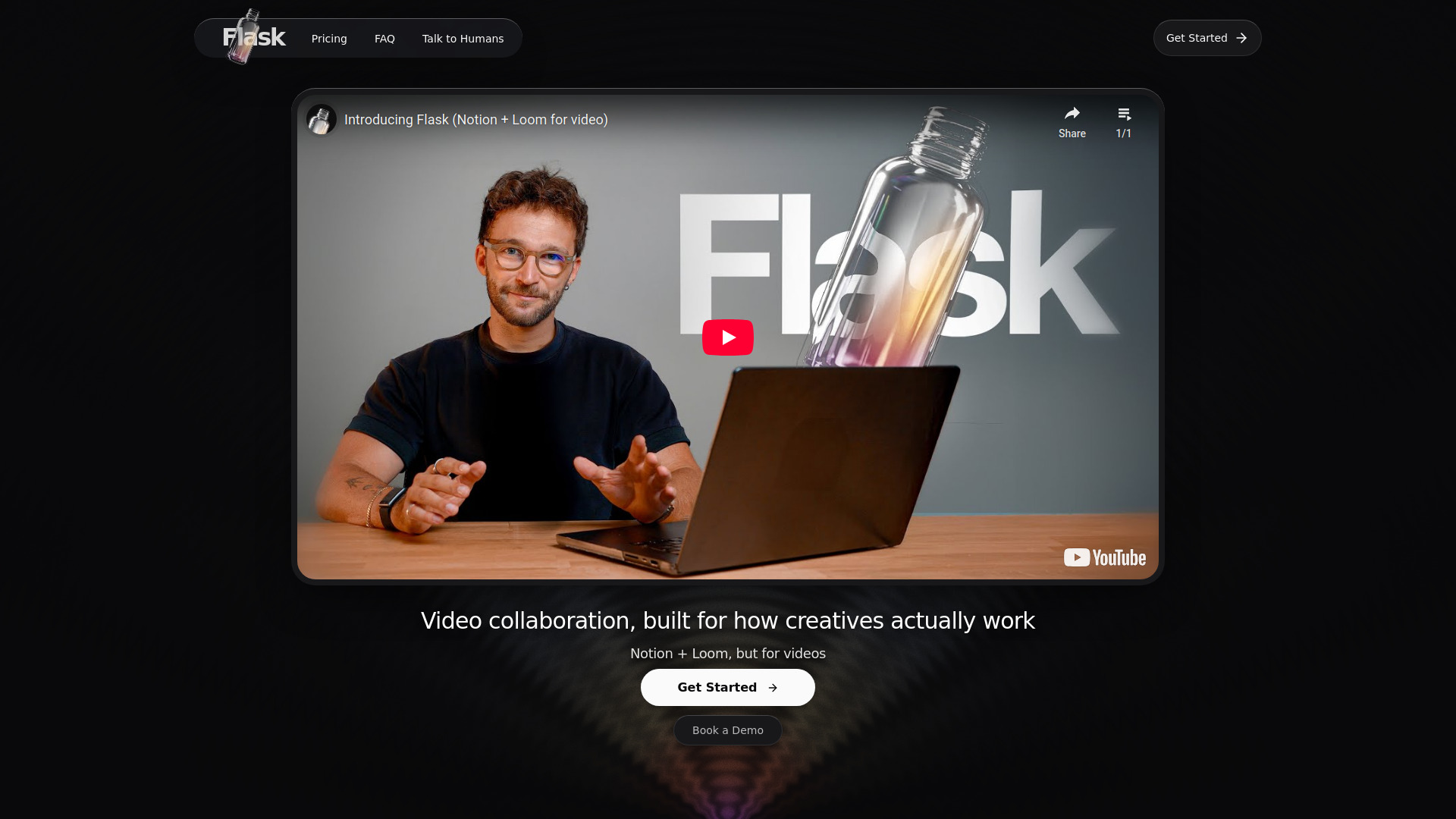
Flask is a video collaboration platform built for creative teams. It allows users to annotate videos visually, record in-depth feedback, and add any reference on their screen, streamlining the creative workflow and communication process.
Best for
Short scenarios where Flask tends to shine.
-
Creative teams collaborating on video projects and providing feedback.
Best for Video creatives
-
Producers and content creators streamlining their video review process.
Best for Creative teams
-
Designers and marketers managing complex creative projects with clients.
Best for Producers
-
Individuals seeking to modernize their video collaboration and communication.
Best for Content creators
Example outputs 1
Sample generations and before/after results for Flask.
Access & connections
Where you can use Flask.
Platforms
Capabilities
What this tool accepts, produces, and is strongest at.
Highlights
- Video collaboration
- Visual video annotation
- In-depth feedback recording
- Screen reference sharing
- AI insights (summarizes feedback into tasks)
- Tag, filter, and organize videos/feedback
- Shared workspaces (Pro plan)
- Direct video uploads (Pro plan)
People also view
Tools that often show up alongside Flask in collections and comparisons.

Runable ✓
FreemiumThe Best Way to Work with AI

PaioClaw ✓
Free TrialMost Secure and Easiest OpenClaw Ever. Live in 60 seconds.

Nextbrowser ✓
FreemiumAI Browser Agent that automates professional tasks through chat.

iDox.ai Guardrail ✓
Free TrialStop sensitive data leaks to AI tools.

Flowith AI ✓
FreemiumUnleash deep work with AI-powered flow.
In the news
Launch coverage and community mentions for Flask.
FAQ 7
What is Flask?
How to use Flask?
Is the free plan truly unlimited?
How does the YouTube video support work?
Can I have a shared space with my team where we share and organize Flasks?
If I am not happy, can I ask for a refund on my Pro subscription?
How does the Top 1% deal work?
Related tools
Recommended
PaioClaw ✓
Free TrialMost Secure and Easiest OpenClaw Ever. Live in 60 seconds.
Nextbrowser ✓
FreemiumAI Browser Agent that automates professional tasks through chat.
Runable ✓
FreemiumThe Best Way to Work with AI
Flowith AI ✓
FreemiumUnleash deep work with AI-powered flow.
iDox.ai Guardrail ✓
Free TrialStop sensitive data leaks to AI tools.