

Financial management vv1.1.4
Finma ✓
All your finances in one place, beautifully managed.
Free + from $2.99/mo
Verdict
A quick read before you dig into the full page.
- Best if
- All your finances in one place, beautifully managed
- Skip if
- Rule-based auto-tagging complex
- Pick this when
- Comprehensive financial overview
Considering Nume AI CFO instead? Compare side by side
Overview
Finma is a finance management application designed for iPhone users. The app primarily focuses on providing a comprehensive overview of a user's finances, tracking expenses, and ensuring privacy.
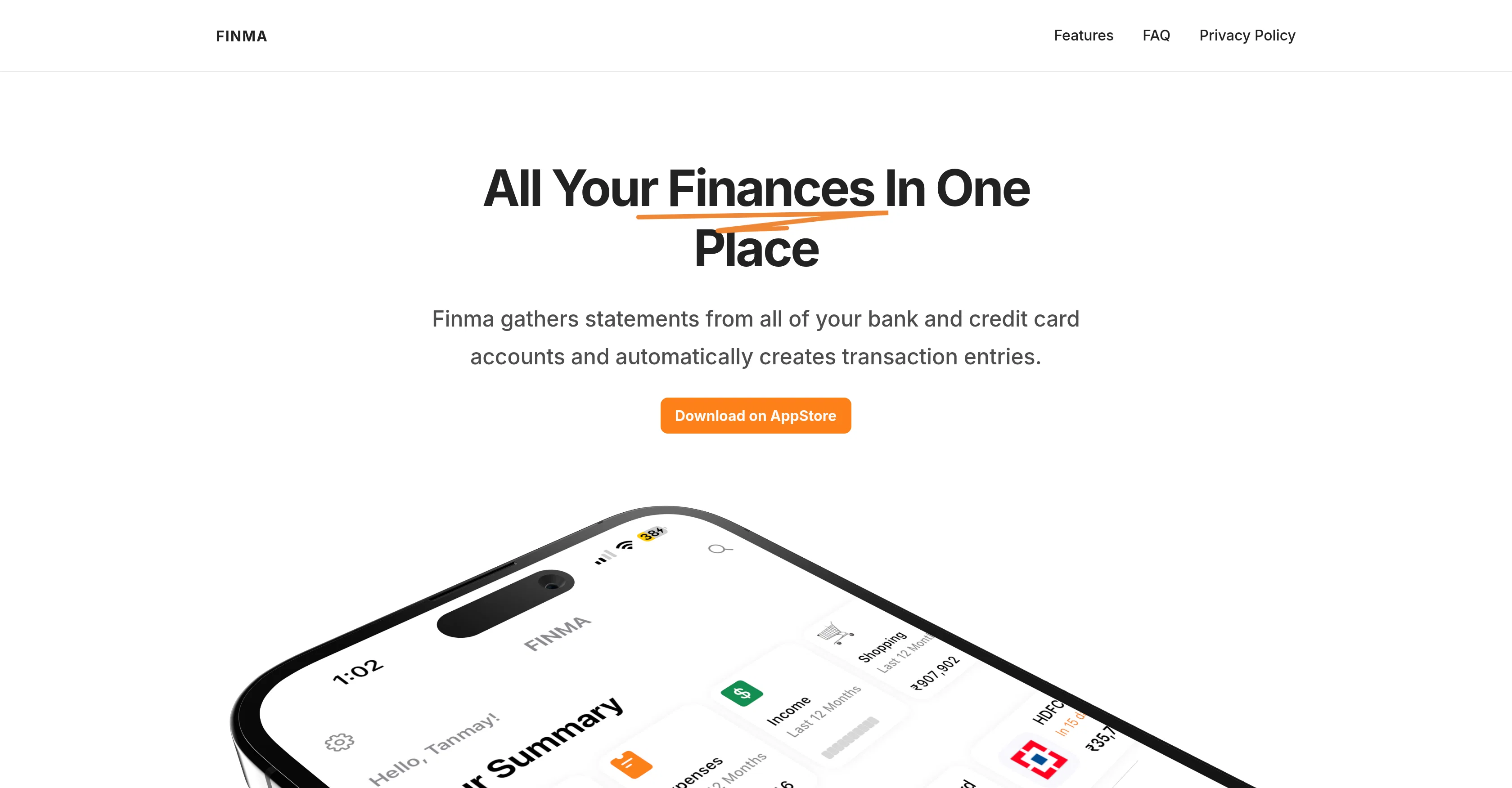
Finma enables users to gather statements from all their bank and credit card accounts, automatically creating transaction entries. The app also boasts of privacy-focused operations, whereby it processes all statements locally on-device and doesn't share transaction data externally.
Budget alerts feature allows users to set category-wise budgets and receive alerts upon crossing set thresholds. Rule-based auto-tagging is another defining feature where users can utilize rules for automatic categorization of their transactions.
Finma also monitors upcoming dues on users cards and can provide reminders to settle them on time. To ensure user-friendly navigation, Finma introduces visual filtering and interactive charts to find specific transactions or analyze spending by category.
Another unique feature is the 'Pull to Reach' mechanism, designed for easier single-handed use.The cash flow widget helps users understand their financial health by comparing income and investments over a specified period.
Finma's user interface is customizable, supporting widgets that provide a quick overview of finances from the home screen. Finma also auto-tracks expenses via email, supporting multiple popular email services.
Furthermore, it offers a dark theme for user personalization. All these features contribute towards empowering users to maintain and improve their financial health in a way that's privacy-focused and user-intuitive.
Access & connections
Where you can use Finma.
Capabilities
What this tool accepts, produces, and is strongest at.
Input
- Tabular
Output
- Tabular
Pros & cons
Pros
- Comprehensive financial overview
- Automatically creates transactions
- Processes statements on-device
- Doesn't share transaction data
- Budget alerts feature
- Rule-based auto-tagging
- Dues reminder setup
- Visual filtering feature
Show 19 more
- Interactive spending charts
- Unique Pull-to-Reach mechanism
- Cash flow widget
- UI customization
- Email expense tracking
- Supports multiple email services
- Dark theme option
- All finances viewable in one place
- User-friendly navigation
- Single-handed usage feature
- Supports financial health maintenance
- Quick finance overview via widgets
- No external data sharing
- Privacy-focused operations
- Gesture-controlled interface
- Financial tracking via email
- Automatic tracking of due payments
- Layout customization
- Home screen expense widgets
Cons
- Only for iPhone users
- Local processing requires storage
- Limited email services integration
- Manual expense entry cumbersome
- Rule-based auto-tagging complex
- No Android version
- No desktop or web version
- Dependent on email for expense tracking
Show 2 more
- No multi-device sync
- Limited customization options
Compare alternatives
Similar tools in the catalog — with a clear reason to open each one.


Compass AI ✓
Free TrialGot 99 Problems? With Compass, Cash Flow Ain't One.
Why look Higher community rating
Full comparison
Quaestor Ledger ✓
Free TrialAn AI-powered financial command center that untangles your complex financial life
Why look Higher community rating
Full comparison
Amigo AI ✓
PaidAI-powered finance management for smarter budgeting
Why look Typically cheaper
Full comparison

Releases 2
Delete Button in Transaction Expansion Card: Users can now delete transactions directly from the transaction expansion card, making it easier to manage and correct entries.
Fix for Inline Images: The update fixed a bug that prevented inline images in text from rendering properly, improving the overall user experience.
FAQ 12
What is Finma?
How does Finma help manage my finances?
What platforms does Finma support?
Where does Finma process my financial statements?
Does Finma share or sell my financial data?
What is the 'Pull to Reach' mechanism in Finma?
How does the cash flow widget in Finma work?
Can I customize the Finma user interface?
Does Finma support widget functionality?
Does Finma track expenses through my email?
Can I set spending thresholds and alerts on Finma?
What email services does Finma support for expense tracking?
Related tools
Recommended

TheLibrarian.io ✓
Free TrialYour WhatsApp AI assistant for instant productivity.

NotebookLM ✓
FreemiumAI-powered note-taking and research assistant

Kin - Personal AI Advisors ✓
FreePrivacy-first & designed your for mind, and life at work

Perplexity ✓
FreemiumAI-powered answers to any question, instantly.

Lovable ✓
Free TrialBuild software products using chat

OnlyPrompts ✓
Free TrialAutomate 37,000+ tasks with 150,000+ prompts