
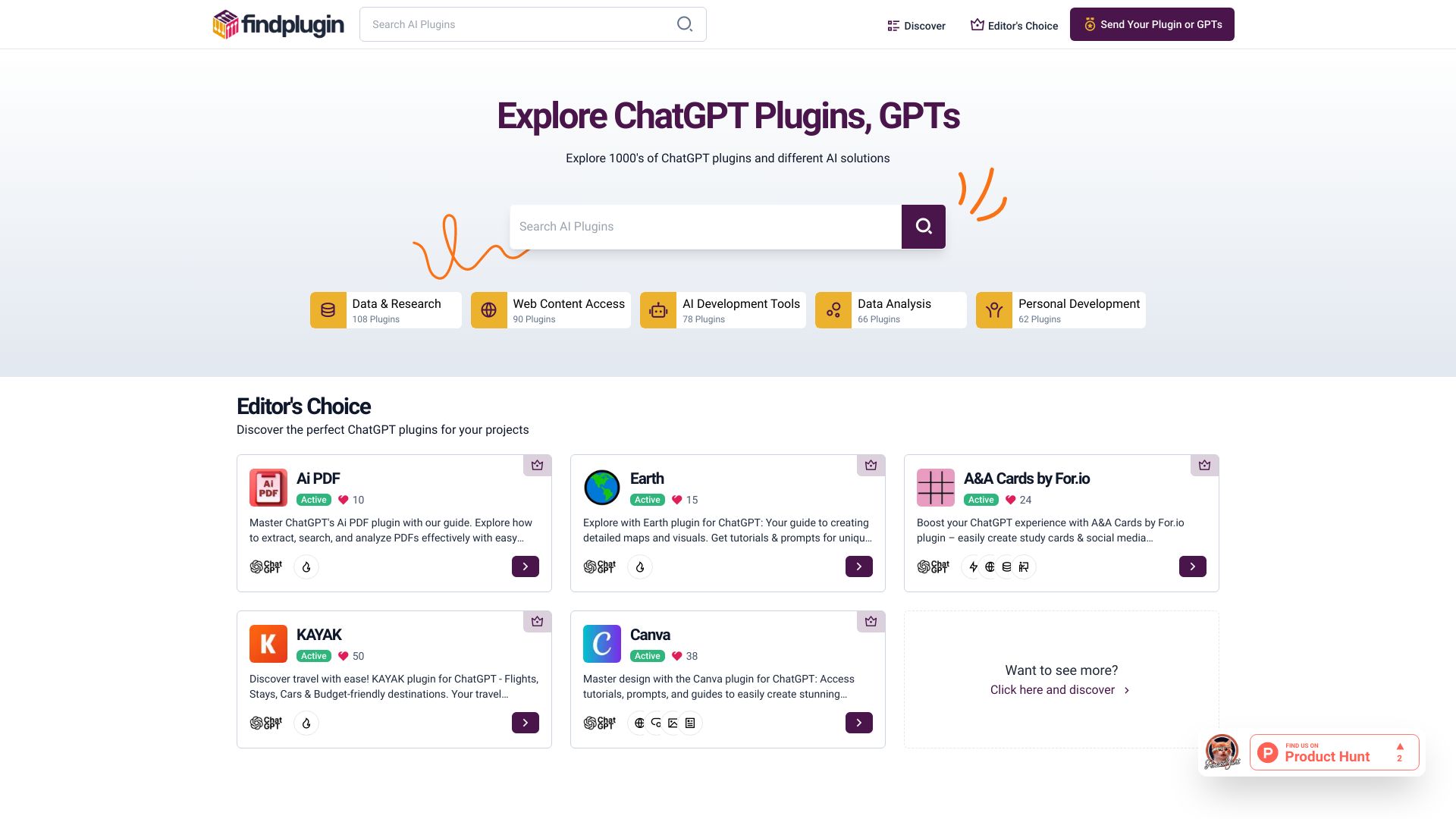
Findplugin
A platform for AI plugin reviews, guides, and tips.
Source rating 5.0
(50)
0 views
0 saves
Unknown
Verdict
A quick read before you dig into the full page.
- Best if
- A platform for AI plugin reviews, guides, and tips
- Pick this when
- A platform for AI plugin reviews, guides, and tips
Overview
findplugin.ai is a hub for detailed reviews of AI plugins like ChatGPT, Google Bard, and Grok. It offers categorized searches and platform filters for a seamless discovery experience, making it easier to find the ideal plugin. The site provides guides, interactive prompts, and insightful tips to enhance the ChatGPT journey.
Access & connections
Where you can use Findplugin.
Platforms
Capabilities
What this tool accepts, produces, and is strongest at.
Highlights
- Detailed reviews of AI plugins
- Categorized searches
- Platform filters
- Guides, prompts, and tips for ChatGPT
FAQ 5
What is findplugin.ai?
findplugin.ai is a hub for detailed reviews of AI plugins like ChatGPT, Google Bard, and Grok. It offers categorized searches and platform filters for a seamless discovery experience, making it easier to find the ideal plugin. The site provides guides, interactive prompts, and insightful tips to enhance the ChatGPT journey.
How to use findplugin.ai?
Explore ChatGPT plugins on findplugin.ai. Dive into guides, try out interactive prompts, and read reviews to find the right plugin. Use categorized searches and platform filters to narrow down your options.
What kind of plugins can I find on findplugin.ai?
You can find a variety of ChatGPT plugins across different categories such as data and research, web content access, AI development tools, data analysis, personal development, and more.
How can I stay updated with the latest news and plugins?
Subscribe to the newsletter to stay up to date with the latest news and plugins.
Where can I find the most up-to-date and accurate information about a plugin?
You are strongly encouraged to use links that lead to the developer site. The developer site provides you with the most up-to-date and accurate access to information provided from its own sources.
Related tools
Recommended


Findplugin