Verdict

A quick read before you dig into the full page.

Best if
You are social media content creators and need: Creating social media videos
Skip if
You need a free plan with no credit card
Pick this when
Paid · From NT$268 / month

Overview

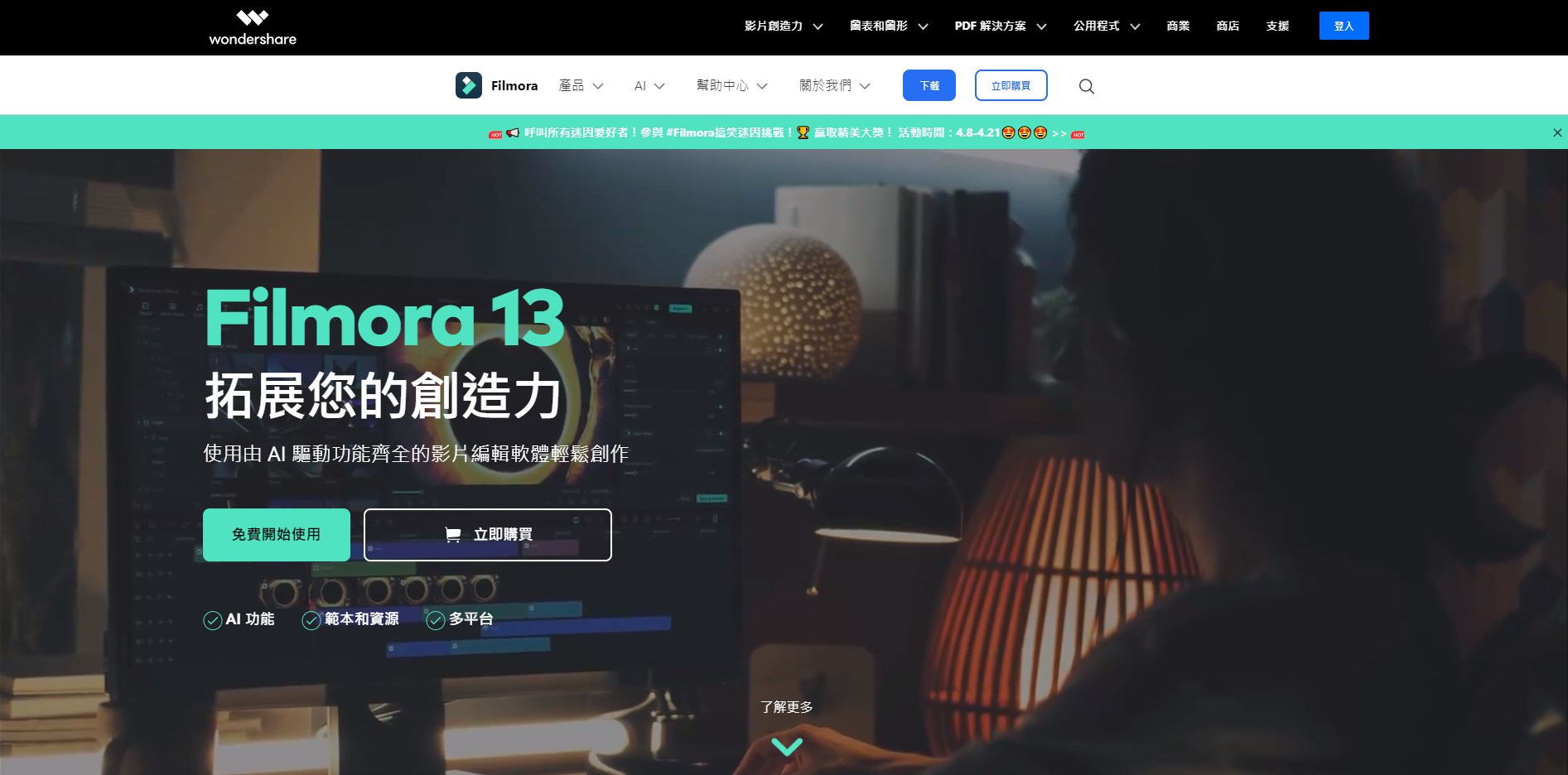
Wondershare Filmora is an AI-powered video editing software designed to simplify video creation for both beginners and professionals. It offers a range of features including AI smart long-to-short video conversion, AI portrait matting, dynamic subtitles, and multi-camera editing. Filmora combines powerful functionality with a rich library of effects and transitions, enabling users to quickly create videos with a unique style.

Filmora screenshot

Best for

Short scenarios where Filmora tends to shine.

  • Creating social media videos

    Best for Social media content creators

  • Editing tutorial videos

    Best for YouTubers

  • Producing marketing videos

    Best for Marketing professionals

  • Making family and personal videos

    Best for Educators

  • Generating AI-driven content

    Best for Small business owners

Example outputs 1

Sample generations and before/after results for Filmora.

Access & connections

Where you can use Filmora.

Platforms

Web

Capabilities

What this tool accepts, produces, and is strongest at.

Highlights

  • AI smart long-to-short video conversion
  • AI portrait matting
  • Dynamic subtitles
  • Multi-camera editing
  • AI video enhancement
  • AI audio enhancement
  • AI text-to-speech

People also view

Tools that often show up alongside Filmora in collections and comparisons.

FAQ 7

What is Wondershare Filmora?
Wondershare Filmora is an AI-powered video editing software designed to simplify video creation for both beginners and professionals. It offers a range of features including AI smart long-to-short video conversion, AI portrait matting, dynamic subtitles, and multi-camera editing. Filmora combines powerful functionality with a rich library of effects and transitions, enabling users to quickly create videos with a unique style.
How to use Wondershare Filmora?
Users can import video clips, images, and audio files into Filmora, then use the software's editing tools to trim, cut, add effects, transitions, and text. AI features automate complex tasks, while the intuitive interface allows for easy customization and creative control.
Why choose Filmora video editing software?
Filmora is chosen by millions of creators for its ease of use, built-in assets, and professional-grade video effects. It offers customizable templates, AI automation tools, and drag-and-drop editing, allowing users to create stunning videos quickly.
Can Filmora's creative assets be used for commercial purposes?
The commercial use of Filmora's creative assets depends on their nature. AI-generated assets labeled 'Commercially Available,' such as AI music, can be used for commercial purposes. However, AI-generated assets like AI painting, stickers, text-to-video, and AI sound effects are limited to non-commercial use due to unclear commercial licensing. Non-AI generated assets, such as music, sound effects, transitions, effects, and filters, can be used commercially if marked 'Commercially Available.'
What video formats does Filmora support for export?
Filmora supports exporting in various formats, including MP4, MOV, AVI, MKV, and MPEG. It also offers optimized formats for social media platforms like YouTube, Instagram, and Facebook.
Can I directly export videos from Filmora to YouTube?
Yes, Filmora supports one-click export to YouTube and provides a dedicated 'YouTube Upload' mode for video compression. The multi-platform smart distribution feature allows scheduling of publishing times.
Does Filmora support GPU acceleration?
Yes, Filmora supports GPU acceleration technology, which significantly improves video rendering and editing speed, especially for systems with compatible GPUs.
Filmora From NT$268 / month
