
File Organizer 2000
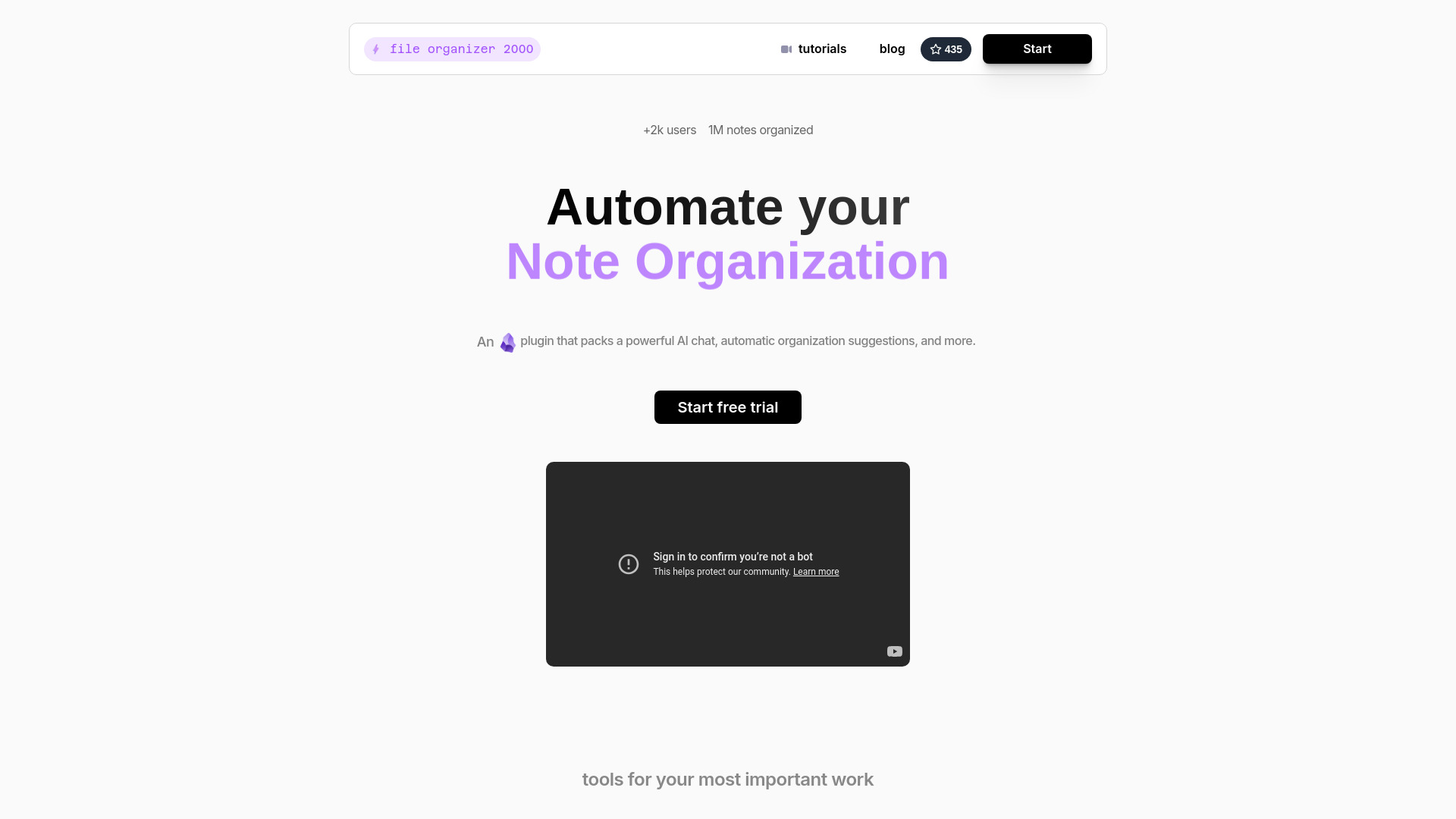
AI-powered Obsidian plugin for automatic note organization and formatting.
Source rating 5.0
(85)
390 views
390/mo traffic
0 saves
Freemium
Free + from $15 / month
Verdict
A quick read before you dig into the full page.
- Best if
- AI-powered Obsidian plugin for automatic note organization and formatting
- Skip if
- You need enterprise SLAs or a fully managed team plan right away
- Pick this when
- Freemium · Free + from $15 / month
Overview
Note Companion is an AI-powered Obsidian plugin designed to automatically organize and format notes. It offers features like AI-driven suggestions for folders, tags, filenames, and formatting. It also includes an AI chat function that allows users to interact with their notes, summarize videos, search the web, and manage their vault. The plugin integrates with ScreenPipe for enhanced meeting notes and supports handwriting digitization.
Access & connections
Where you can use File Organizer 2000, and what it plugs into.
Platforms
Integrations
Capabilities
What this tool accepts, produces, and is strongest at.
Highlights
- Automated organization of notes with AI suggestions
- AI Chat for interacting with notes and managing the vault
- Enhanced meeting notes with ScreenPipe integration
- Handwriting digitization support
- Summarize youtube videos, search the web, or manage your vault with the latest GPT-4o model.
FAQ 5
What is Note Companion?
Note Companion is an AI-powered Obsidian plugin designed to automatically organize and format notes. It offers features like AI-driven suggestions for folders, tags, filenames, and formatting. It also includes an AI chat function that allows users to interact with their notes, summarize videos, search the web, and manage their vault. The plugin integrates with ScreenPipe for enhanced meeting notes and supports handwriting digitization.
How to use Note Companion?
Note Companion can be used to automatically organize notes by providing AI-driven suggestions for folders, tags, and formatting. Users can also utilize the AI chat to interact with their notes, summarize content, and manage their vault. For meeting notes, it integrates with ScreenPipe to enhance contextualization.
How to use the plugin?
The plugin provides AI-driven suggestions for folders, tags, filenames & formatting. Click to apply in the Organizer or automate the full process via the dedicated Inbox folder. You can also chat directly with your notes using the AI Chat feature.
Is there a free version?
Yes, there is a free tier available with limited features, including 100,000 tokens, processing up to ~30 notes per month, and limited audio transcription.
Which models can I use?
The plugin allows you to summarize youtube videos, search the web, or manage your vault with the latest GPT-4o model.
Related tools
Recommended

File Organizer 2000
Free + from $15 / month