
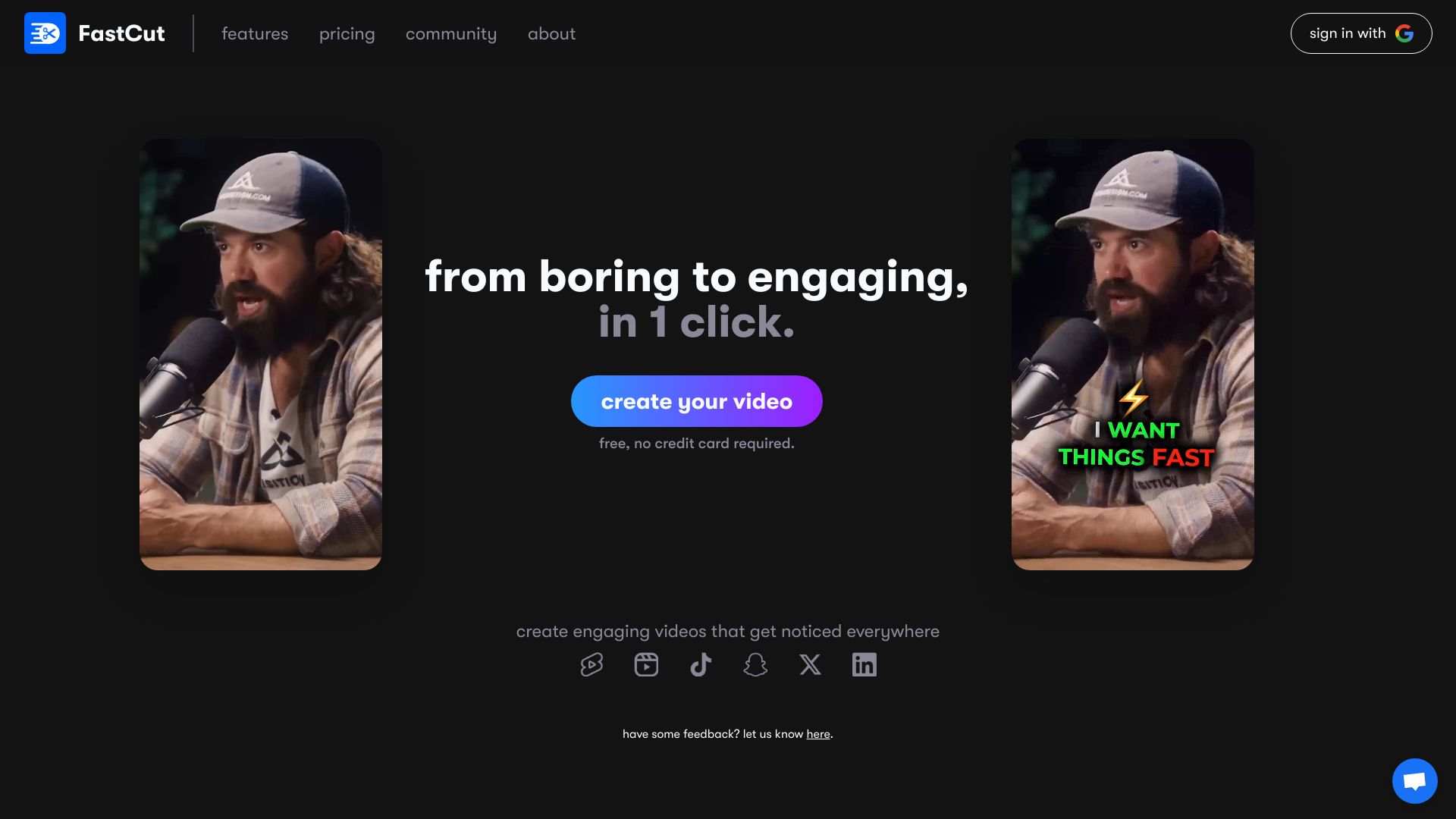
FastCut
AI-powered video editor for creating engaging short-form content quickly and easily.
Source rating 5.0
(77)
3.2k views
3.2k/mo traffic
0 saves
Paid
From $20 / month
Verdict
A quick read before you dig into the full page.
- Best if
- AI-powered video editor for creating engaging short-form content quickly and easily
- Skip if
- You need a free plan with no credit card
- Pick this when
- Paid · From $20 / month
Overview
FastCut is an AI tool designed to simplify video editing, particularly for short-form content like reels, shorts, and TikToks. It automatically transcribes videos, adds relevant captions and emojis in the style of popular creators, and offers features like text-based trimming, silence removal, and AI-powered B-roll selection to enhance engagement and save time.
Access & connections
Where you can use FastCut.
Platforms
Capabilities
What this tool accepts, produces, and is strongest at.
Highlights
- AI-powered video transcription and captioning
- Text-based video trimming
- Automatic silence removal
- AI-powered B-roll and image selection
- One-click templates
- Audio enhancement
FAQ 10
What is FastCut?
FastCut is an AI tool designed to simplify video editing, particularly for short-form content like reels, shorts, and TikToks. It automatically transcribes videos, adds relevant captions and emojis in the style of popular creators, and offers features like text-based trimming, silence removal, and AI-powered B-roll selection to enhance engagement and save time.
How to use FastCut?
Upload your video to FastCut, and the AI will automatically transcribe it, add captions and emojis, and allow you to trim the video using text-based editing. You can also enhance the video with AI-powered B-rolls and background music.
How does FastCut's AI edit my videos?
FastCut uses AI to automate your video editing workflow, saving you time and effort. It transcribes the video automatically and adds relevant emojis and captions in the style of top creators. It also offers features like text-based trimming, silence removal, and AI-powered B-roll selection.
Do I need video editing experience to use FastCut?
No, FastCut is designed to be simple and easy to use, even for those without video editing experience. The AI automates many of the tasks, and the text-based trimming makes it easy to edit your videos.
Can I customize the AI's editing decisions?
Yes, FastCut allows you to customize the AI's editing decisions. You can adjust the captions, emojis, and B-roll selections to fit your specific needs.
What video formats does FastCut support?
The content does not specify the video formats supported by FastCut.
Is there a limit to how long my videos can be?
Yes, the video duration limit depends on your chosen plan. The Starter plan allows for 2 minutes/video, the Essential plan allows for 5 minutes/video, and the Pro plan allows for 10 minutes/video.
How secure is my content on FastCut?
The content does not specify the security measures implemented by FastCut.
Can I export my videos in different formats for social media?
The content does not specify the export formats available on FastCut.
Is there a mobile app for FastCut?
The content does not specify whether FastCut has a mobile app.
Related tools
Recommended


FastCut
From $20 / month