
EzMail.AI
AI-powered Gmail drafting tool that generates personalized email responses.
Source rating 5.0
(89)
0 views
0 saves
Unknown
Verdict
A quick read before you dig into the full page.
- Best if
- AI-powered Gmail drafting tool that generates personalized email responses
- Pick this when
- AI-powered Gmail drafting tool that generates personalized email responses
Overview
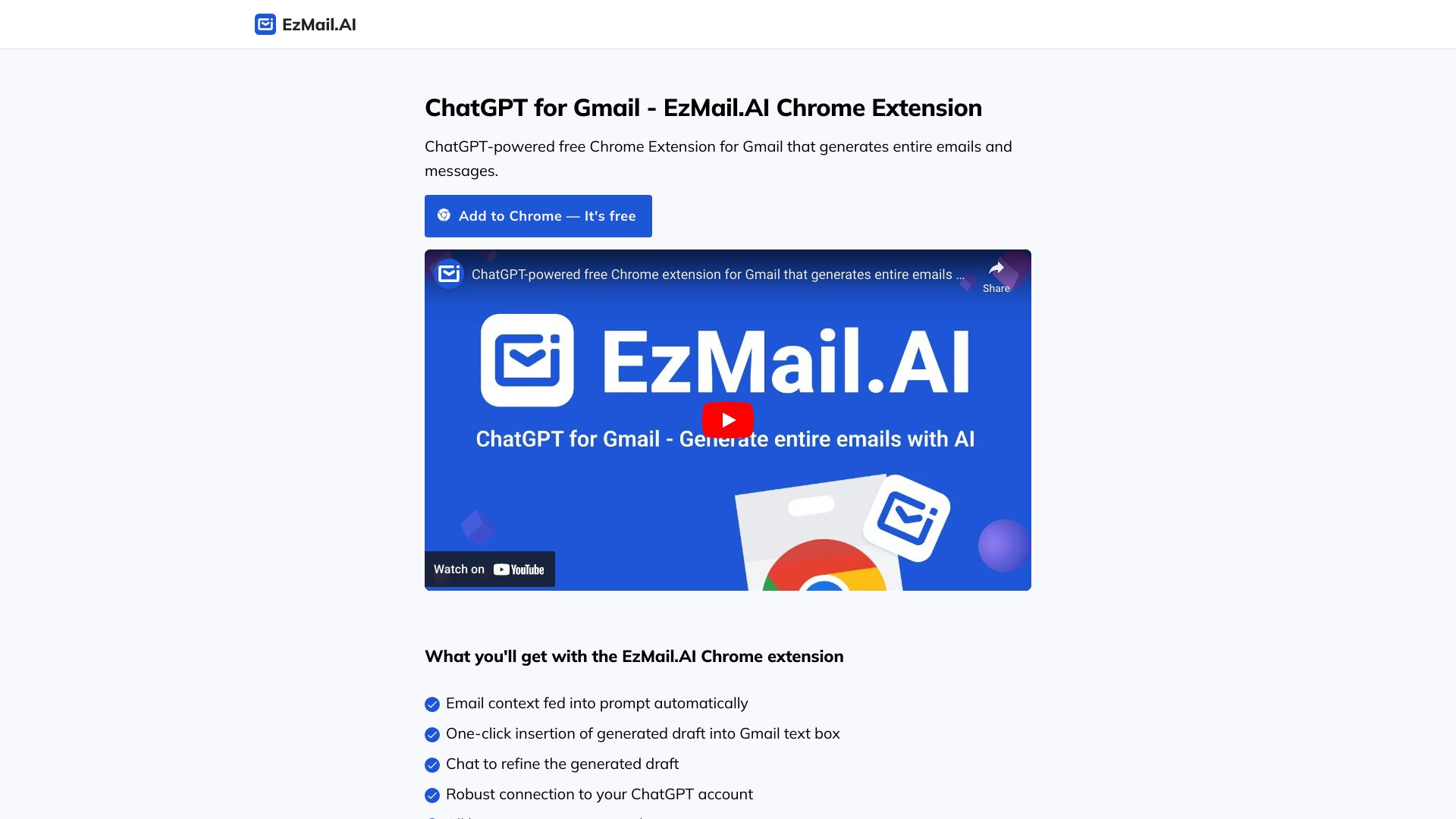
EzMail.AI is an AI-powered Gmail drafting tool that pre-fills personalized responses in your own writing style, enabling you to reply to emails 10X faster. It's a big time saver if you frequently write similar responses. It works on both mobile and desktop. It is a ChatGPT-powered free Chrome Extension for Gmail that generates entire emails and messages.
Access & connections
Where you can use EzMail.AI, and what it plugs into.
Platforms
Capabilities
What this tool accepts, produces, and is strongest at.
Highlights
- AI-powered email drafting
- Personalized responses in your own writing style
- ChatGPT integration
- Chrome extension for Gmail
- One-click insertion of generated draft
- Email context fed into prompt automatically
- Chat to refine the generated draft
- Robust connection to your ChatGPT account
Show 2 more
- Support for all languages
- Privacy friendly
FAQ 5
What is EzMail.AI?
EzMail.AI is an AI-powered Gmail drafting tool that pre-fills personalized responses in your own writing style, enabling you to reply to emails 10X faster. It's a big time saver if you frequently write similar responses. It works on both mobile and desktop. It is a ChatGPT-powered free Chrome Extension for Gmail that generates entire emails and messages.
How to use EzMail.AI?
1. Install the EzMail Chrome extension. 2. Go to Gmail, open an email, and reply to it. 3. Click on the EzMail extension button in the Gmail text box. (If this is your first time, you need to create a free account on chat.openai.com) 4. Briefly describe how you'd like to reply, and then click on the Generate button. 5. ChatGPT will generate a personalized email reply draft. 6. If you'd like, you can refine the generated draft by continuing the conversation until you are happy with the result. 7. Click on the Insert button to insert the generated draft into the Gmail text box.
How does EzMail.AI work?
EzMail.AI is a Chrome extension that integrates with Gmail. It uses ChatGPT to generate personalized email responses based on the email context and your instructions.
Is EzMail.AI free?
Yes, EzMail.AI is a free Chrome extension.
Do I need a ChatGPT account to use EzMail.AI?
Yes, you need to create a free account on chat.openai.com to use EzMail.AI.
Related tools
Recommended




EzMail.AI