
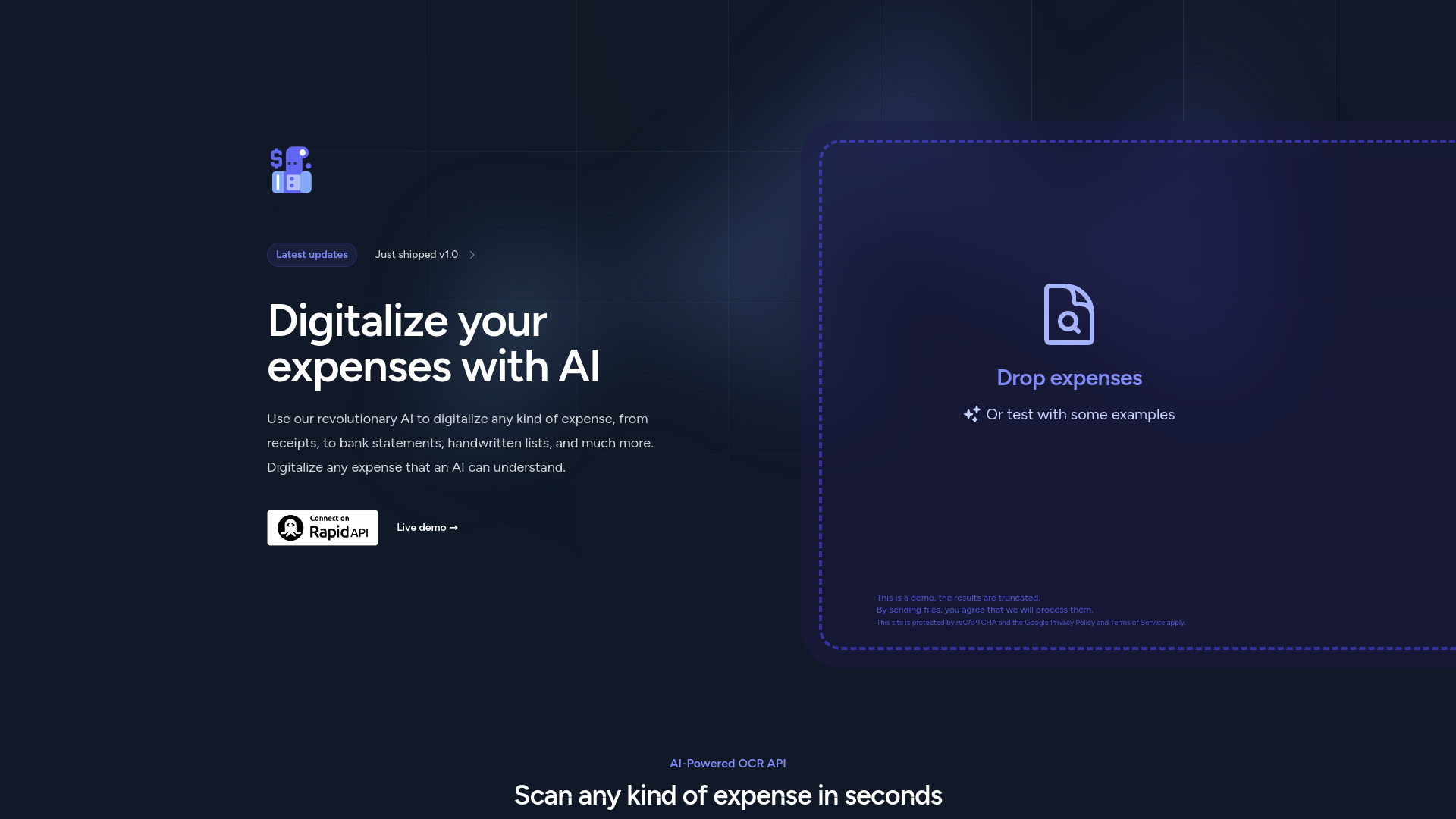
Expenses Day
AI-powered expense digitalization from receipts, bank statements, handwritten lists, and more.
Source rating 5.0
(91)
0 views
0 saves
Unknown
Verdict
A quick read before you dig into the full page.
- Best if
- AI-powered expense digitalization from receipts, bank statements, handwritten lists, and more
- Pick this when
- AI-powered expense digitalization from receipts, bank statements, handwritten lists, and more
Overview
Expenses Day uses revolutionary AI to digitalize any kind of expense, from receipts to bank statements, handwritten lists, and much more. It can digitalize any expense that an AI can understand. It offers an API to digitalize expenses and can handle multiple expense types at once. The platform ensures secure document processing by automatically destroying documents and information upon completion.
Access & connections
Where you can use Expenses Day.
Capabilities
What this tool accepts, produces, and is strongest at.
Highlights
- AI-powered OCR for expense digitalization
- Support for multiple expense types (receipts, invoices, bank statements)
- Secure document processing with automatic deletion
- API access for integration
- Handling of various file types (Microsoft Office, PDF, CSV, HTML, Images)
FAQ 5
What is Expenses Day?
Expenses Day uses revolutionary AI to digitalize any kind of expense, from receipts to bank statements, handwritten lists, and much more. It can digitalize any expense that an AI can understand. It offers an API to digitalize expenses and can handle multiple expense types at once. The platform ensures secure document processing by automatically destroying documents and information upon completion.
How to use Expenses Day?
You can use the Expenses Day API to digitalize expenses. Drop expenses into the live demo or test with examples. The API can be accessed through RapidAPI, where documentation and pricing are available.
What types of files can Expenses Day process?
Expenses Day can process Microsoft Office files (.docx, .xlsx, .pptx, etc.), PDF files (text or image-based), CSV files, HTML content, images, and even handwritten expenses.
How secure is the document processing?
All documents and information created during the API request are automatically destroyed upon completion, ensuring no traces are left.
Can Expenses Day handle expenses split across multiple documents?
Yes, the AI is capable of recognizing expenses across all provided documents, allowing you to send splitted files, like multiple photos of a long receipt.
Related tools
Recommended


Expenses Day