

Bother ✓
The tool that models what your project actually is.
Verdict
A quick read before you dig into the full page.
- Best if
- You are students and need: Discovering suitable career paths based on personal attributes
- Skip if
- Learning curve for understanding semantic graph
- Pick this when
- Comprehensive project overview
Considering PathSpotter instead? Compare side by side
Overview
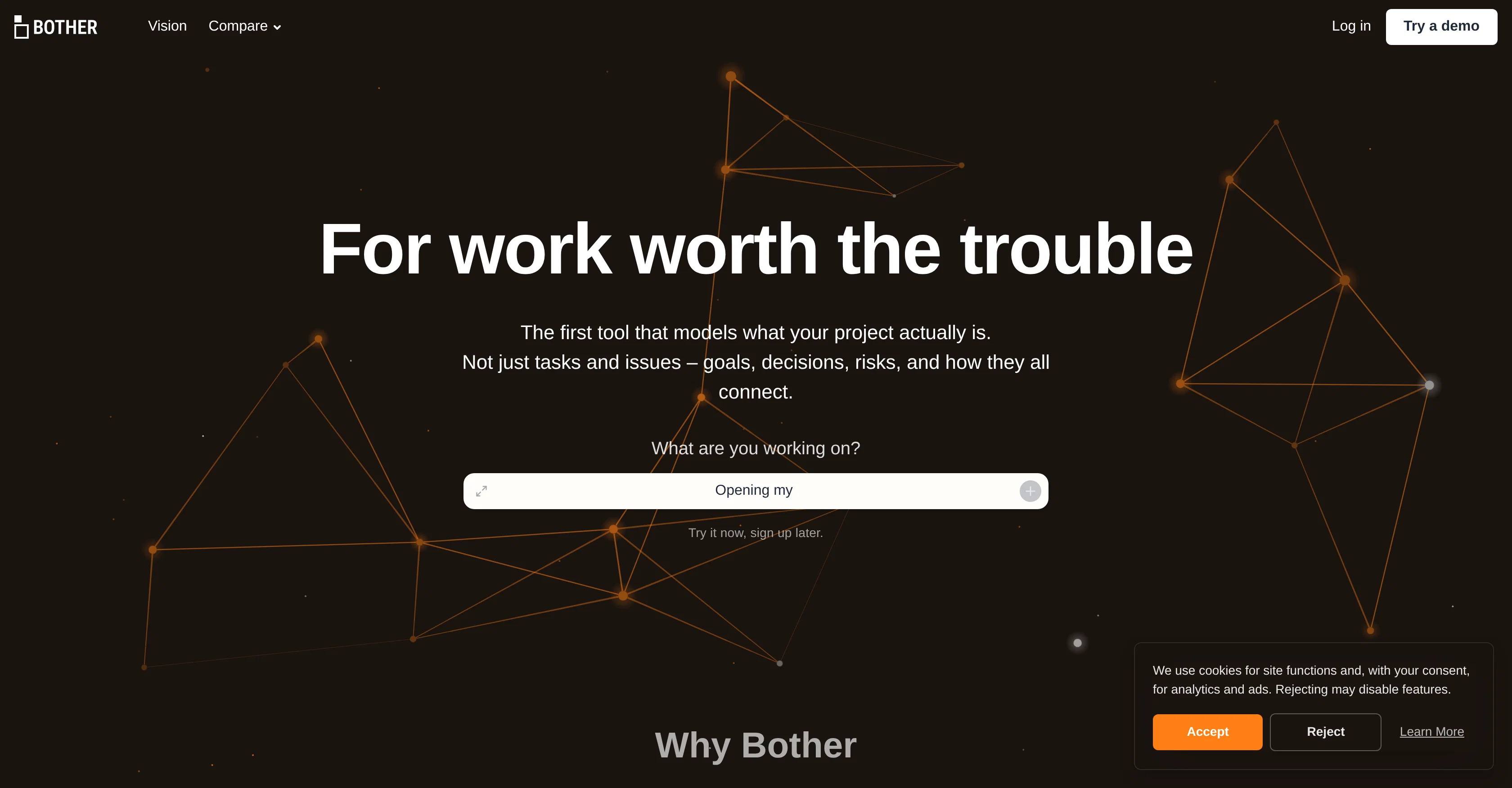
Bother is an AI tool designed to provide a comprehensive overview of your project by creating an interactive semantic graph. This tool goes beyond just tracking tasks and issues, by including critical project elements such as goals, decisions, and risks, and illustrating how these elements connect.
The primary aim of Bother is to make organizational context machine-readable and accessible to both your team and AI. It allows you to visualize every component of your project, from high-level health to a focused view of immediate priorities.
Bother simplifies navigation through your project by following connections rather than browsing pages. This approach aims to prevent knowledge loss and eliminate the need for constant updates or 'loop me in' chains.
Each item within Bother can be opened and its context viewed in a spatial layout, showing its dependencies, achievements, and risks. Bother serves as a 'missing context layer' for your team, providing clear understanding of every project aspect.
Best for
Short scenarios where Bother tends to shine.
-
Discovering suitable career paths based on personal attributes
Best for Students
-
Creating a roadmap to achieve a desired career
Best for Recent graduates
-
Gaining clarity and confidence in career choices
Best for Career changers
Example outputs 1
Sample generations and before/after results for Bother.
Access & connections
Where you can use Bother, and what it plugs into.
Platforms
Integrations
Capabilities
What this tool accepts, produces, and is strongest at.
Input
- Text
Output
- Text
Pros & cons
Pros
- Comprehensive project overview
- Interactive semantic graph
- Tracks goals, decisions, risks
- Visualizes project elements
- Makes organizational context machine-readable
- Focuses on connections, not pages
- Prevents knowledge loss
- Eliminates 'loop me in' chains
Show 20 more
- Spatial layout for context
- Displays dependencies, achievements, risks
- Serves as missing context layer
- Dynamic updates
- Allows precise project navigation
- Facilitates team communication
- Promotes effective team collaboration
- Analyzes project health
- Visualizes immediate priorities
- Models actual project structure
- Supports knowledge management
- Facilitates decision mapping
- Offers task tracking
- Supports risk management
- Enforces goal setting
- Context visualization
- Ensures project traceability
- Encourages proactive project management
- Creates personalized project insights
- Improves project transparency
Cons
- Dependent on project data input
- No offline mode
- Lacks mobile app
- Limited integration options
- May overload with information
- Inability to customize views
- Potential for context misinterpretation
- No multi-language support
Show 2 more
- Learning curve for understanding semantic graph
- No alert or notification system
Compare alternatives
Similar tools in the catalog — with a clear reason to open each one.

PathSpotter ✓
Free TrialAI-powered career discovery. Who you are, what fits, and what's next.
Why look Higher community rating
Full comparison
TripleTen Career Aptitude Test ✓
FreeFind Your Ideal IT Career Path in Minutes - Backed by Psychology
Free
Full comparison



People also view
Tools that often show up alongside Bother in collections and comparisons.

1Template ✓
FreemiumCreate professional resumes instantly with AI
PathSpotter ✓
Free TrialAI-powered career discovery. Who you are, what fits, and what's next.

Talently.ai ✓
Free TrialAI interviews to effortlessly identify top performers.

RedactAI ✓
Free TrialCreate your 100% personalized LinkedIn posts with AI!

Jobs Scout ✓
FreemiumLeverage AI to land your dream job

Interview Copilot | Interviews Chat ✓
Free TrialYour secret weapon to ace any interview and land the job.

COACH ✓
FreeAI-powered career development platform built by career experts.

Acedit ✓
FreemiumAI-powered interview coach for real-time assistance
Releases 1
FAQ 12
What is Bother designed for?
How does Bother work?
How does Bother visualize project components?
What is the purpose of the interactive semantic graph in Bother?
How does Bother make an organizational context machine-readable?
How does Bother help in project navigation?
Can Bother prevent knowledge loss?
What are 'loop me in' chains and how does Bother eliminate them?
Can an item within Bother be viewed in a spatial layout?
How does Bother serve as a 'missing context layer' for a team?
What are the main features of Bother?
How does Bother facilitate team communication?
Related tools
Recommended

Stratup.ai ✓
FreemiumInnovative idea generation for businesses.

VenturusAI ✓
FreemiumBusiness idea analysis and reporting.

Scisummary ✓
Free TrialCutting-edge scientific articles summarization.

GPTinf ✓
PaidBypass AI detectors with one-click rephrasing.

TutorAI ✓
FreemiumInstant knowledge on any topic

Agentgpt ✓
FreemiumDeploy autonomous AI Agents effortlessly in your browser.