Video generation

EraseVideo — The Best Way to Remove Sora Watermark on Mac

Free remove watermarks from Sora, Veo, Runway, TikTok, and more — 100% offline, private, and fast.

Source rating 5.0 (100) 0 views 0 saves Freemium
More categories (7)

Verdict

A quick read before you dig into the full page.

Best if
Free remove watermarks from Sora, Veo, Runway, TikTok, and more — 100% offline, private, and fast
Skip if
You need enterprise SLAs or a fully managed team plan right away
Pick this when
Freemium · Free + from $19.9

Overview

EraseVideo is the easiest way to remove AI video watermarks — and now it supports 7 major AI platforms: Sora, Veo, Runway, Pika, KlingAI, TikTok, and Wan. More platforms coming soon.

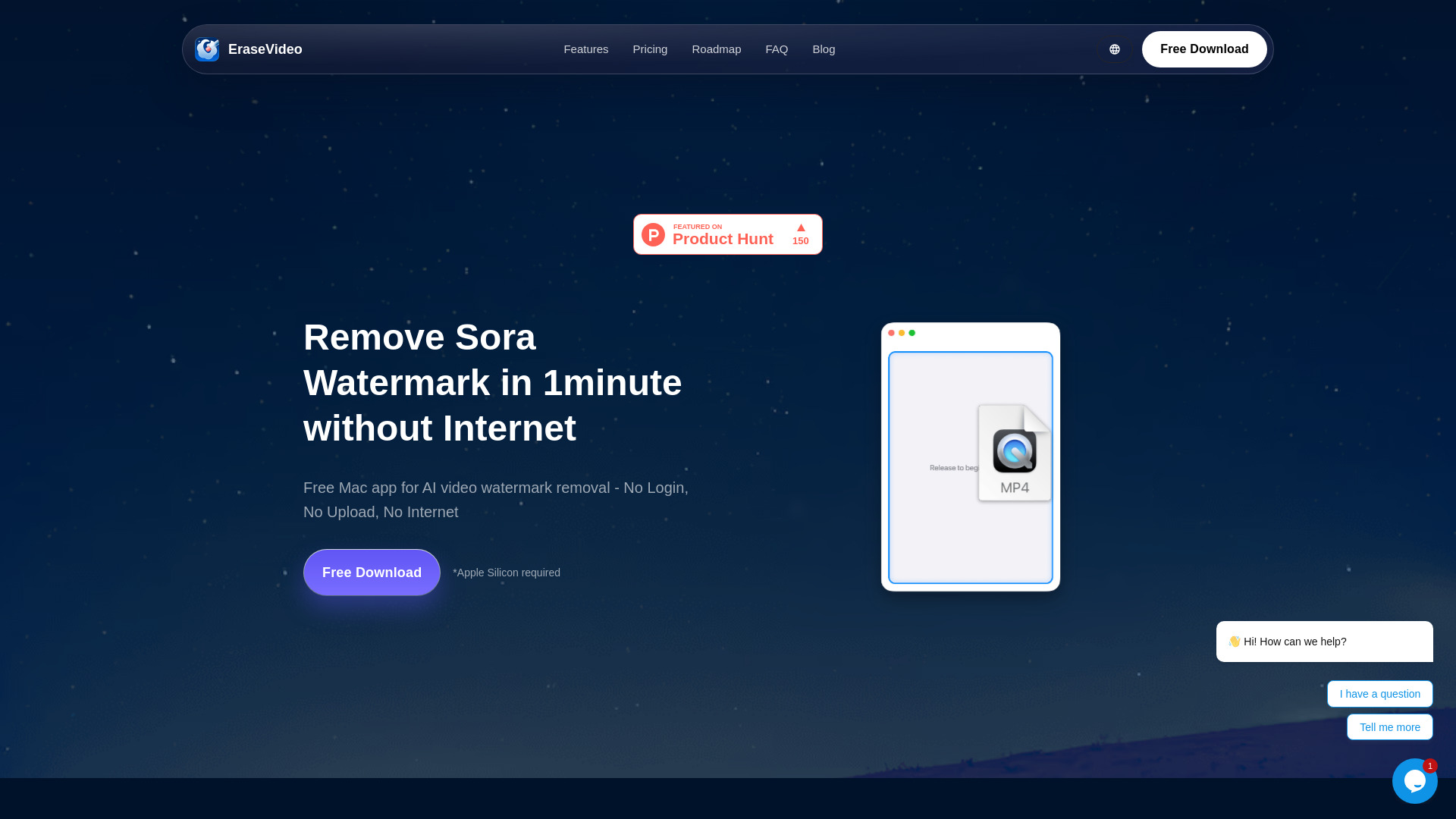
Just drag your video into the app and get a clean, watermark-free version in one minute.
No uploads. No cloud. No data collection. Everything happens locally on your Mac.

EraseVideo is your private, AI-powered Video watermark remover.

We're Just Getting Started.
Here is our roadmap:

- Mobile Version
- More AI Platforms
- Faster & Precision Modes
- Batch Processing

EraseVideo — The Best Way to Remove Sora Watermark on Mac screenshot

Access & connections

Where you can use EraseVideo — The Best Way to Remove Sora Watermark on Mac.

Platforms

Web

Capabilities

What this tool accepts, produces, and is strongest at.

Highlights

  • 🧠 Smart AI Watermark Removal - Automatically detects and removes watermarks
  • 🔒 100% Offline and Secure - All processing runs locally on your Mac
  • ⚡ Fast on Apple Silicon - On M1/M2 Mac, a 15-second Sora video is cleaned less than 1 minute
  • 🧰 Native, Minimal UI - Just drag, erase, and export.

FAQ 9

What is EraseVideo — The Best Way to Remove Sora Watermark on Mac?
EraseVideo is the easiest way to remove AI video watermarks — and now it supports 7 major AI platforms: Sora, Veo, Runway, Pika, KlingAI, TikTok, and Wan. More platforms coming soon.

Just drag your video into the app and get a clean, watermark-free version in one minute.
No uploads. No cloud. No data collection. Everything happens locally on your Mac.

EraseVideo is your private, AI-powered Video watermark remover.

We're Just Getting Started.
Here is our roadmap:

- Mobile Version
- More AI Platforms
- Faster & Precision Modes
- Batch Processing

How to use EraseVideo — The Best Way to Remove Sora Watermark on Mac?
Just drag your video into the app — EraseVideo will automatically detect and remove the watermark in seconds. No uploads, no setup, just clean results instantly.
How does EraseVideo handle my videos?
Every watermark removal job happens locally on your Mac. Nothing is uploaded, stored, or transmitted to our servers, so your footage stays private.
Can it remove watermarks without losing quality?
Yes. Our AI rebuilds the pixels behind the watermark based on the surrounding footage, touching only the area that needs fixing and keeping the rest of the video identical to the original.
Is there a Windows or Linux version?
Not yet. We're focused on delivering the best macOS experience first and will share any platform updates on our roadmap.
Why choose the Mac app instead of an online remover?
The native Mac app runs up to 10x faster, needs no uploads, has no file-size limits, and keeps everything offline for complete privacy. Online tools often compress video, rely on slow browser processing, and send sensitive footage to unknown servers.
Which AI video platforms are supported?
We currently support 7 major AI video platforms: Sora, Veo, Runway, Pika, KlingAI, TikTok, and Wan. We're actively adding more platforms like Hailo AI, JiMeng, Doubao, Xiaohongshu, and Douyin. All future platform updates are included with your purchase.
Does it work with long or 4K videos?
Yes. EraseVideo supports HD and 4K videos of any length. Processing time depends on your Mac’s speed.
If I buy once, can I use it on multiple Macs?
Each license includes up to two Mac activations, with free updates for all supported AI platforms.
EraseVideo — The Best Way to Remove Sora Watermark on Mac Free + from $19.9