

EnhancePhoto AI ✓
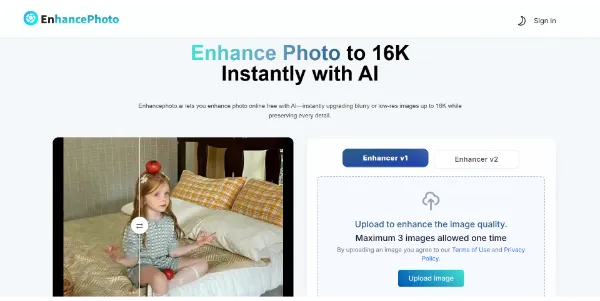
Enhance your photos for free up to 16K resolution. AI removes blur and enhances details and sharpness. Preserve your natural colors and textures (no registration or watermark required)
Verdict
A quick read before you dig into the full page.
- Best if
- You are photographers and need: Photographers can elevate portfolios with crisp, professional-quality photos
- Skip if
- You need enterprise SLAs or a fully managed team plan right away
- Pick this when
- Free · Free
Considering Adobe Express instead? Compare side by side
Overview
Best for
Short scenarios where EnhancePhoto AI tends to shine.
-
Photographers can elevate portfolios with crisp, professional-quality photos.
Best for Photographers
-
E-commerce Sellers can highlight products with sharp, HD images to attract buyers.
Best for E-commerce Sellers
-
Content Creators can instantly upgrade social media visuals for a polished feed.
Best for Content Creators
-
Designers can transform old, blurry, or low-resolution assets into high-quality graphics.
Best for Designers
Example outputs 1
Sample generations and before/after results for EnhancePhoto AI.
Access & connections
Where you can use EnhancePhoto AI.
Platforms
Compare alternatives
Similar tools in the catalog — with a clear reason to open each one.

Adobe Express ✓
FreemiumCreate stunning content easily with AI-powered design tools.
Why look Better for writing
Full comparison
Adobe Firefly ✓
FreemiumCreate stunning visuals with AI-powered text prompts
Why look Offers a public API
Full comparisonPeople also view
Tools that often show up alongside EnhancePhoto AI in collections and comparisons.

Seedream 4.0 ✓
FreeCreate and edit ultra-fast 4K images with multimodal generation and precise editing. This model, designed by…
Adobe Firefly ✓
FreemiumCreate stunning visuals with AI-powered text prompts
Adobe Express ✓
FreemiumCreate stunning content easily with AI-powered design tools.