

Enhance AI
Add AI Autocomplete to any website in minutes
Free + from $8/mo
Verdict
A quick read before you dig into the full page.
- Best if
- Add AI Autocomplete to any website in minutes
- Skip if
- Limited to text interactions
- Pick this when
- Quick integration
Considering Lightkey instead? Compare side by side
Overview
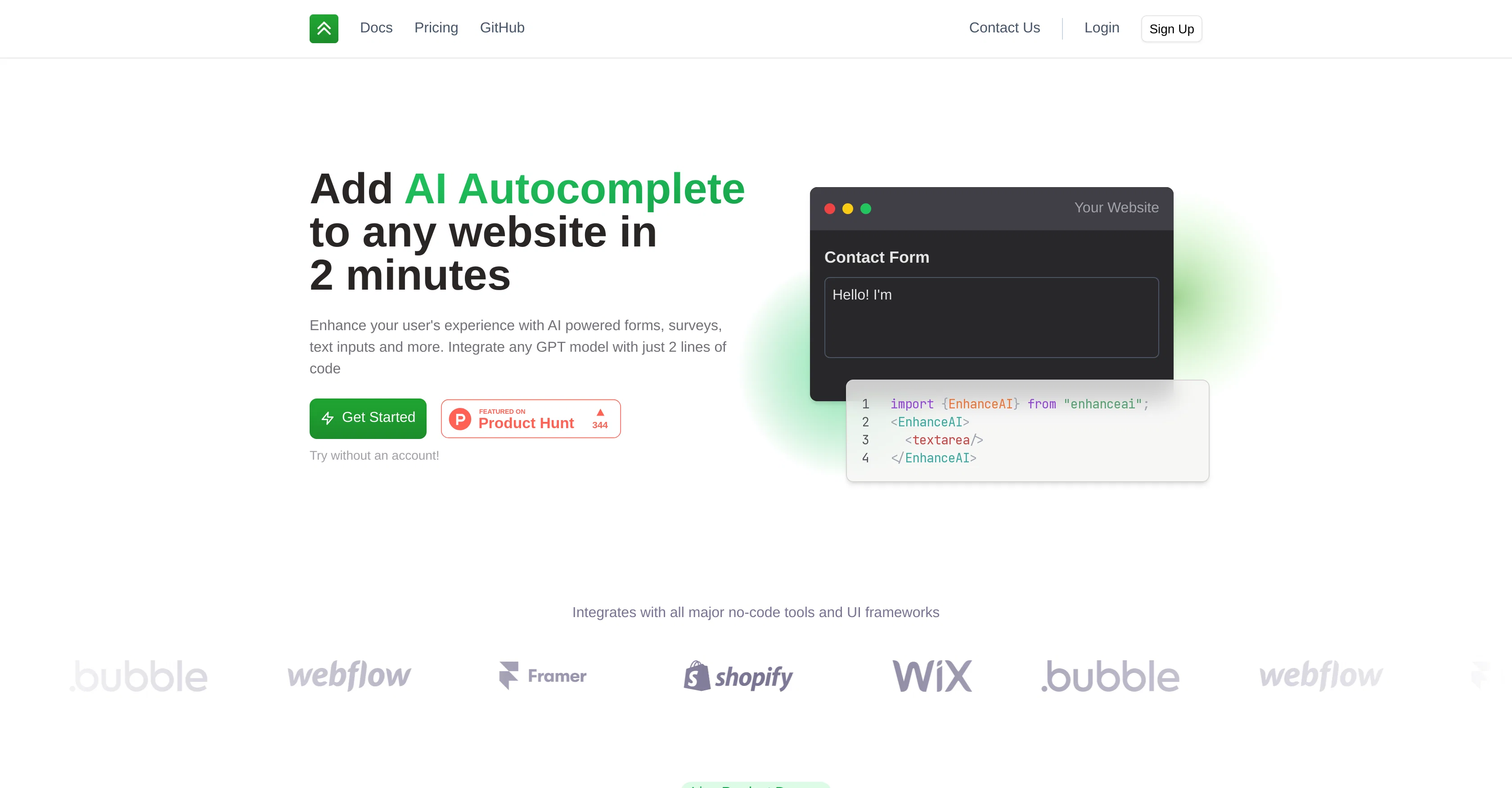
EnhanceAI is an AI tool that allows website owners to quickly and easily add AI Autocomplete to their sites. It helps to enhance user experience by using GPT-powered forms, surveys, and text inputs with just two lines of code integration.
EnhanceAI is flexible and can integrate with all major no-code tools and UI frameworks like Wix, Bubble, Shopify, Webflow, and Framer. The tool offers a free tier with up to 100k tokens for users to use at no cost.
Additionally, it supports all of OpenAI's GPT models, and the user can upgrade to any of the other models like GPT-3.5 and GPT-4 when using the power user plan.
EnhanceAI also provides customization features, analytics, and support - all at the same price as OpenAI's models.EnhanceAI's AI is intelligent and flexible, capable of understanding context and offering appropriate suggestions.
The tool also provides a wide range of options for users to generate creative prompts for generative art, write better sales and creative copy, and help users of Refer.me write their biographies and job applications.In terms of pricing, EnhanceAI is cost-effective and can save users significant time and effort in creating a reliable solution.
The tool offers a paid tier that charges the same prices as OpenAI's API, plus an $8/mo flat fee. Furthermore, EnhanceAI's documentation is comprehensive, making it easy for users to integrate and get started with the tool without any hassle.
Access & connections
Where you can use Enhance AI, and what it plugs into.
Platforms
Integrations
Capabilities
What this tool accepts, produces, and is strongest at.
Input
- Text
- Code
- API
- Tabular
Output
- Text
- Code
- API
Supported features
- Autocomplete
Pros & cons
Pros
- Quick integration
- GPT-powered forms
- Compatible with no-code tools
- Free tier available
- Supports all GPT models
- Upgradeable to higher models
- Included customization features
- Analytics included
Show 17 more
- Understands context
- Creative prompts generation
- Cost-effective solution
- Time-saving tool
- Comprehensive documentation
- Flat fee for usage
- Seamless user experience
- Works with major UI frameworks
- Assists in writing sales copy
- Helps in writing job applications
- Facilitates writing biographies
- Generates autocomplete for websites
- Comes with support features
- 100K tokens free initially
- Supports custom prompts
- Create accounts for extra features
- Control speed feature
Cons
- Limited free tier usage
- Extra flat fee pricing
- Supports only GPT models
- Context sensitive suggestions
- Integration requires coding
- Limited to text interactions
- Documentation on separate platform
- Potential privacy issues
Show 1 more
- No offline availability
Compare alternatives
Similar tools in the catalog — with a clear reason to open each one.

Lightkey
FreemiumAI-powered predictive typing for Windows apps.
Free + from $49.95/yr
Full comparison
Complete AI
FreeEnhanced writing productivity for ChatGPT users.
Why look Fully free option
Full comparison
Typedesk
FreemiumAutomate repetitive typing with AI-powered text expansion.
Why look Typically cheaper
Full comparisonReleases 1
FAQ 12
What is Enhance AI?
What features does Enhance AI offer?
How does Enhance AI improve user experience on my site?
Which platforms can Enhance AI integrate with?
What does it mean that Enhance AI supports all of OpenAI's GPT models?
What is the free tier of Enhance AI?
How can I upgrade to other GPT models like GPT-3.5 and GPT-4?
How does Enhance AI help with generating creative prompts?
How can Enhance AI assist with writing job applications?
What are Enhance AI's pricing options?
How does Enhance AI's pricing compare to OpenAI's?
How can I integrate Enhance AI into my website?
Related tools
Recommended

TutorAI ✓
FreemiumInstant knowledge on any topic

Photo AI ✓
PaidCreate beautiful AI photos and videos of real people

Agentgpt ✓
FreemiumDeploy autonomous AI Agents effortlessly in your browser.

Stunning ✓
PaidBuild AI-powered websites in seconds

Hyperis ✓
FreemiumOrganized task prioritization.

AI Lawyer ✓
Free TrialInstant legal advice and document creation at your fingertips