Verdict

A quick read before you dig into the full page.

Best if
AI Agent Launcher for macOS, automating tasks and enhancing productivity with AI
Skip if
You need enterprise SLAs or a fully managed team plan right away
Pick this when
Freemium · Free + from $10/ / monthly

Overview

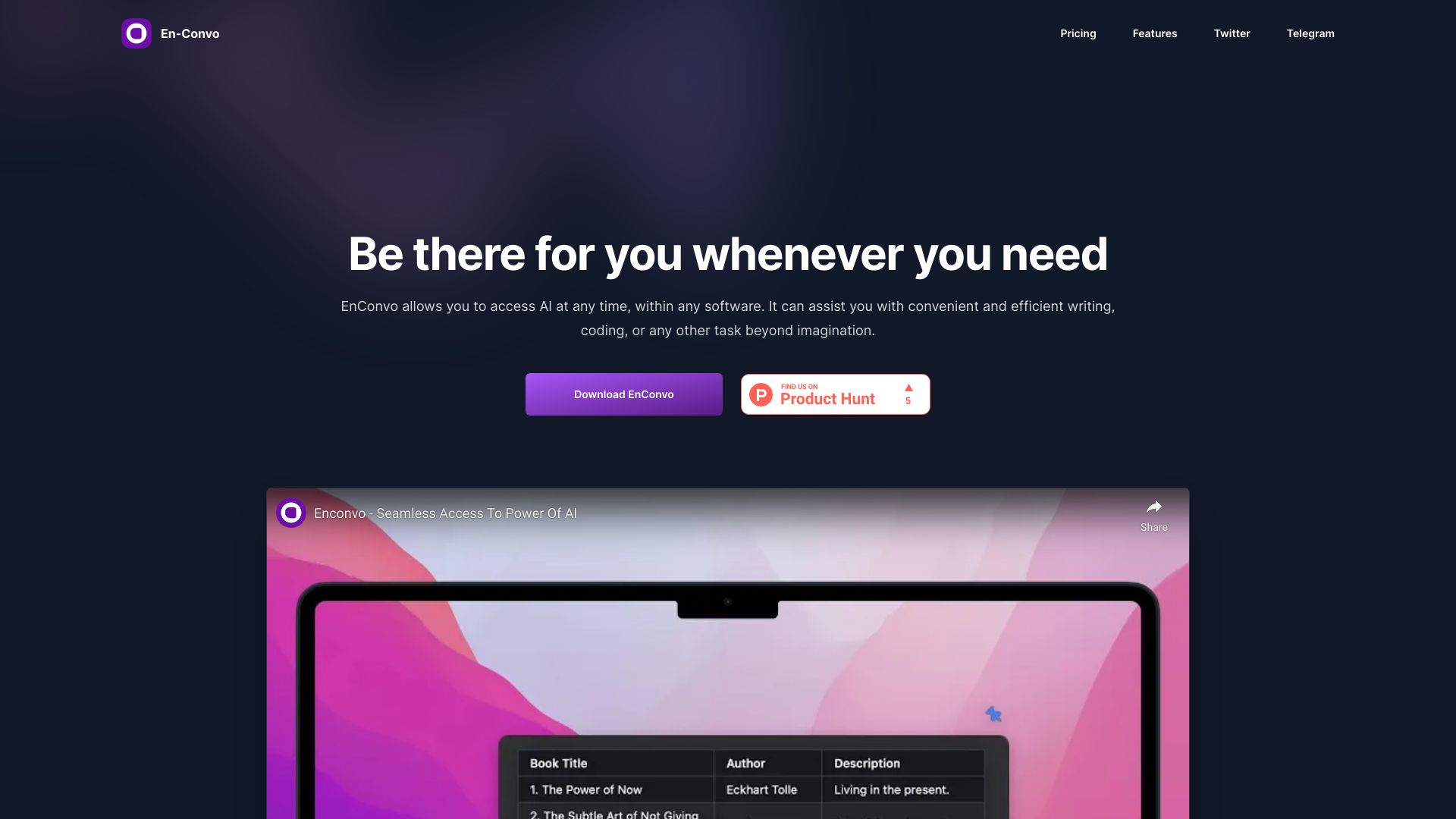
EnConvo is an AI Agent Launcher for macOS designed to revolutionize productivity. It provides instant access to AI, allowing users to automate daily tasks effortlessly. Powered by 150+ built-in tools and MCP (Model Context Protocol) support, EnConvo learns and adapts to user workflows. It offers features like advanced AI Agent Mode, extensive model provider support (OpenAI, DeepSeek R1, Gemini, Claude, Ollama, LM Studio), custom workflow automation, intelligent context awareness, advanced voice input integration, AI-enhanced web search, interactive document analysis, creative AI tools, and an extensive plugin ecosystem.

Enconvo screenshot

Access & connections

Where you can use Enconvo, and what it plugs into.

Platforms

macOS

Integrations

MCP

Capabilities

What this tool accepts, produces, and is strongest at.

Highlights

  • AI Agent Mode
  • Extensive Model Provider Support
  • Custom Workflow Automation
  • Intelligent Context Awareness
  • Advanced Voice Input Integration
  • AI-Enhanced Web Search
  • Interactive Document Analysis
  • Creative AI Tools
Show 1 more
  • Extensive Plugin Ecosystem

FAQ 11

What is EnConvo?
EnConvo is an AI Agent Launcher for macOS designed to revolutionize productivity. It provides instant access to AI, allowing users to automate daily tasks effortlessly. Powered by 150+ built-in tools and MCP (Model Context Protocol) support, EnConvo learns and adapts to user workflows. It offers features like advanced AI Agent Mode, extensive model provider support (OpenAI, DeepSeek R1, Gemini, Claude, Ollama, LM Studio), custom workflow automation, intelligent context awareness, advanced voice input integration, AI-enhanced web search, interactive document analysis, creative AI tools, and an extensive plugin ecosystem.
How to use EnConvo?
Download and install EnConvo on macOS. Use SmartBar, PopBar, or customizable hotkeys to access AI features and plugins. Create custom workflows by combining system features and tools. Integrate voice input and leverage context awareness for streamlined task completion.
Is EnConvo an Electron app?
No, EnConvo is a native macOS application built for optimal performance and system integration.
Is EnConvo free to use?
EnConvo offers a free trial with 10 uses per day. We also provide lifetime licenses and subscription plans for full access.
Does EnConvo use my data for training?
No, we do not use any user data for training. All data is encrypted during transmission and we only store basic usage analytics. Your data is never stored on our servers.
What is your refund policy?
We offer a 14-day no-questions-asked refund policy for Lifetime Licenses. For Subscription plans, you can cancel your subscription at any time.
What platforms does EnConvo support?
EnConvo currently only supports macOS, and has been optimized for native macOS performance and system integration.
Is Enconvo open source?
While Enconvo itself is not open source, all Enconvo extensions are open source and can be found on https://github.com/enconvo
Do you offer technical support?
Yes, you can join our Discord community for technical support. Our team and community members are there to help you get the most out of EnConvo.
How often do you release updates?
We regularly release updates with new features, improvements, and bug fixes. All updates are free for existing users within their license period.
Student Discount?
We offer a 30% discount for students. Please contact us by sending an email to [email protected] to get your discount code.
Enconvo Free + from $10/ / monthly


