
Edraw Software
Diagramming software with templates for flowcharts, mind maps, org charts, and more.
Verdict
A quick read before you dig into the full page.
- Best if
- You are project managers and need: Creating flowcharts for business processes
- Pick this when
- Diagramming software with templates for flowcharts, mind maps, org charts, and more
Overview
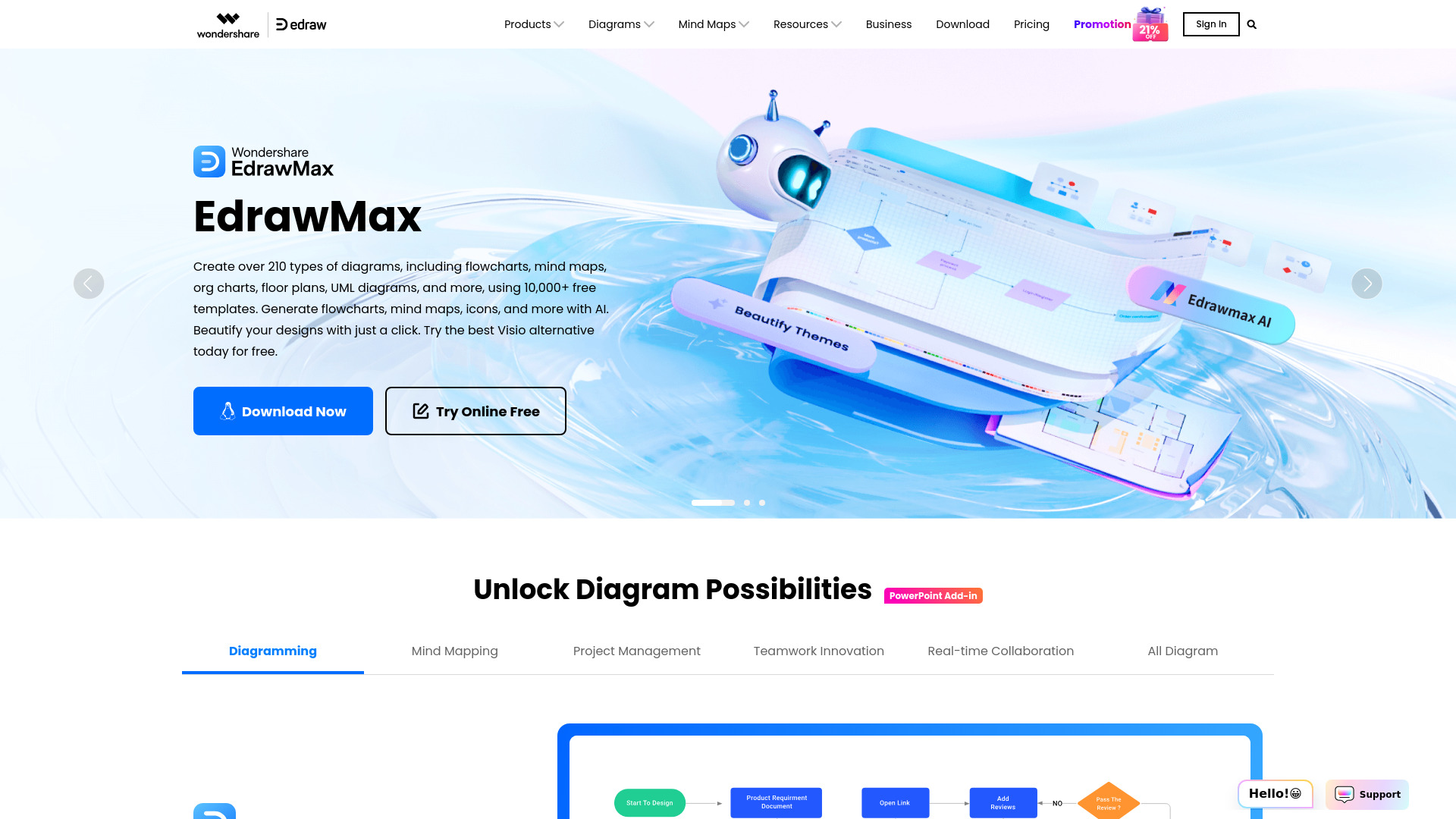
Edraw Software offers a suite of diagramming tools, including EdrawMax, EdrawMind, and EdrawProj, designed to create flowcharts, mind maps, org charts, network diagrams, floor plans, Gantt charts, and more. With over 20,000 free templates and a vast collection of symbol libraries, Edraw aims to unlock diagramming possibilities for business, technical, design, and other uses. It provides solutions for visual collaboration, AI-powered diagram generation, and project management.
Best for
Short scenarios where Edraw Software tends to shine.
-
Creating flowcharts for business processes
Best for Project managers
-
Developing mind maps for brainstorming
Best for Business analysts
-
Designing org charts for organizational structure
Best for IT professionals
-
Planning projects with Gantt charts
Best for Educators
-
Creating network diagrams for IT infrastructure
Best for Students
-
Designing floor plans for architectural projects
Best for Designers
-
Generating diagrams from code
Best for Engineers
How it works
Example outputs 1
Sample generations and before/after results for Edraw Software.
Access & connections
Where you can use Edraw Software.
Platforms
Capabilities
What this tool accepts, produces, and is strongest at.
Highlights
- Extensive template library (20,000+)
- Wide range of diagram types (flowcharts, mind maps, org charts, etc.)
- AI-powered diagram generation
- Cross-platform support
- Visual collaboration tools
- Project management features (Gantt charts)