
EchoWave
Online video and audio editor for creating engaging videos and repurposing audio content.
From $19 / month
Verdict
A quick read before you dig into the full page.
- Best if
- You are podcasters and need: Converting podcast snippets or whole episodes into video with waveforms for social media sharing
- Skip if
- You need a free plan with no credit card
- Pick this when
- Paid · From $19 / month
Overview
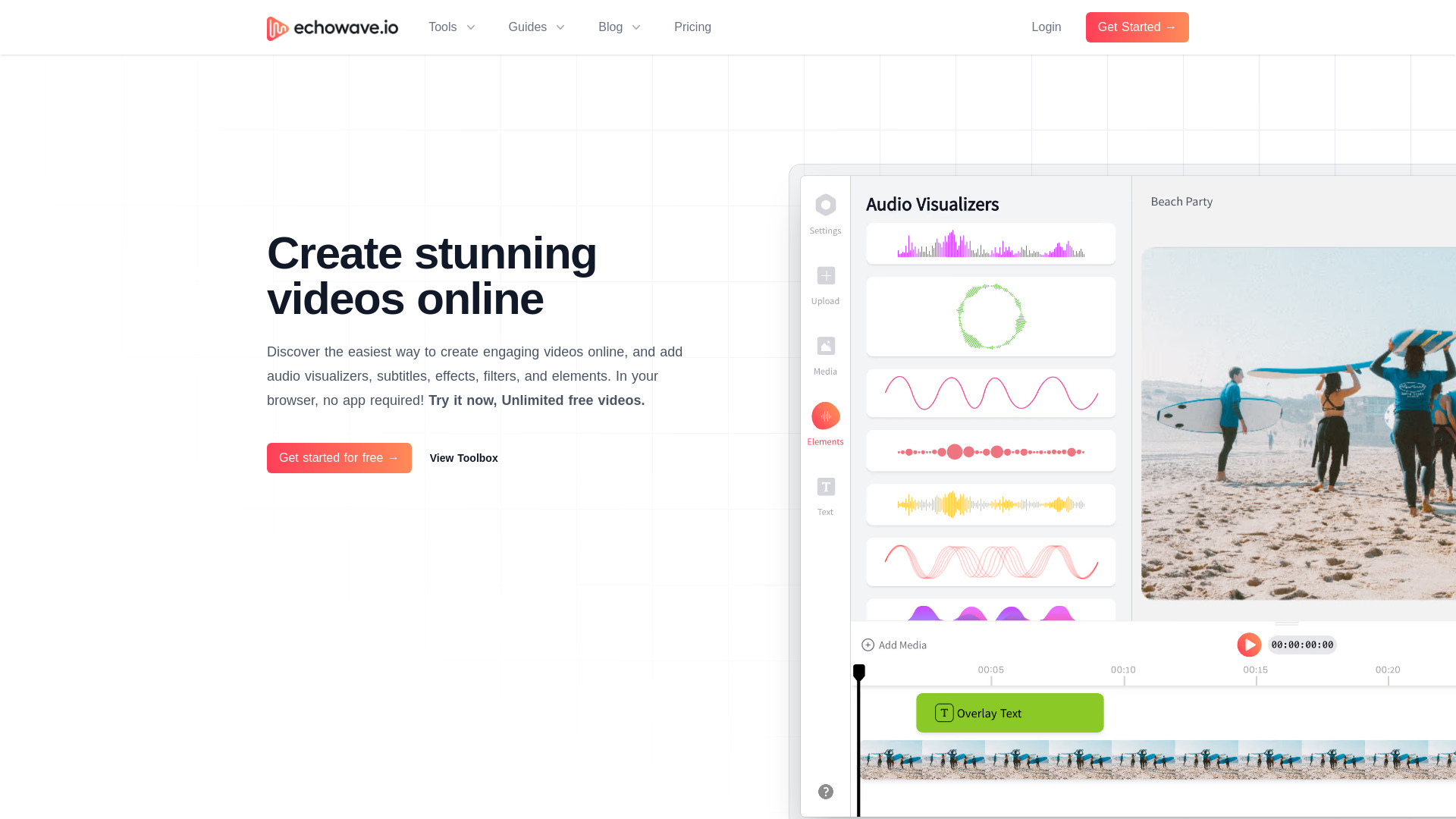
EchoWave is an online video and audio editor that simplifies the process of creating engaging videos. It allows users to amplify podcasts by converting them into waveform videos for sharing on social media platforms like Facebook, Twitter, and Instagram. EchoWave offers a range of tools for video editing, audio visualization, and content repurposing, making it suitable for podcasters, musicians, and creators. The platform supports features such as AI auto subtitles generation, file conversion, video progress bars, text and image overlays, audio merging, and more. It also provides guides and blog content to help users optimize their podcast and video creation strategies.
Best for
Short scenarios where EchoWave tends to shine.
-
Converting podcast snippets or whole episodes into video with waveforms for social media sharing.
Best for Podcasters
-
Creating music videos with customizable cover images and waveforms.
Best for Musicians
-
Editing video content, condensing longer videos into shorter forms, and adding subtitles and translations.
Best for Content creators
-
Creating social media content for musicians and podcasters
Best for Social media managers
How it works
Example outputs 1
Sample generations and before/after results for EchoWave.
Access & connections
Where you can use EchoWave, and what it plugs into.
Platforms
Integrations
Capabilities
What this tool accepts, produces, and is strongest at.
Highlights
- Audio Waveform Generator
- AI Auto Subtitles Generator
- Video Editor
- Convert Audio to Video
- Music Visualizer
- Video Merger
- Compress Video
- Crop Video
Show 4 more
- Trim Video
- Add Text To Video
- Add Image to Video
- Add Watermark to Video
People also view
Tools that often show up alongside EchoWave in collections and comparisons.

