
Dynobase
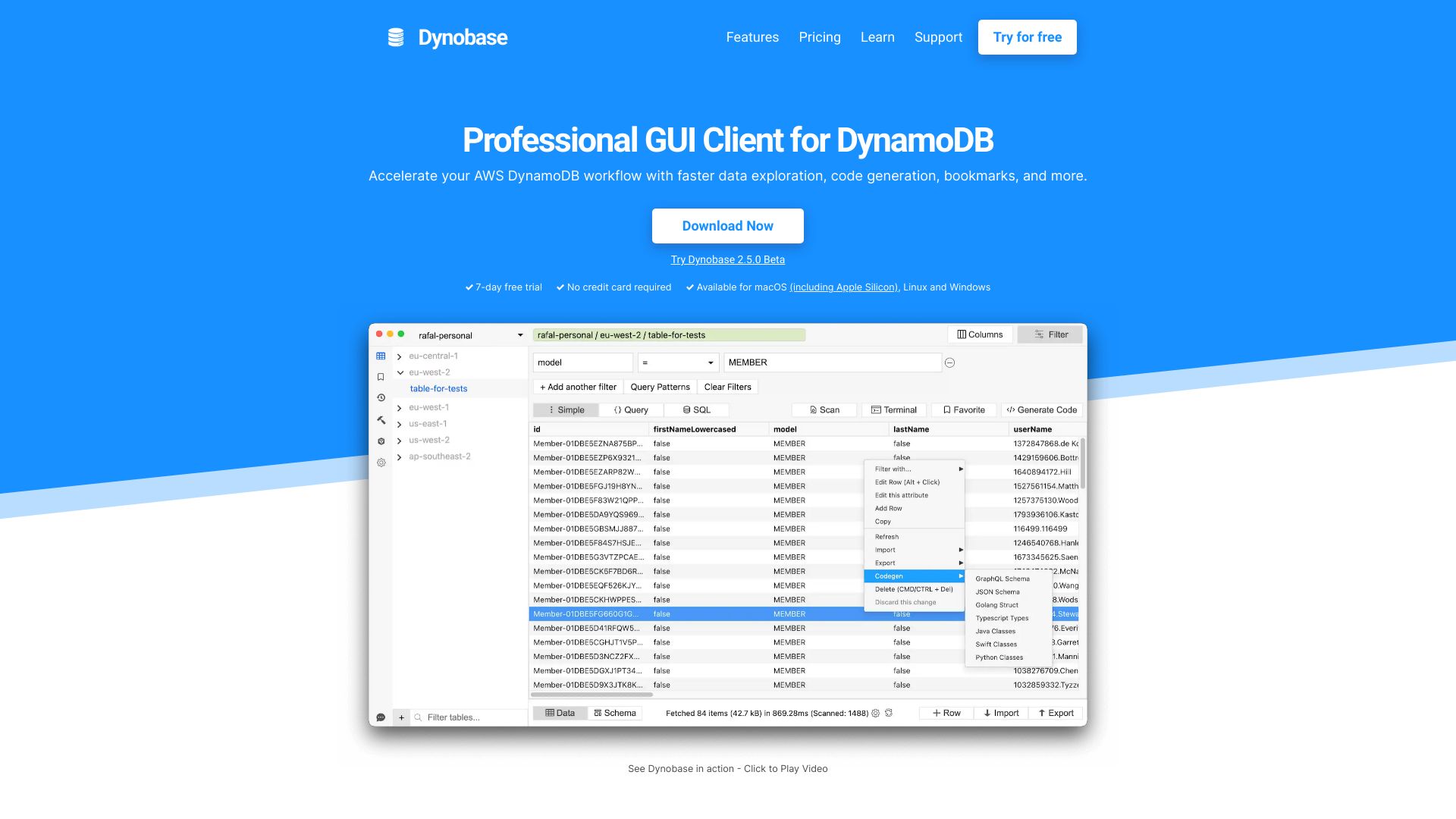
Professional GUI client for DynamoDB, accelerating workflows with a sleek UI and code generation.
From $9 / mo
Verdict
A quick read before you dig into the full page.
- Best if
- You are dynamoDB Developers and need: Faster data exploration and editing
- Skip if
- You need a free plan with no credit card
- Pick this when
- Paid · From $9 / mo
Overview
Dynobase is a professional GUI client for Amazon DynamoDB, designed to accelerate DynamoDB workflows. It offers a sleek admin UI, visual query builder, code generation, and more, available for Mac, Windows, and Linux. It helps engineers explore data faster, generate code, and manage DynamoDB tables in multi-region, multi-account environments.
Best for
Short scenarios where Dynobase tends to shine.
-
Faster data exploration and editing
Best for DynamoDB Developers
-
Simplified query creation and execution
Best for AWS Engineers
-
Automated code generation for DynamoDB operations
Best for Serverless Developers
-
Seamless data migration to DynamoDB
Best for Backend Engineers
-
Efficient management of DynamoDB tables across multiple regions and accounts
Best for Data Architects
-
Debugging and testing DynamoDB data models
Best for DynamoDB Developers
Example outputs 1
Sample generations and before/after results for Dynobase.
Access & connections
Where you can use Dynobase.
Platforms
Capabilities
What this tool accepts, produces, and is strongest at.
Highlights
- Sleek Admin UI
- Visual Query Builder
- Automatic Code Generation (JS/TS, Rust, Golang, Python)
- SQL (PartiQL) Support
- Import & Export (CSV, JSON)
- Terminal / REPL for data transformation
- Bookmarks and History for queries
- Operation Builder for updating and deleting items
Show 3 more
- Multi-factor Authentication Support
- Dark Mode
- Offline Support (DynamoDB Local, LocalStack)
People also view
Tools that often show up alongside Dynobase in collections and comparisons.


In the news
Launch coverage and community mentions for Dynobase.