
DryVocal
DryVocal is a free, lightweight AI-powered software that extracts clean vocals from any audio. Separate voices from background music, multi-speaker recordings, or noisy environments with ease.
Verdict
A quick read before you dig into the full page.
- Best if
- DryVocal is a free, lightweight AI-powered software that extracts clean vocals from any audio. Separate voices from background music, multi-speaker…
- Skip if
- You need enterprise SLAs or a fully managed team plan right away
- Pick this when
- Free · Free
Overview
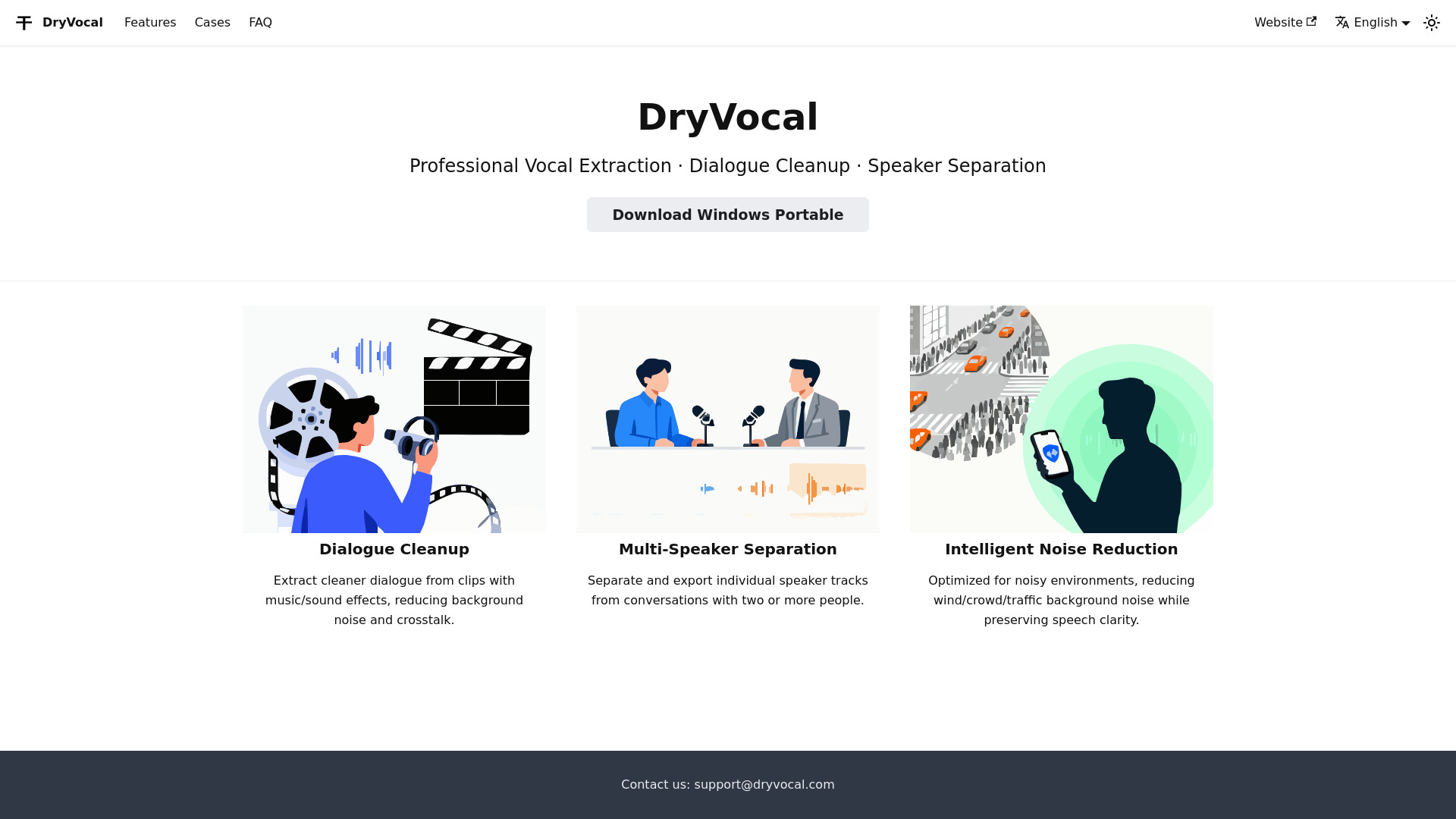
DryVocal is a free AI-driven vocal isolation software designed to help creators, editors, and musicians extract pristine vocals from complex audio sources. Whether you’re working with movie clips, podcasts, interviews, or noisy field recordings, DryVocal makes it simple to get the clean speech you need.
Key use cases:
Film & Video Editing: Isolate clear dialogue from clips that contain background music.
Multi-Speaker Separation: Extract an individual speaker’s voice from meetings, interviews, or podcasts.
Noise Reduction: Remove unwanted background noise while preserving natural-sounding speech.
DryVocal is a green, portable, and installation-free software with a minimal black-and-white interface. It supports multiple languages and offers demo samples and tutorials to help you get started quickly.
Access & connections
Where you can use DryVocal.
Platforms
Capabilities
What this tool accepts, produces, and is strongest at.
Highlights
- AI-Powered Vocal Extraction: Separate clean vocals from background music and noise.
- Noise Reduction: Remove unwanted environmental noise while preserving natural-sounding speech.
- Multi-Speaker Separation: Extract one speaker’s voice from group conversations or podcasts.
- Portable & Installation-Free: Lightweight, green software — no installation required.
- Multi-Language Interface: Accessible for global users.
- Demo Audio & Tutorials: Built-in samples and blog posts to get started quickly.
FAQ 6
What is DryVocal?
Key use cases:
Film & Video Editing: Isolate clear dialogue from clips that contain background music.
Multi-Speaker Separation: Extract an individual speaker’s voice from meetings, interviews, or podcasts.
Noise Reduction: Remove unwanted background noise while preserving natural-sounding speech.
DryVocal is a green, portable, and installation-free software with a minimal black-and-white interface. It supports multiple languages and offers demo samples and tutorials to help you get started quickly.
How to use DryVocal?
Upload Your Audio: Select a video or audio file containing speech or vocals.
Choose Mode: Pick between “Clean Vocals,” “Speaker Separation,” or “Noise Reduction.”
Process & Preview: Let the AI process your file and preview the clean output.
Export: Save the extracted vocal track to your device.

