
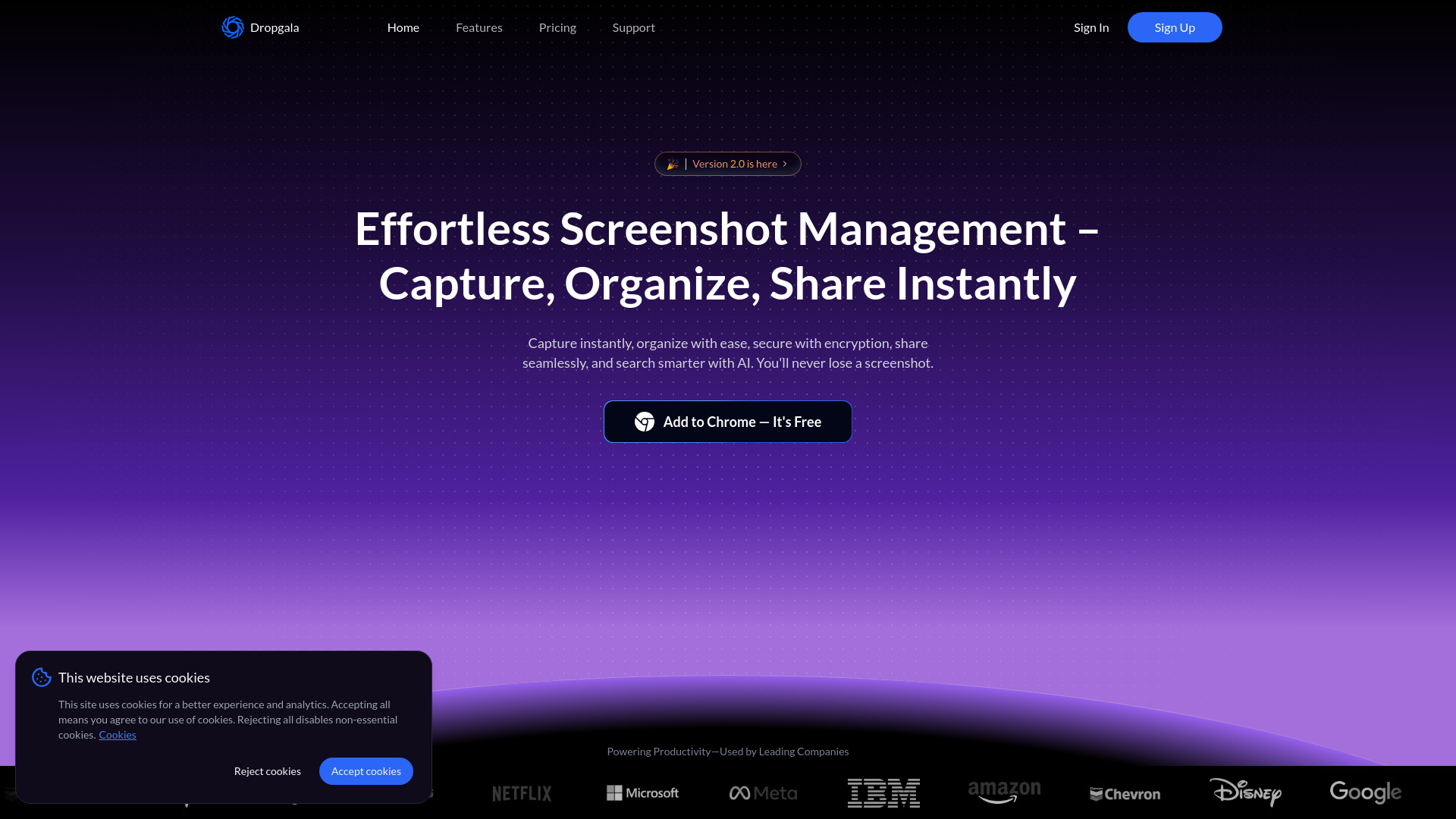
Dropgala
AI-powered screenshot manager and sharing platform with advanced organization and security features.
Source rating 5.0
(68)
0 views
0 saves
Freemium
Free + from $9.99 / month
Verdict
A quick read before you dig into the full page.
- Best if
- AI-powered screenshot manager and sharing platform with advanced organization and security features
- Skip if
- You need enterprise SLAs or a fully managed team plan right away
- Pick this when
- Freemium · Free + from $9.99 / month
Overview
Dropgala is an AI-powered screenshot manager and sharing platform designed to effortlessly capture, organize, and share screenshots. It offers features like AI-powered search, OCR text extraction, smart folders, secure cloud storage, annotations, and seamless sharing, ensuring users never lose an important screenshot again. It transforms screenshots into searchable, secure, and collaborative visual content.
Access & connections
Where you can use Dropgala.
Platforms
Capabilities
What this tool accepts, produces, and is strongest at.
Highlights
- AI-Powered Screenshot Management
- One-Click Capture
- Organization with Folders and Tags
- Security & Encrypted Storage
- Sharing & Collaboration
- Dropgala Spaces for Collaboration
- Social Discovery
- Advanced Search
Show 1 more
- AI Capabilities
FAQ 12
What is Dropgala?
Dropgala is an AI-powered screenshot manager and sharing platform designed to effortlessly capture, organize, and share screenshots. It offers features like AI-powered search, OCR text extraction, smart folders, secure cloud storage, annotations, and seamless sharing, ensuring users never lose an important screenshot again. It transforms screenshots into searchable, secure, and collaborative visual content.
How to use Dropgala?
Capture screenshots instantly with the Chrome extension, organize them into folders, tag them, and use AI-powered search to find them quickly. Share screenshots or folders with teammates, adding notes and comments for collaboration.
How does the AI feature work?
We use OCR to extract text from your screenshots and AI to summarize and organize the answer for easy retrieval.
Is my data secure with encryption?
Yes, we use end-to-end encryption to ensure that your screenshots are protected and only accessible to you.
Can I easily find my screenshots?
Absolutely. we offer advanced search capabilities, allowing you to locate screenshots effortlessly by folders, tags, image context, and image names. This ensures your screenshots are always easy to find.
What platforms does the extension support?
Our extension is currently available for Google Chrome and Microsoft Edge. We're committed to providing a seamless experience across all major browsers to meet your needs.
Do you offer customer support?
Yes, we provide 24/7 customer support to help you with any issues or questions.
Can I collaborate with others using the extension?
Absolutely! You can share screenshots with your team and collaborate using spaces and comments.
Can I use Dropgala for free?
Absolutely! Our Free Plan lets you get started with core features, including 10 GalaSpace, 200MB of storage, secure sharing, and cross-device access — no credit card required.
How do I add a password to my screenshots?
You can easily add a password when saving or sharing a screenshot. This ensures only authorized users can access it.
How is my data protected?
Your screenshots are encrypted using advanced encryption, ensuring robust security and compliance. You can add a personal password, which we do not store, making you the only one who can access the encrypted data. If the password is lost, the data remains inaccessible, ensuring maximum privacy and security.
How can I request a feature or report a bug?
We’d love to hear your ideas and fix any issues you find! 😊 If you have a feature request or need to report a bug, just head over to our Contact Page and send us a message.
Related tools
Recommended



Dropgala
Free + from $9.99 / month