
drawanyone
AI portrait generator with custom prompts and various styles.
Source rating 5.0
(81)
0 views
0 saves
Unknown
Verdict
A quick read before you dig into the full page.
- Best if
- AI portrait generator with custom prompts and various styles
- Pick this when
- AI portrait generator with custom prompts and various styles
Overview
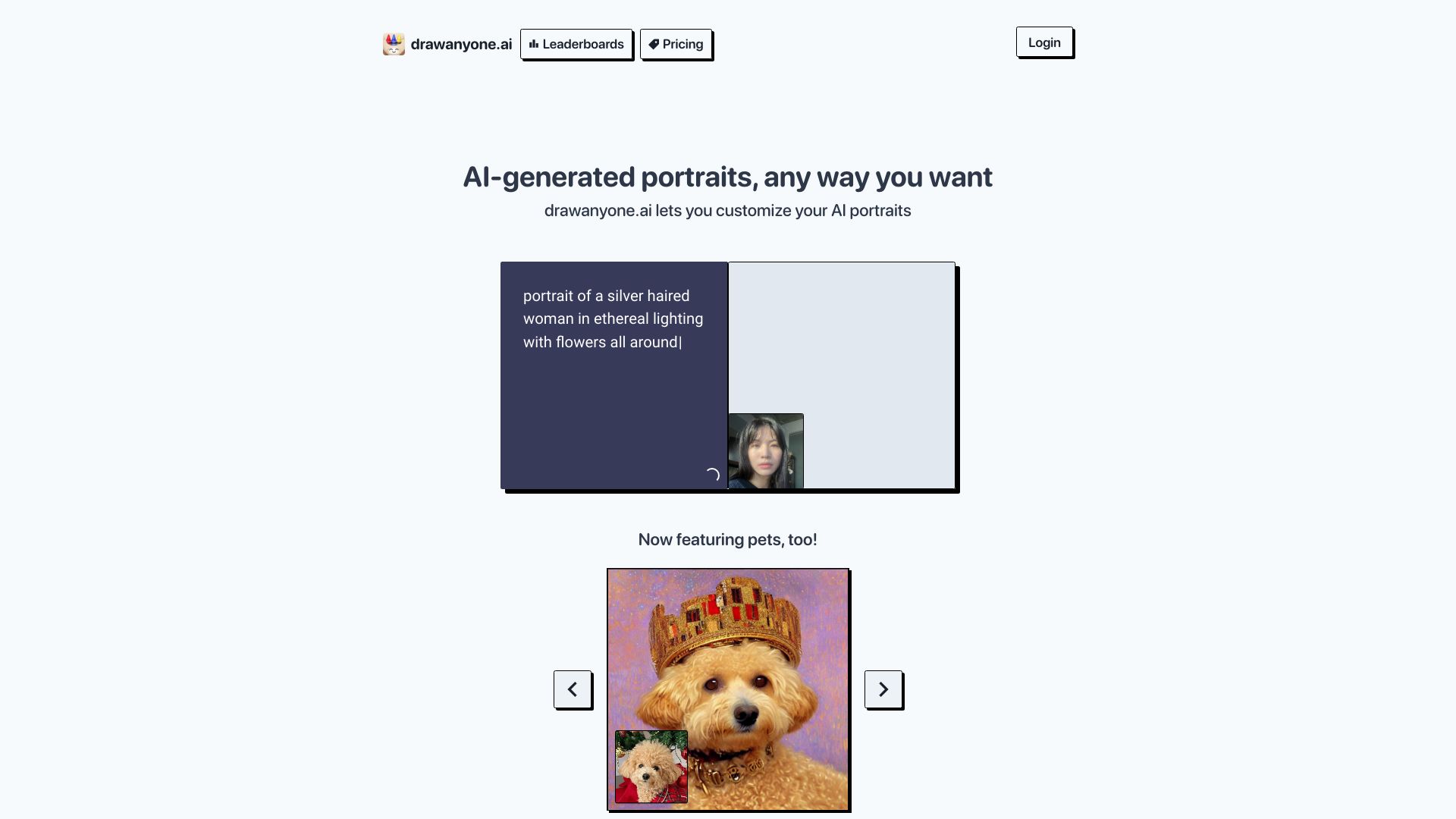
drawanyone is an AI-powered platform that allows users to generate custom AI portraits in various styles. Users upload photos, wait for processing, and then use custom prompts to create unique drawings. It features AI-generated portraits, including the ability to create portraits of pets.
Access & connections
Where you can use drawanyone.
Platforms
Capabilities
What this tool accepts, produces, and is strongest at.
Highlights
- AI-powered portrait generation
- Custom prompt creation
- Pet portrait generation
- Community sharing of drawings
FAQ 5
What is drawanyone?
drawanyone is an AI-powered platform that allows users to generate custom AI portraits in various styles. Users upload photos, wait for processing, and then use custom prompts to create unique drawings. It features AI-generated portraits, including the ability to create portraits of pets.
How to use drawanyone?
1. Upload 5-10 photos of the person you want to portray. 2. Wait approximately one hour for the photos to process. 3. Write custom prompts to generate your desired drawings.
How long does it take to process my photos?
It takes about an hour for your photos to process.
How do I generate drawings?
After your photos are processed, write your own custom prompts to generate your drawings.
Can I generate portraits of my pets?
Yes, the platform now features the ability to generate portraits of pets.
Related tools
Recommended

drawanyone