analytics

Docugram

AI flowchart maker that converts text and documents into diagrams.

Source rating 5.0 (85) 1k views 1k/mo traffic 0 saves Paid
More categories (13)

Verdict

A quick read before you dig into the full page.

Best if
You are project managers and need: Business process mapping
Skip if
You need a free plan with no credit card
Pick this when
Paid · From $7.50 / mo

Overview

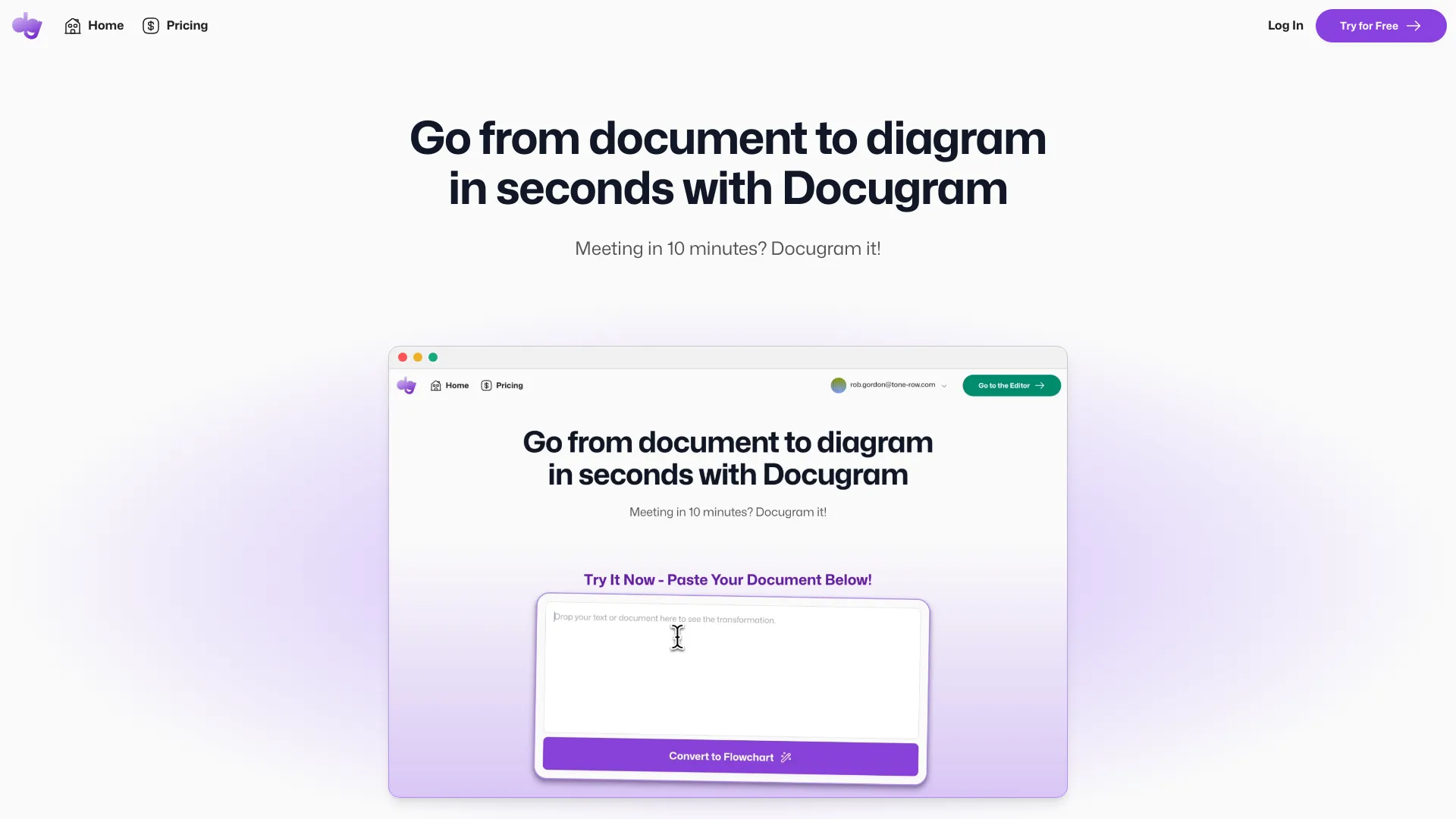
Docugram is an AI-powered flowchart maker that transforms documents and text prompts into clear, concise diagrams. It allows users to effortlessly convert text into flowcharts in seconds. Users can paste documents or prompts to generate new diagrams, edit nodes and their styles, and use auto layout to rearrange nodes. Diagrams can be saved for later editing.

Docugram screenshot

Best for

Short scenarios where Docugram tends to shine.

  • Business process mapping

    Best for Project managers

  • Decision tree creation

    Best for Business analysts

  • Feature development flow visualization

    Best for Software developers

Example outputs 1

Sample generations and before/after results for Docugram.

Access & connections

Where you can use Docugram.

Platforms

Web

Capabilities

What this tool accepts, produces, and is strongest at.

Highlights

  • AI-powered document-to-diagram conversion
  • Diagram editor with node customization
  • Automatic layout algorithms
  • Local saving and loading of files

FAQ 6

What is Docugram?
Docugram is an AI-powered flowchart maker that transforms documents and text prompts into clear, concise diagrams. It allows users to effortlessly convert text into flowcharts in seconds. Users can paste documents or prompts to generate new diagrams, edit nodes and their styles, and use auto layout to rearrange nodes. Diagrams can be saved for later editing.
How to use Docugram?
Paste a document or prompt into Docugram, click Convert to generate a diagram, edit the diagram by dragging nodes, and save the diagram for later use.
What can Docugram do?
Docugram converts documents and text into diagrams, allowing you to visualize complex information easily.
How do I use Docugram?
Paste your document or prompt, click Convert, edit the diagram, and save it.
What features are available in the Starter plan?
The Starter plan includes 5 free document-to-diagram generations, unlimited access to the diagram editor, shape/color/size customization, automatic layout algorithms, and local saving/loading of files.
What features are 'Coming Soon' for Pro users?
Custom templates and themes, exporting of diagrams in multiple formats, and real-time collaboration are coming soon.
Docugram From $7.50 / mo