
DocuClipper
Financial data extraction software automating data from financial documents with high accuracy.
Verdict
A quick read before you dig into the full page.
- Best if
- You are accountants and need: Automatically convert bank statements to Excel, CSV, or QBO formats
- Pick this when
- Financial data extraction software automating data from financial documents with high accuracy
Overview
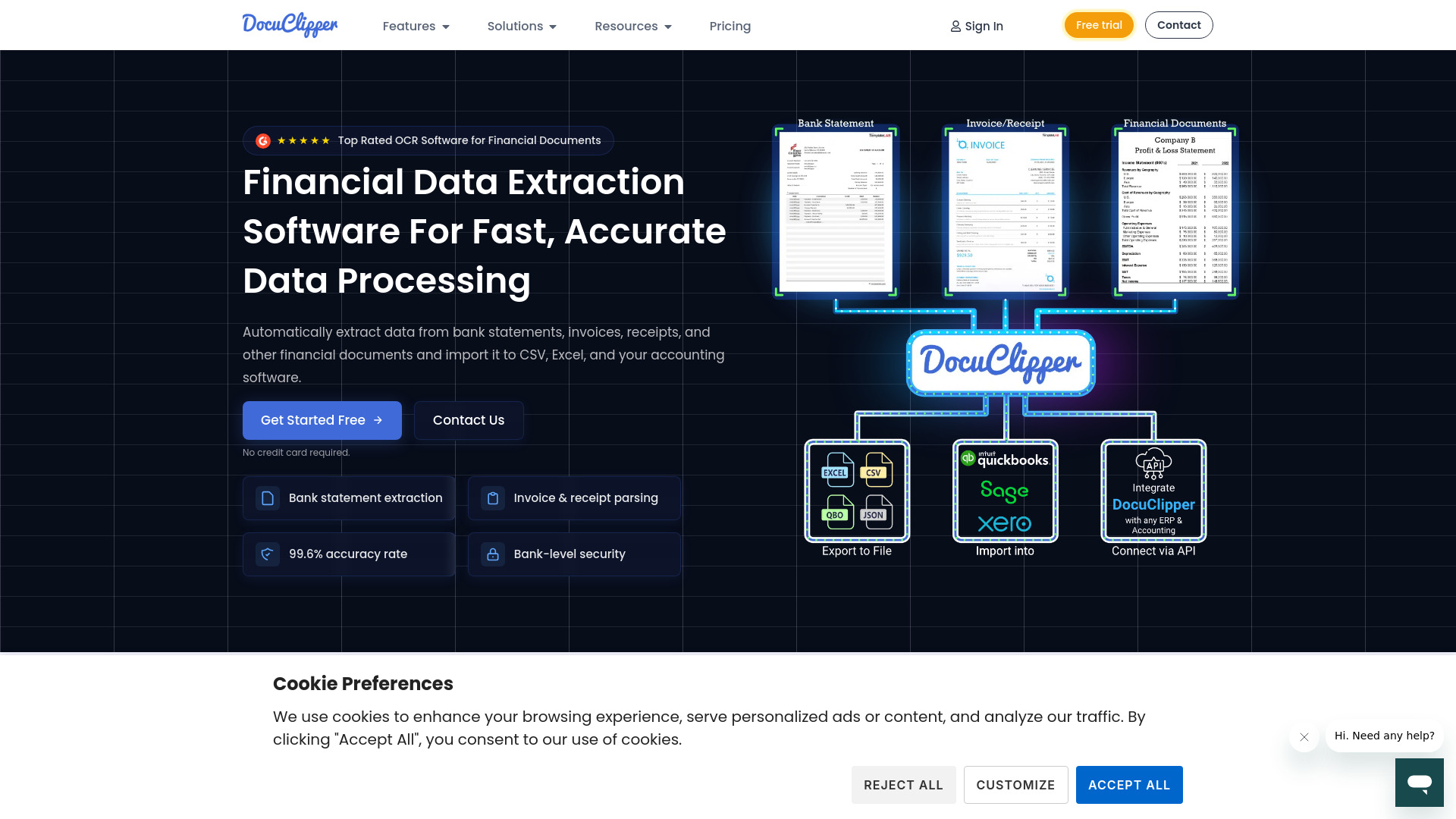
DocuClipper is a financial data extraction software that automates the process of extracting data from bank statements, invoices, receipts, and other financial documents. It boasts a 99.6% accuracy rate and allows users to export data to Excel, CSV, and accounting software. DocuClipper offers features like OCR data extraction, transaction categorization, and financial analysis. It integrates with popular accounting software such as QuickBooks, Xero, and Sage, and provides APIs for custom integrations. DocuClipper serves various industries, including accountants, bookkeepers, business owners, financial investigators, family law professionals, and lenders.
Best for
Short scenarios where DocuClipper tends to shine.
-
Automatically convert bank statements to Excel, CSV, or QBO formats.
Best for Accountants
-
Extract data from invoices and receipts to eliminate manual data entry.
Best for Bookkeepers
-
Automate data extraction from tax forms, P&L statements, and balance sheets.
Best for Business Owners
-
Export financial data to Excel, accounting software, and ERP systems.
Best for Financial Investigators
-
Streamline accounting workflows for accountants and bookkeepers.
Best for Family Law Professionals
-
Analyze transactions for flow of funds and transfer detection.
Best for Lenders
Example outputs 1
Sample generations and before/after results for DocuClipper.
Access & connections
Where you can use DocuClipper, and what it plugs into.
Platforms
Integrations
Capabilities
What this tool accepts, produces, and is strongest at.
Highlights
- OCR Data Extraction
- Bank Statement Extraction & Reconciliation
- Invoice & Receipt Parsing
- Transaction Categorization
- Financial Analysis
- Integration with Accounting Software & ERPs
- API Integration
People also view
Tools that often show up alongside DocuClipper in collections and comparisons.

