Verdict

A quick read before you dig into the full page.

Best if
You are solopreneurs and need: Publish articles from Google Docs to WordPress
Skip if
You need a free plan with no credit card
Pick this when
Paid · From $29/ / monthly

Overview

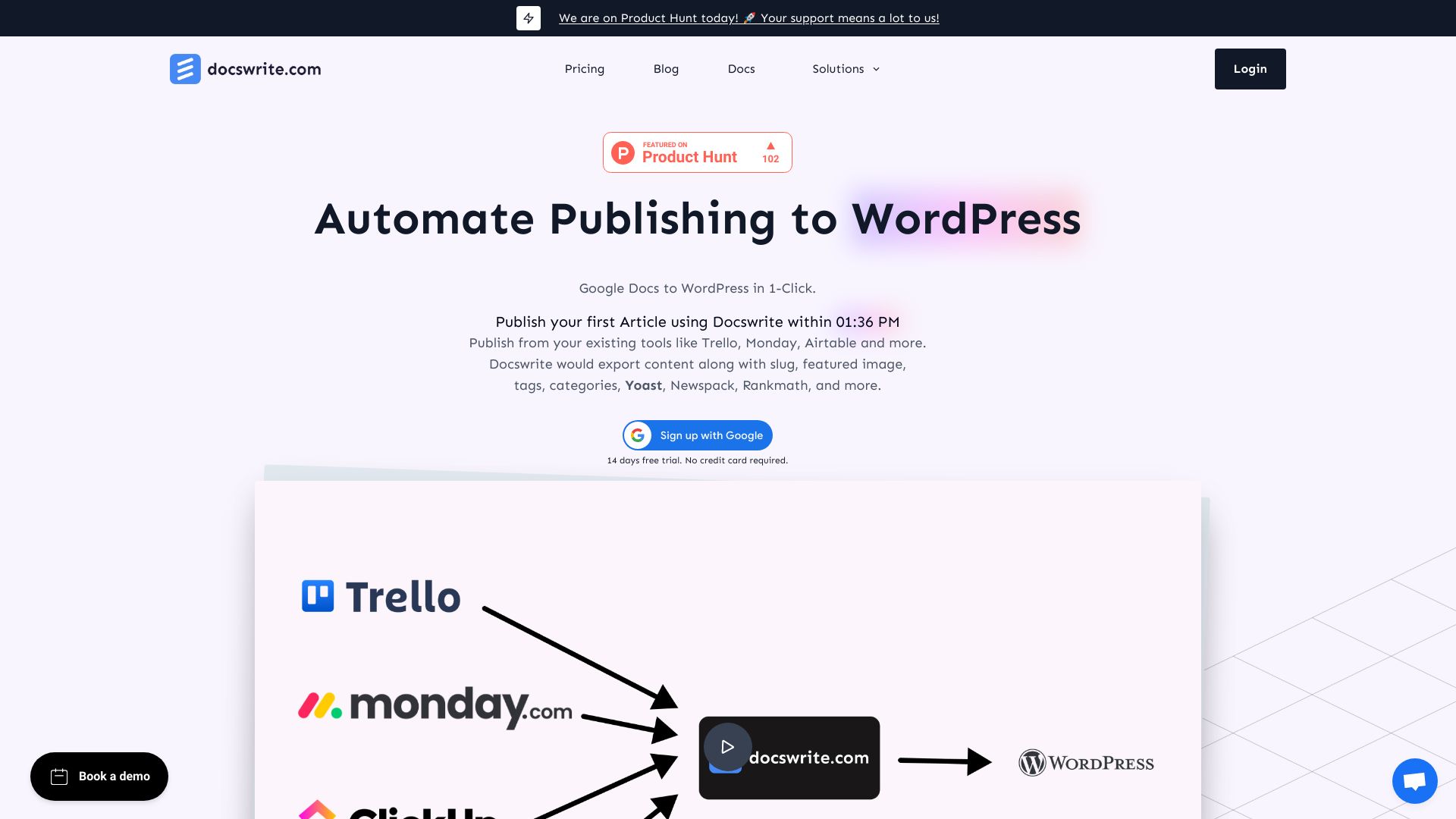
Docswrite is a game changer for publishers that want to automate getting their content from Google Docs to WordPress. In 1 click, you can export content along with compressed images, Slug, featured images, Tags, Categories, Yoast, Newspack, Rankmath, and more. You can also publish articles from Trello, Monday, Airtable, and Google Sheets. You can publish articles from any source using our Zapier App.

docswrite.com screenshot

Best for

Short scenarios where docswrite.com tends to shine.

  • Publish articles from Google Docs to WordPress

    Best for Solopreneurs

  • Programmatically create WordPress posts from Google Sheets data

    Best for Small businesses

  • Automate content publishing from Trello, Monday, Airtable, etc.

    Best for Large sites

Example outputs 1

Sample generations and before/after results for docswrite.com.

Access & connections

Where you can use docswrite.com, and what it plugs into.

Platforms

Web

Capabilities

What this tool accepts, produces, and is strongest at.

Highlights

  • One-click export from Google Docs to WordPress
  • Programmatic SEO publishing
  • Integration with project management tools
  • Automatic image compression
  • SEO optimization (Yoast, RankMath, Newspack)
  • Bulk Google Docs import

People also view

Tools that often show up alongside docswrite.com in collections and comparisons.

FAQ 12

What is Docswrite?
Docswrite is a game changer for publishers that want to automate getting their content from Google Docs to WordPress. In 1 click, you can export content along with compressed images, Slug, featured images, Tags, Categories, Yoast, Newspack, Rankmath, and more. You can also publish articles from Trello, Monday, Airtable, and Google Sheets. You can publish articles from any source using our Zapier App.
How to use Docswrite?
Write your content in Google Docs, mentioning necessary details like title, slug, tags, categories, and featured image. Then, publish your content to WordPress with just a few clicks from the Docswrite dashboard or your project management tool.
How to use Docswrite?
Docswrite offers two flows: publishing from your existing tool (e.g., Trello using Zapier) or publishing from the Docswrite dashboard. Choose the method that best integrates into your systems. All fields found in the Zapier app can also be mentioned as a table at the top of Google Docs.
What about SEO?
You can set SEO details in the Google Doc, using the Zapier App, or our API. We support Yoast and Rankmath SEO plugins, as well as Newspack SEO settings.
What is Docswrite?
Docswrite is a productivity tool that helps you or your team publish articles from Google Docs to WordPress. You can also publish articles from Trello, Monday, Airtable, and Google Sheets. You can publish articles from any source using our Zapier App.
Do I need to pay for the trial?
No, we offer a 14 days free trial. No credit card required. You can explore all the features and decide if you want to continue with us. You can contact us anytime if you have any questions.
Will I be able to set the featured image?
Yes, you can set the featured image. You can choose to set the first image found in the Google Docs as the featured image. Feature image can also be set via an image URL.
How do I set tags, categories, slug, title and SEO?
You can set tags, categories, slug, title etc and SEO (Yoast and Rankmath) in the Google Doc. You can also set them using the Zapier App or our API.
Any additional WordPress plugins required?
No, you do not need any additional plugins unless you want to set the Yoast and Rankmath SEO details.
Do you support Newspack?
Yes, you can set multiple Newspack settings for an article in the Google Doc or via the Zapier app.
How many articles can I publish in the startup plan?
You can publish 75 articles in the startup plan. That is enough for most of the blogs. If you need more, you can upgrade to the higher plans. All the published articles will be perfectly formatted and SEO optimized.
How many programmatic posts can I publish in the startup plan?
You can publish 1000 programmatic posts in the startup plan. Each row of data from Google Sheet will be published as a separate post.
docswrite.com From $29/ / monthly