
Doco
AI writing assistant for Microsoft Word, optimizing structured document workflows.
Source rating 5.0
(59)
0 views
0 saves
Freemium
Free + from $12 USD member / month, billed annually ($30 when billed )
Verdict
A quick read before you dig into the full page.
- Best if
- AI writing assistant for Microsoft Word, optimizing structured document workflows
- Skip if
- You need enterprise SLAs or a fully managed team plan right away
- Pick this when
- Freemium · Free + from $12 USD member / month, billed annually ($30 when billed )
Overview
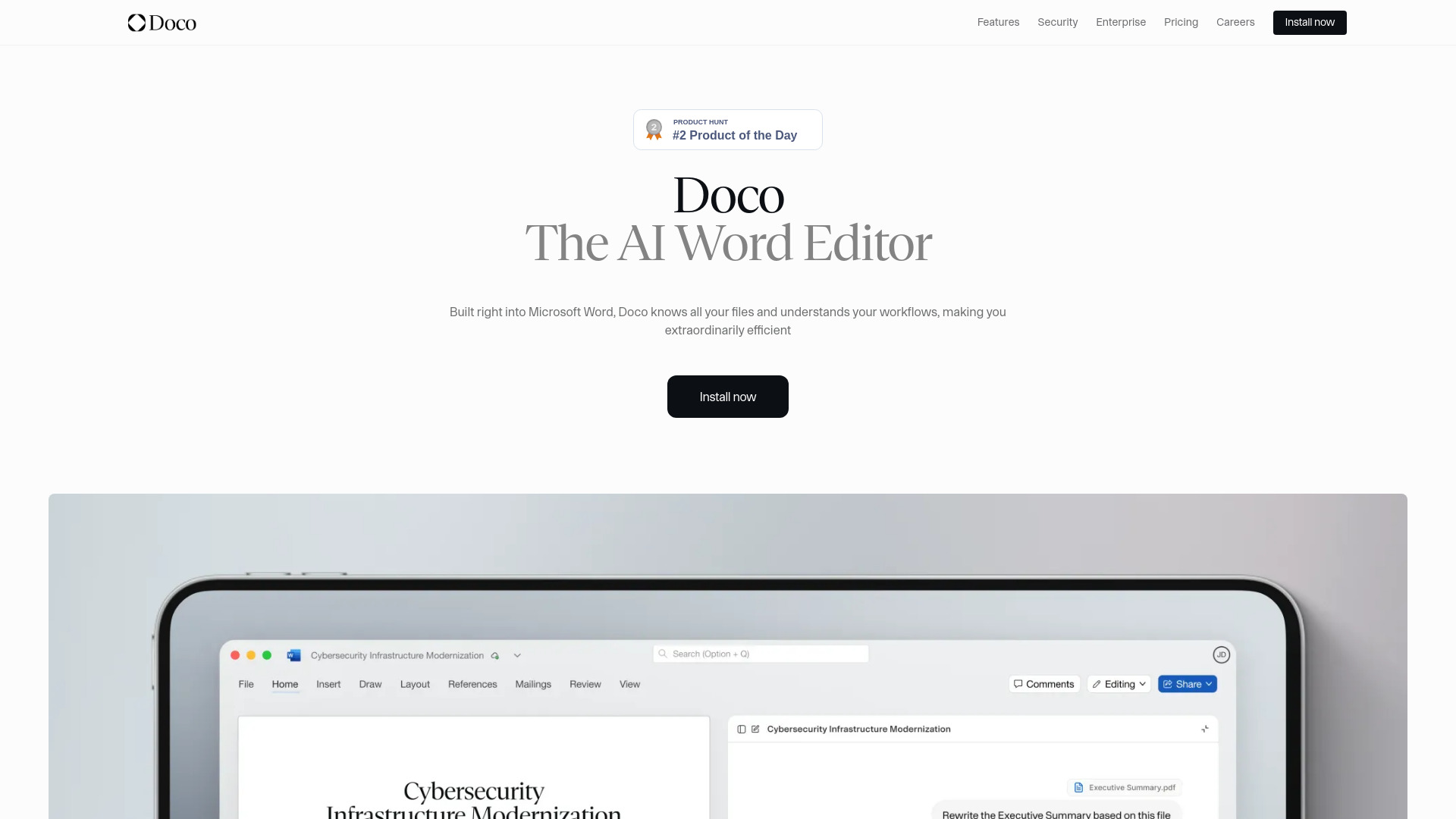
Doco is an AI writing assistant built natively into Microsoft Word. It combines the power of Grammarly, Cursor, and Co-Pilot, optimized for structured document workflows. It allows users to reference any file, create custom projects and workflows, and perform tasks without leaving Word. Doco aims to make users extraordinarily productive by automating work within Microsoft Word.
Access & connections
Where you can use Doco, and what it plugs into.
Platforms
Integrations
Capabilities
What this tool accepts, produces, and is strongest at.
Highlights
- Native integration with Microsoft Word
- Contextual understanding of all files (SharePoint, local files) with cited answers
- Natural language editing for writing and modifying documents
- Workflow personalization based on user habits
- Native Word formatting capabilities (Fonts, Styles, Tables, Bullets, Numbers)
- One-click accurate citations with auto-linking to source files
- Enterprise-grade security (SOC 2 Type II, encrypted data, no training on proprietary data, FedRAMP compliant infra)
- Seamless integrations with trusted tools
Show 1 more
- Integrated AI Assistant for delegating repetitive tasks, with GovCon expertise
FAQ 6
What is Doco?
Doco is an AI writing assistant built natively into Microsoft Word. It combines the power of Grammarly, Cursor, and Co-Pilot, optimized for structured document workflows. It allows users to reference any file, create custom projects and workflows, and perform tasks without leaving Word. Doco aims to make users extraordinarily productive by automating work within Microsoft Word.
How to use Doco?
Doco is built directly into Microsoft Word. Users can write full documents using natural language instructions, edit entire pages with simple prompts, and leverage Doco's ability to understand and personalize workflows. It can also get answers from Sharepoint or local files, format natively in Word, and provide accurate citations.
What is Doco?
Doco is an AI writing assistant built natively into Microsoft Word, designed to optimize structured document workflows and enhance productivity by combining features of Grammarly, Cursor, and Co-Pilot.
How does Doco ensure data security?
Doco provides enterprise-grade security, including SOC 2 Type II certification, data encryption (in transit and at rest), and a strict policy of never training models on your proprietary information. It also leverages FedRAMP compliant infrastructure.
Can Doco integrate with my existing company tools?
Yes, Doco offers seamless integrations to connect with your trusted tools. Its AI agents can search through your company data and take action, becoming a source of trusted knowledge within your established workflows.
Is there a free version of Doco available?
Yes, Doco offers a Free plan that includes up to 20 credits per day, workflows, projects, and AI model selection.
Related tools
Recommended



Doco
Free + from $12 USD member / month, billed annually ($30 when billed )