

Divi Form Builder ✓
Build beautiful forms without coding
Free + from $191.59/yr
Verdict
A quick read before you dig into the full page.
- Best if
- Build beautiful forms without coding
- Skip if
- Limited to Divi Builder
- Pick this when
- Form generator no coding
Considering Weavely.ai instead? Compare side by side
Overview
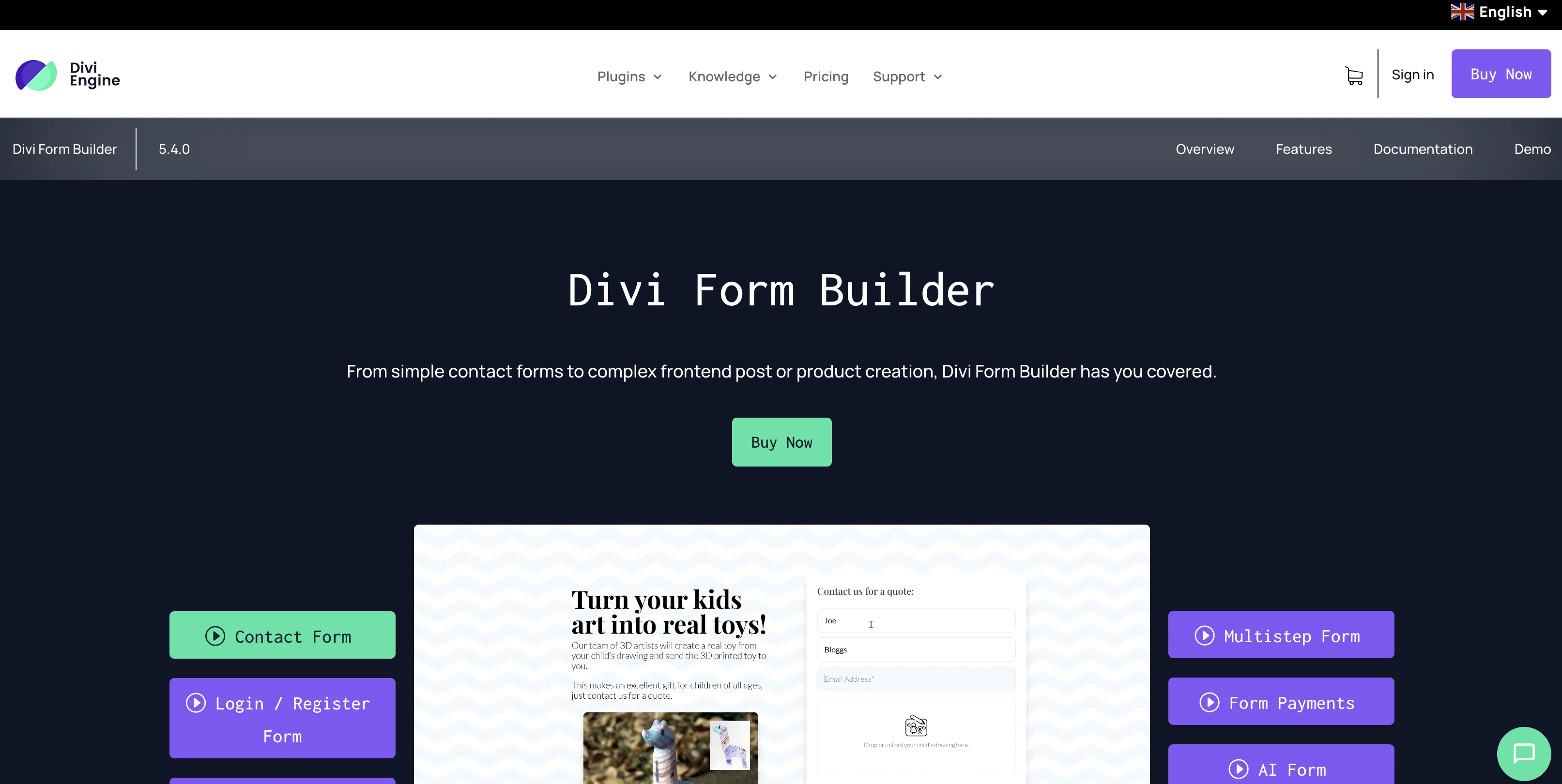
The Divi Form Builder is an AI-powered tool that allows users to create visually appealing and complex forms for their websites without the need for coding skills.
It integrates with the Divi Builder, providing a seamless user experience for Divi users.With the inclusion of OpenAI's GPT API, the Divi Form AI feature takes form building to the next level.
It goes beyond generating on-page content and offers visitors an interactive and futuristic website interaction. Users can experience the power of Divi Form AI through the five demos provided.Some notable features of Divi Form AI include the ability to integrate custom AI personas to give ChatGPT context and expertise, multiple preloader styles for a more engaging user experience, and the option to set spend limits for each form.
Users can also personalize AI prompts by including form input from visitors.In addition to the AI capabilities, the Divi Form Builder offers a range of features specifically designed for Divi users.
These include a multistep form feature, customizable contact forms, date/time picker options, file uploads, success/failed layouts, and integration with the Bloom plugin.Furthermore, the Divi Form Builder allows for frontend post creation, enabling users to create posts, custom posts, and pages directly from the frontend without logging into the WordPress admin area.
The tool also provides spam protection to ensure data security.Overall, the Divi Form Builder is a comprehensive and powerful solution for building complex forms with AI integration, while offering a user-friendly experience for Divi users.
Access & connections
Where you can use Divi Form Builder, and what it plugs into.
Platforms
Integrations
Capabilities
What this tool accepts, produces, and is strongest at.
Input
- API
- Tabular
- Text
Output
- API
- Text
Pros & cons
Pros
- Form generator no coding
- Integrates with Divi Builder
- Interactive website interaction
- Multiple preloader styles
- Spend limits for forms
- Multistep form feature
- Customizable contact forms
- Date/time picker options
Show 8 more
- File upload capability
- Success/failed layout options
- Bloom plugin integration
- Enables frontend post creation
- Spam protection feature
- Allows custom field mapping
- Automatic field mapping
- Developer friendly interface
Cons
- Limited to Divi Builder
- Complicated feature set
- Requires Bloom plugin
- Could incur additional costs
- Closed source
- Possible long-term compatibility issues
- High starting price
- No lifetime option for single site
Compare alternatives
Similar tools in the catalog — with a clear reason to open each one.



Forms.app ✓
FreemiumCreate online forms and surveys easily
Why look Typically cheaper
Full comparison
Makeforms ✓
FreemiumBuild custom forms, surveys, and quizzes effortlessly.
Why look Typically cheaper
Full comparison
Feathery ✓
FreemiumBuild high-quality forms in seconds with AI
Why look Typically cheaper
Full comparison
Formless ✓
PaidElevate data collection with AI-driven conversations
Why look Typically cheaper
Full comparisonReleases 1
Imported reviews 1
Great tool if you work with Divi.
FAQ 12
What is Divi Form Builder?
Does Divi Form Builder require any coding skills?
Does Divi Form Builder integrate with the Divi Builder?
What are notable features of Divi Form AI feature?
How does Divi Form AI utilize OpenAI's GPT API?
What are the unique aspects of Divi Form Builder's user interface?
Can Divi Form Builder be used to create posts directly from the frontend?
What is the level of spam protection provided by Divi Form Builder?
How customizable are the form inputs of Divi Form Builder?
What is the cost of Divi Form Builder?
Does Divi Form Builder offer a lifetime license?
Is there an option to integrate Divi Form Builder with third-party plugins?
Related tools
Recommended

AI Lawyer ✓
Free TrialInstant legal advice and document creation at your fingertips

Scisummary ✓
Free TrialCutting-edge scientific articles summarization.

PostPerfect ✓
FreemiumAutomated social media posts.

Stunning ✓
PaidBuild AI-powered websites in seconds

GPTinf ✓
PaidBypass AI detectors with one-click rephrasing.

Summarist ✓
FreeAI-powered book summaries in seconds