
DishGrab
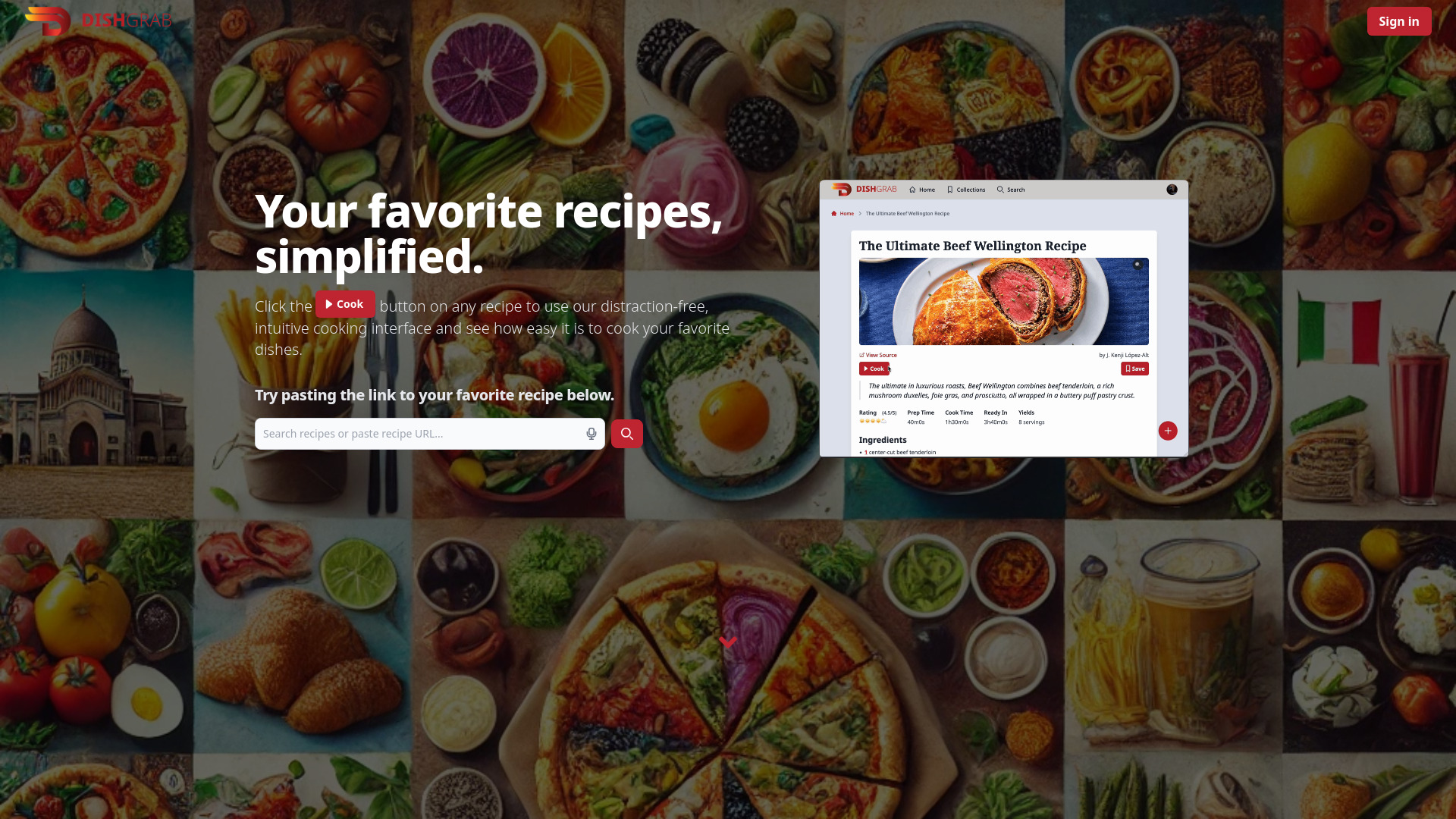
DishGrab simplifies cooking by removing distractions and streamlining recipes.
Source rating 5.0
(93)
0 views
0 saves
Unknown
Verdict
A quick read before you dig into the full page.
- Best if
- DishGrab simplifies cooking by removing distractions and streamlining recipes
- Pick this when
- DishGrab simplifies cooking by removing distractions and streamlining recipes
Overview
DishGrab simplifies cooking by providing a distraction-free interface. It helps users gather ingredients, prep efficiently, and follow easy steps to create delicious meals. The integrated AI curates the data, removing unnecessary elements like ads and pop-ups from recipes. DishGrab allows users to condense recipes to their essentials, save them for later, and enjoy an effortless cooking experience.
Access & connections
Where you can use DishGrab.
Platforms
Capabilities
What this tool accepts, produces, and is strongest at.
Highlights
- Distraction-free recipe interface
- Recipe simplification and condensation
- Recipe saving and organization
- Recipe importing from various websites
- Collection creation and sharing
FAQ 7
What is DishGrab?
DishGrab simplifies cooking by providing a distraction-free interface. It helps users gather ingredients, prep efficiently, and follow easy steps to create delicious meals. The integrated AI curates the data, removing unnecessary elements like ads and pop-ups from recipes. DishGrab allows users to condense recipes to their essentials, save them for later, and enjoy an effortless cooking experience.
How to use DishGrab?
To use DishGrab, paste the link of your favorite recipe into the search bar. DishGrab will then condense the recipe, removing distractions and presenting it in an easy-to-follow format. You can save recipes to collections and share them with friends.
Do I need to create an account?
No, you can use DishGrab without creating an account. However, you will only be able to use basic features.
How do I import a recipe?
To import a recipe, simply copy the URL of the recipe you want to import and paste it into the search bar. DishGrab will automatically import the recipe for you.
How do I create a collection?
You can create a collection while saving a recipe, or on the 'Collections' page. This is only available for users with an account.
Can I share my collections with others?
Yes, you can share your collections with others by clicking on the 'Share Collection' button on the collection page. You can then copy the link and share it with others. You can also set your collection to public if you'd like to share it with the world!
Is there a mobile app?
We don't currently have a mobile app, but if you add DishGrab to your home screen on your mobile device, it will function like an app. On Android, you can do this by clicking on the three dots in the top right corner of your browser and selecting 'Add to Home screen'. On iOS, you can do this by clicking on the share icon at the bottom of your browser and selecting 'Add to Home Screen'.
Related tools
Recommended

DishGrab