
Diagram
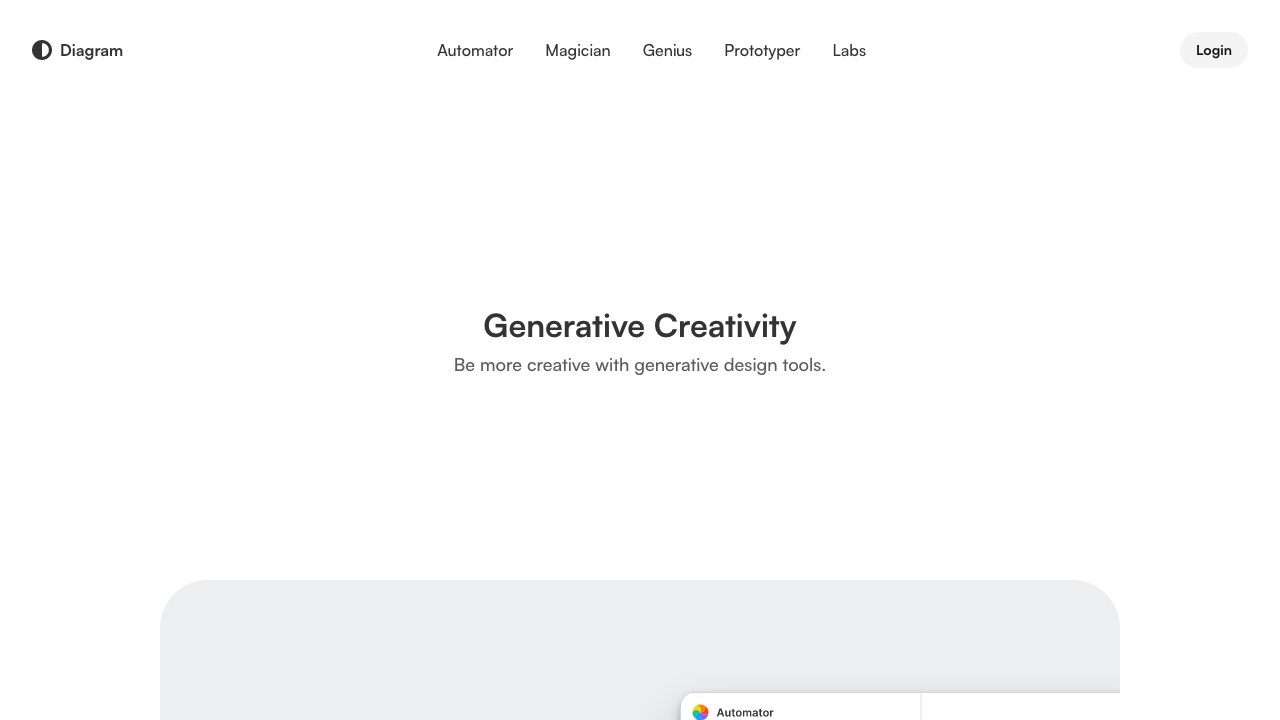
A versatile design platform for UI/UX design, prototyping, and collaboration with AI features.
Source rating 5.0
(63)
0 views
0 saves
Freemium
Free + from $12 per editor/month (billed annually)
Verdict
A quick read before you dig into the full page.
- Best if
- A versatile design platform for UI/UX design, prototyping, and collaboration with AI features
- Skip if
- You need enterprise SLAs or a fully managed team plan right away
- Pick this when
- Freemium · Free + from $12 per editor/month (billed annually)
Overview
Figma is a versatile design platform that enables users to design, prototype, and collaborate in one place. It offers tools for UI design, UX design, web design, wireframing, online whiteboarding, and presentation creation. Figma also provides AI-powered features to enhance creativity and streamline workflows, such as image generation, text rewriting, and automated layer renaming.
Access & connections
Where you can use Diagram, and what it plugs into.
Platforms
Integrations
Capabilities
What this tool accepts, produces, and is strongest at.
Highlights
- Design and prototyping
- Dev Mode for code translation
- Digital whiteboard collaboration
- AI-powered design assistance
- Presentation creation
- Vector illustration tools
- Asset production at scale
- Responsive website publishing
FAQ 7
What is Figma?
Figma is a versatile design platform that enables users to design, prototype, and collaborate in one place. It offers tools for UI design, UX design, web design, wireframing, online whiteboarding, and presentation creation. Figma also provides AI-powered features to enhance creativity and streamline workflows, such as image generation, text rewriting, and automated layer renaming.
How to use Figma?
Users can start designing and prototyping directly in the Figma Design tool, translate designs into code using Dev Mode, collaborate on digital whiteboards with FigJam, and create presentations with Figma Slides. Figma also offers AI features that can be accessed within its various products to automate tasks and enhance creativity.
Where can I find Figma’s AI features?
Figma’s AI features are integrated into various Figma products, enhancing workflows across design, prototyping, and collaboration.
Who has access to Figma’s AI features?
Access to Figma’s AI features may vary depending on the user's plan and organization.
Are Figma’s AI features free?
The availability of free AI features may vary; some features might require a paid subscription.
Where can I learn more about Figma's AI policies?
Details about Figma's AI policies can be found in their legal and privacy documentation.
What are Figma's AI features based on?
Figma's AI features are based on advanced AI models, including OpenAI’s gpt-image-1 and Gemini, to provide intelligent assistance and automation.
Related tools
Recommended


Diagram
Free + from $12 per editor/month (billed annually)