

DevCV ✓
Create a CV from your GitHub profile in 30 seconds
Free + from $1
Verdict
A quick read before you dig into the full page.
- Best if
- Create a CV from your GitHub profile in 30 seconds
- Skip if
- Logo inclusion varies by subscription
- Pick this when
- Transforms GitHub profiles into CVs
Considering Reztune instead? Compare side by side
Overview
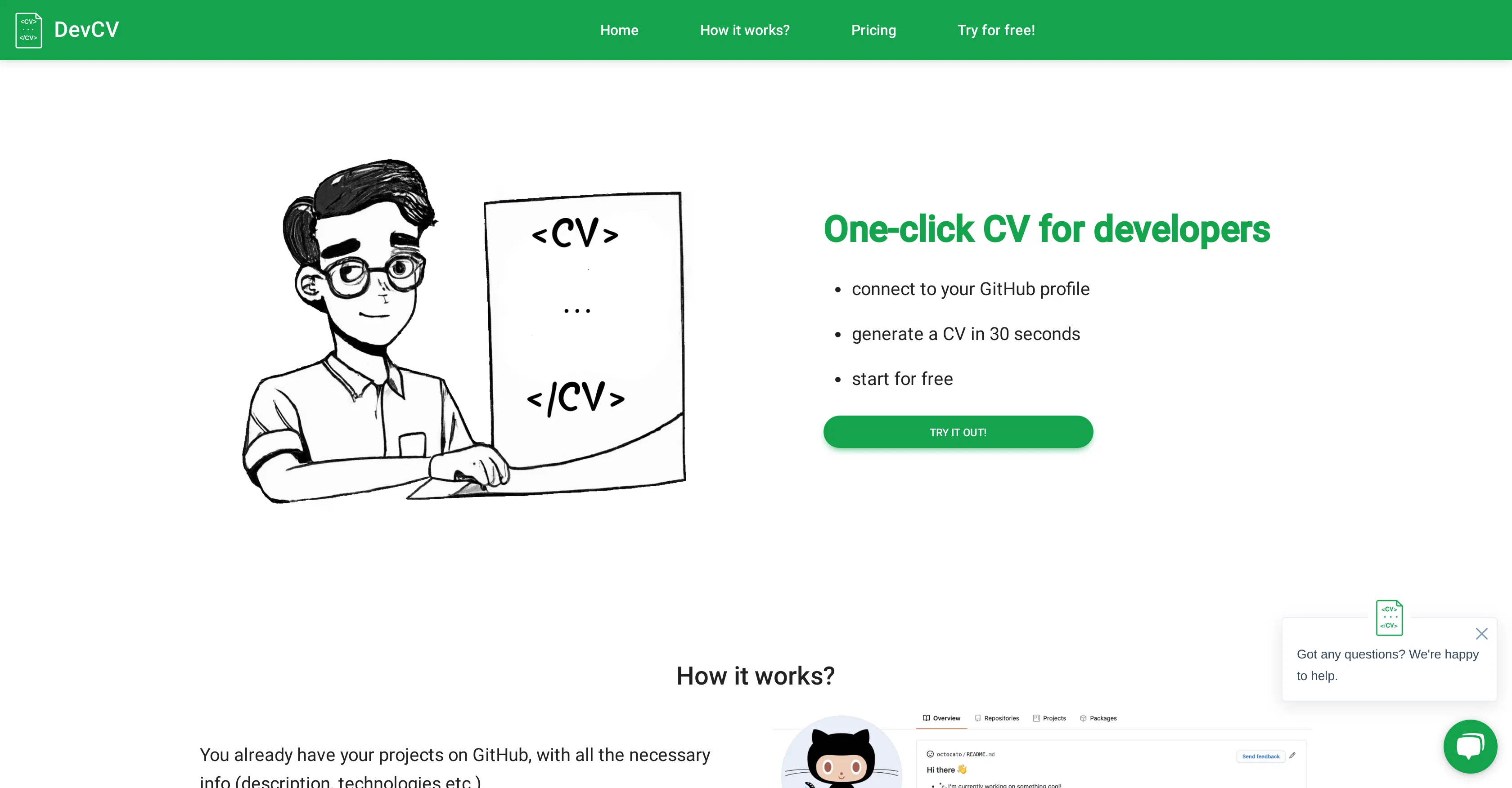
DevCV is an AI-powered tool designed to transform GitHub profiles into ready-to-use CVs. This tool is particularly useful for developers who want to share their work experience and projects in a more professional format, without the need to manually write long and creative descriptions.
Users simply connect their GitHub profile and in less than a minute, DevCV generates a comprehensive CV. This tool leverages AI technology to fetch the relevant project information from the connected GitHub profile, such as project descriptions and technologies used.
The result is a clean, nice-looking CV that can be directly forwarded to recruiters and HR professionals. DevCV offers the flexibility to update the CV as many times as required.
It also supports PDF downloads for easier sharing or printing. The generated CV can either include or exclude the DevCV logo, based on the chosen subscription.
Users dont need to go through a registration process before they can start using this tool.
Access & connections
Where you can use DevCV, and what it plugs into.
Platforms
Integrations
Capabilities
What this tool accepts, produces, and is strongest at.
Input
- API
Output
- Text
Supported features
- CV Data
Pros & cons
Pros
- Transforms GitHub profiles into CVs
- Generates CVs in seconds
- Fetches project information automatically
- No need for creative descriptions
- Directly sendable to HR professionals
- Offers unlimited CV updates
- Supports PDF downloads
- No registration required
Show 4 more
- Option to include/exclude DevCV logo
- Subscription based flexibility
- Professional formatting for CVs
- Designed specifically for developers
Cons
- Only integrates with GitHub
- Subscription based
- PDF-only download
- Inaccurate automation possible
- No registration could increase risk
- Limited customization options
- Logo inclusion varies by subscription
- Doesn't support non-coders
Show 2 more
- Pays per download
- No live preview mentioned
Compare alternatives
Similar tools in the catalog — with a clear reason to open each one.

Reztune ✓
FreemiumInstantly rewrite and format your resume for any job
Why look Higher community rating
Full comparison
PitchMeAI ✓
FreemiumLand interviews easily: Network, tailor resumes, and email recruiters in one click.
Why look Better for writing
Full comparison
1Template ✓
FreemiumCreate professional resumes instantly with AI
Free + from $14.99/mo
Full comparison


Releases 1
FAQ 12
What is DevCV?
How does DevCV generate a CV from my GitHub profile?
How long does it typically take for DevCV to generate a CV?
How is AI technology used by DevCV?
What kind of information does DevCV fetch from my GitHub profile?
Can I update my CV on DevCV multiple times?
Does DevCV support PDF downloads of the CV?
Does the generated CV include the DevCV logo?
What are the subscription options available on DevCV?
Do I need to register before I can use DevCV?
What types of projects and work history does DevCV incorporate into the CV?
How professional does the format of the CV generated by DevCV look?
Related tools
Recommended

LearningStudioAI ✓
Free TrialAI-powered authoring tool for effortless online course creation.

Agentgpt ✓
FreemiumDeploy autonomous AI Agents effortlessly in your browser.

B12 AI Website Builder ✓
FreemiumAI-powered website builder

AI Lawyer ✓
Free TrialInstant legal advice and document creation at your fingertips

Taplio ✓
FreemiumThe LinkedIn growth tool to turn content into pipeline

Aiter.io | Paste a URL. Ship a Campaign That Sounds L... ✓
FreemiumAI marketing that sounds like you, not everyone else.
