
DesignMail Pro
AI-powered tool to create stunning email templates from simple text prompts.
Source rating 5.0
(76)
0 views
0 saves
Unknown
Verdict
A quick read before you dig into the full page.
- Best if
- AI-powered tool to create stunning email templates from simple text prompts
- Pick this when
- AI-powered tool to create stunning email templates from simple text prompts
Overview
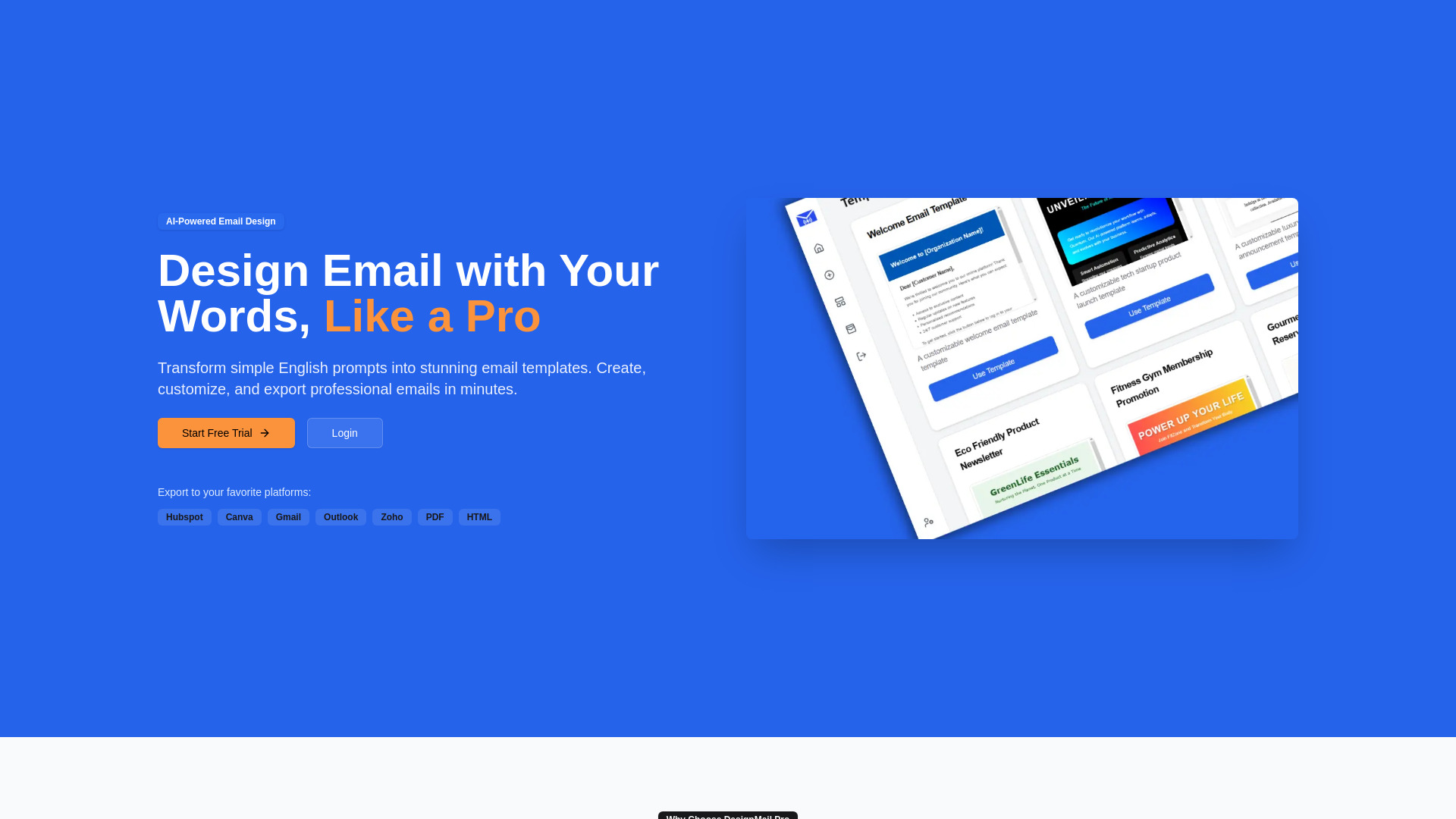
DesignMail Pro is an AI-powered email design tool that transforms simple English prompts into stunning email templates. It allows users to create, customize, and export professional emails in minutes. Users can describe the email they want, and the AI will generate a beautiful email template. It offers a drag-and-drop editor for fine-tuning, and access to a library of professional templates.
Access & connections
Where you can use DesignMail Pro, and what it plugs into.
Platforms
Capabilities
What this tool accepts, produces, and is strongest at.
Highlights
- AI-Powered Design
- Drag & Drop Editor
- 100+ Templates
- Export to various platforms (Hubspot, Canva, Gmail, Outlook, Zoho, PDF, HTML)
FAQ 5
What is DesignMail Pro?
DesignMail Pro is an AI-powered email design tool that transforms simple English prompts into stunning email templates. It allows users to create, customize, and export professional emails in minutes. Users can describe the email they want, and the AI will generate a beautiful email template. It offers a drag-and-drop editor for fine-tuning, and access to a library of professional templates.
How to use DesignMail Pro?
Describe the email template you want using natural language. The AI will generate a design based on your description. You can then export the template to your preferred platform or fine-tune it using the drag-and-drop editor.
What is DesignMail Pro?
DesignMail Pro is an AI-powered email design tool that transforms simple English prompts into stunning email templates.
How does DesignMail Pro work?
You describe the email template you want using natural language, and the AI generates a design based on your description. You can then export the template or fine-tune it using the drag-and-drop editor.
What platforms can I export my email templates to?
You can export to Hubspot, Canva, Gmail, Outlook, Zoho, PDF, and HTML.
Related tools
Recommended



DesignMail Pro