Verdict

A quick read before you dig into the full page.

Best if
You are e-commerce businesses and need: Creating professional product photos for e-commerce
Skip if
You need a free plan with no credit card
Pick this when
Paid · $39 / month

Overview

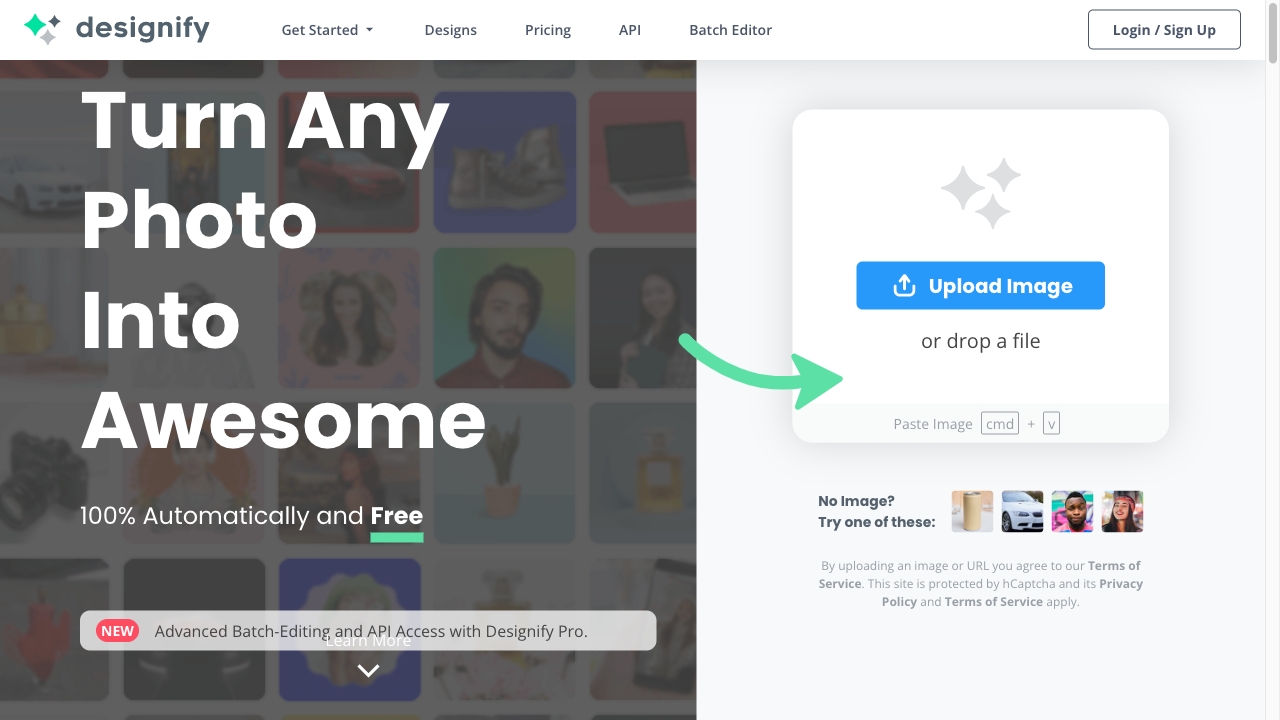
Designify is an AI-powered tool that automatically turns any photo into awesome designs. It offers solutions for e-commerce, car dealerships, and various workflows like batch editing and API integration. Features include 3D shadows, background removal, auto enhance, and fix pixelation. It allows users to upload an image and automatically create designs by removing backgrounds, enhancing colors, and adjusting smart shadows. Users can save, download, or share their designs.

Designify screenshot

Best for

Short scenarios where Designify tends to shine.

  • Creating professional product photos for e-commerce

    Best for E-commerce businesses

  • Boosting car sales with enhanced car photos

    Best for Car dealerships

  • Launching engaging marketing campaigns with unique visuals

    Best for Marketing professionals

  • Automating image editing workflows

    Best for Graphic designers

Example outputs 1

Sample generations and before/after results for Designify.

Access & connections

Where you can use Designify.

API

Public API available

Browse other tools with an API

Capabilities

What this tool accepts, produces, and is strongest at.

Highlights

  • Automatic background removal
  • AI-powered color enhancement
  • Smart shadow adjustment
  • Batch editing
  • API access
  • 3D Shadows
  • Fix Pixelation

People also view

Tools that often show up alongside Designify in collections and comparisons.

FAQ 10

What is Designify?
Designify is an AI-powered tool that automatically turns any photo into awesome designs. It offers solutions for e-commerce, car dealerships, and various workflows like batch editing and API integration. Features include 3D shadows, background removal, auto enhance, and fix pixelation. It allows users to upload an image and automatically create designs by removing backgrounds, enhancing colors, and adjusting smart shadows. Users can save, download, or share their designs.
How to use Designify?
Upload an image to Designify, and the AI will automatically remove the background, enhance colors, and adjust shadows to create multiple design options. Choose your favorite design, edit it further if needed, and then save, download, or share it.
Can Designify be used for free?
Yes, you can use Designify for free. Get Designify Pro for high-resolution images (1440x1440), API access, and more.
Which image formats are supported?
You can upload any JPG or PNG image of up to 12MB. The download resolution for free users is 600x600px, while Pro users can download designs with a high resolution of 1440x1440px.
Are my images safe and secure?
Yes. Your images are uploaded through a secure connection and only stored for your design usage. Designify never shares or uses your images for anything else without your consent.
Is Designify GDPR compliant?
Yes, Designify has introduced tools and processes and is committed to complying with the GDPR, as well as other laws about data privacy and security in various locations. To learn more about our GDPR compliance, please read our Privacy Policy.
How can I use the API?
You can use the Designify API to integrate automatic design editing directly into your website, app, or workflow. The API is an HTTP interface with various options, and you can check out the complete API documentation here.
How many designs can I process through the API?
With Designify Pro, you can process up to 1,000 images per month. (Need more than 1,000 images per month? Set your own limit for $39 per 1,000 images)
How do I get notified about new features?
Sign up for a free account and tick the box to let us know you would like to get notified about new features and special offers.
How can I contact you for any feedback, ideas, suggestions?
We would love to hear from you! You can always reach us at [email protected]
Designify $39 / month
