Video editing

DeepLiveCam

Open-source AI tool for real-time face swaps and avatar creation for VTubers and streamers.

Source rating 5.0 (62) 1k views 1k/mo traffic 0 saves Paid
More categories (8)

Verdict

A quick read before you dig into the full page.

Best if
You are vTubers and need: Streaming: Morph your face into any person for engaging content
Skip if
You need a free plan with no credit card
Pick this when
Open-source AI tool for real-time face swaps and avatar creation for VTubers and streamers

Overview

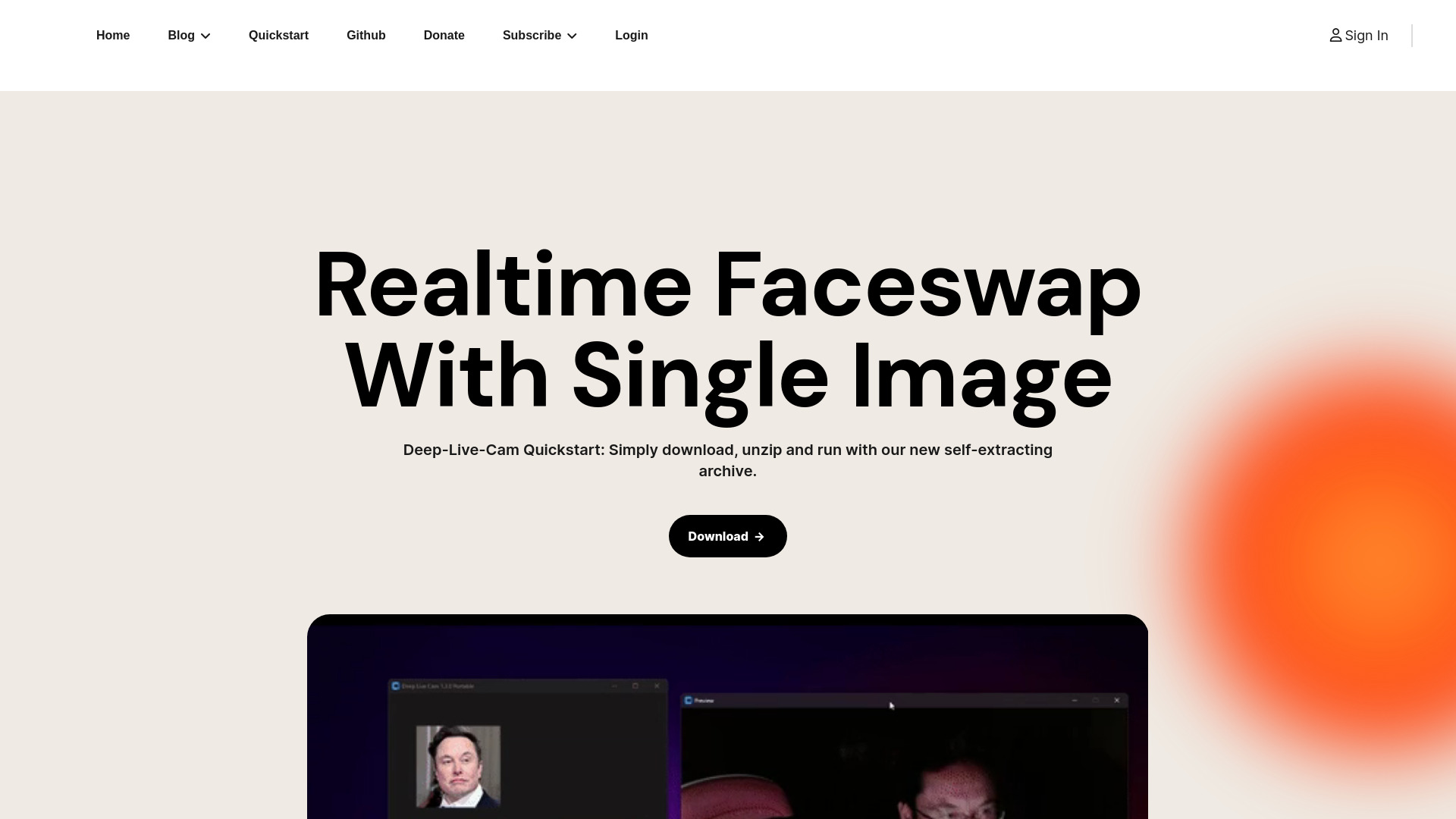
DeepLiveCam is an open-source, privacy-first AI tool designed for VTubers, creators, and streamers. It offers real-time face swaps and avatar creation without requiring coding knowledge. The application allows users to morph their face into any person in real-time for streaming, live shows, and video face swaps. It works offline, doesn't collect data, and is fully local, ensuring privacy and uninterrupted use.

DeepLiveCam screenshot

Best for

Short scenarios where DeepLiveCam tends to shine.

  • Streaming: Morph your face into any person for engaging content.

    Best for VTubers

  • Live Shows: Host live events with any face without needing a technician.

    Best for Streamers

Example outputs 1

Sample generations and before/after results for DeepLiveCam.

Access & connections

Where you can use DeepLiveCam.

Platforms

Web

Capabilities

What this tool accepts, produces, and is strongest at.

Highlights

  • Real-time face swaps
  • Avatar creation
  • Face Enhancer (AI-powered Upscaler)
  • Face Mapping (multiple subjects simultaneously)
  • Mouth Mask (realistic lipsyncing)
  • Video Faceswaps

People also view

Tools that often show up alongside DeepLiveCam in collections and comparisons.

FAQ 7

What is DeepLiveCam?
DeepLiveCam is an open-source, privacy-first AI tool designed for VTubers, creators, and streamers. It offers real-time face swaps and avatar creation without requiring coding knowledge. The application allows users to morph their face into any person in real-time for streaming, live shows, and video face swaps. It works offline, doesn't collect data, and is fully local, ensuring privacy and uninterrupted use.
How to use DeepLiveCam?
Download, unzip, and run the Deep-Live-Cam application. Set up your OBS (Open Broadcaster Software) for streaming. Input your desired faces and source, start capturing, and use the output to broadcast to your audience.
What are the hardware requirements for DeepLiveCam?
For NVIDIA GPU users, a 3060 or higher GPU (recommended 6GB or higher VRAM) and Windows 10 or higher are required. CUDA 11.8 must be installed before subscribing. For AMD GPU users, a 6GB VRAM or higher is recommended, along with Windows 10 or higher.
Is DeepLiveCam free to use?
DeepLiveCam is open-source, but certain features or optimized versions may require a subscription.
Does DeepLiveCam collect any user data?
No, DeepLiveCam works offline and does not collect any data or facial information.
What can I use DeepLiveCam for?
You can use DeepLiveCam for streaming, hosting live events, creating video face swaps, and more.
What is Face Enhancer?
Face Enhancer is an AI-powered upscaler that enhances the quality of faceswaps.
DeepLiveCam