
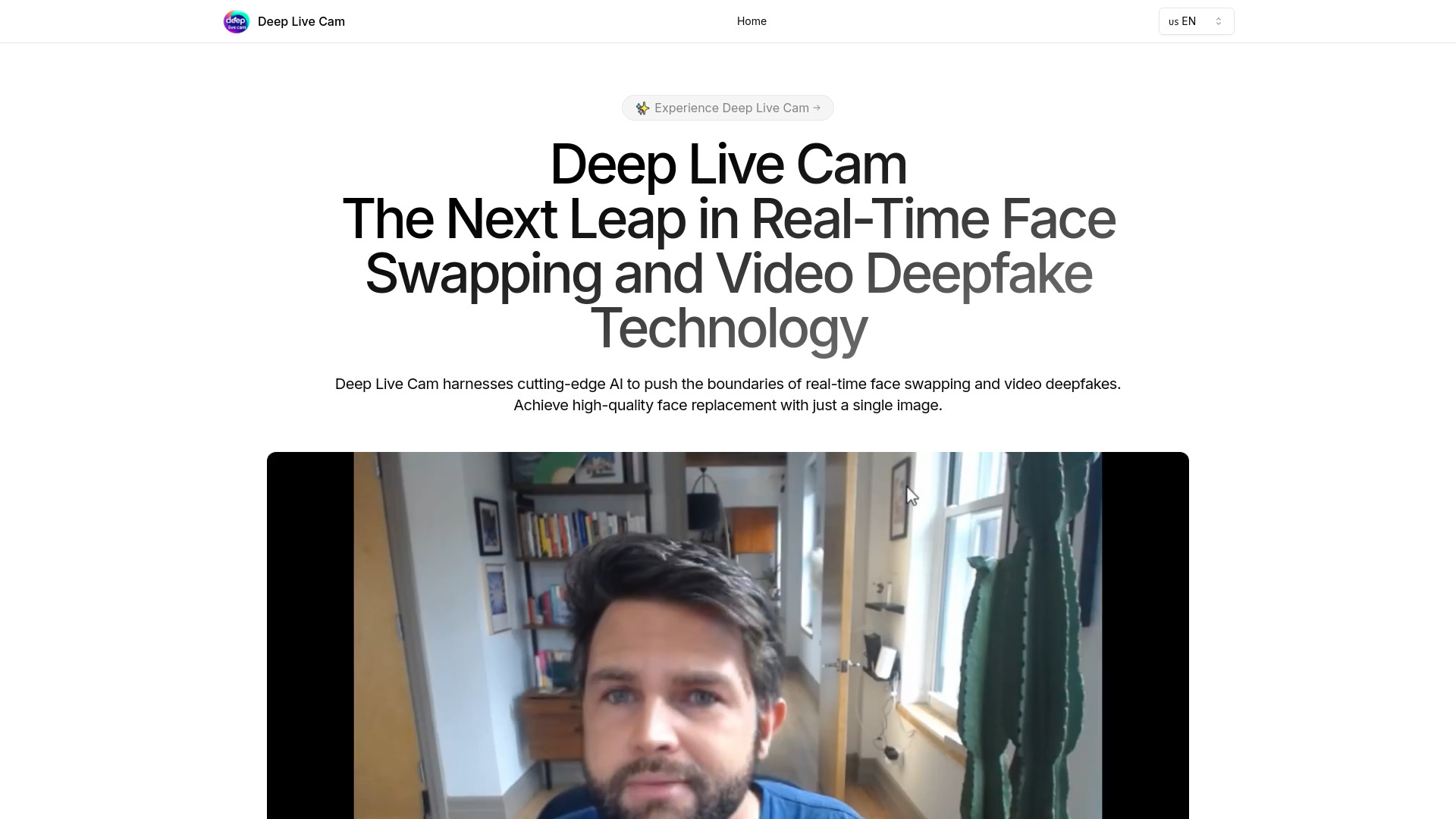
Deep Live Cam
Real-time face swapping and one-click video deepfake tool using AI.
Verdict
A quick read before you dig into the full page.
- Best if
- You are video producers and need: Real-time face swapping in video conferences
- Pick this when
- Real-time face swapping and one-click video deepfake tool using AI
Overview
Deep Live Cam is a cutting-edge AI tool that enables real-time face replacement in videos or images using just a single photo. It is designed for video production, animation, and creating deepfake videos with a single click. The tool supports multiple platforms, including CPU, NVIDIA CUDA, and Apple Silicon, and incorporates ethical use safeguards to prevent misuse.
Best for
Short scenarios where Deep Live Cam tends to shine.
-
Real-time face swapping in video conferences
Best for Video producers
-
Creating deepfake videos for entertainment
Best for Animators
-
Face replacement in animation projects
Best for Content creators
-
Live streaming with a different face
Best for Live streamers
Example outputs 1
Sample generations and before/after results for Deep Live Cam.
Access & connections
Where you can use Deep Live Cam.
Platforms
Capabilities
What this tool accepts, produces, and is strongest at.
Highlights
- Real-time face swapping
- One-click video deepfakes
- Multi-platform support
- Ethical use safeguards
- Optimized performance
People also view
Tools that often show up alongside Deep Live Cam in collections and comparisons.

Vidmage ✓
FreeSwap faces in your photos, videos, and GIFs in seconds with AI detection. Enjoy simultaneous swapping of mult…

Qoder ✓
FreemiumAgentic Coding Platform for Real Software

Nextbrowser ✓
FreemiumAI Browser Agent that automates professional tasks through chat.
In the news
Launch coverage and community mentions for Deep Live Cam.