
DecodeBills
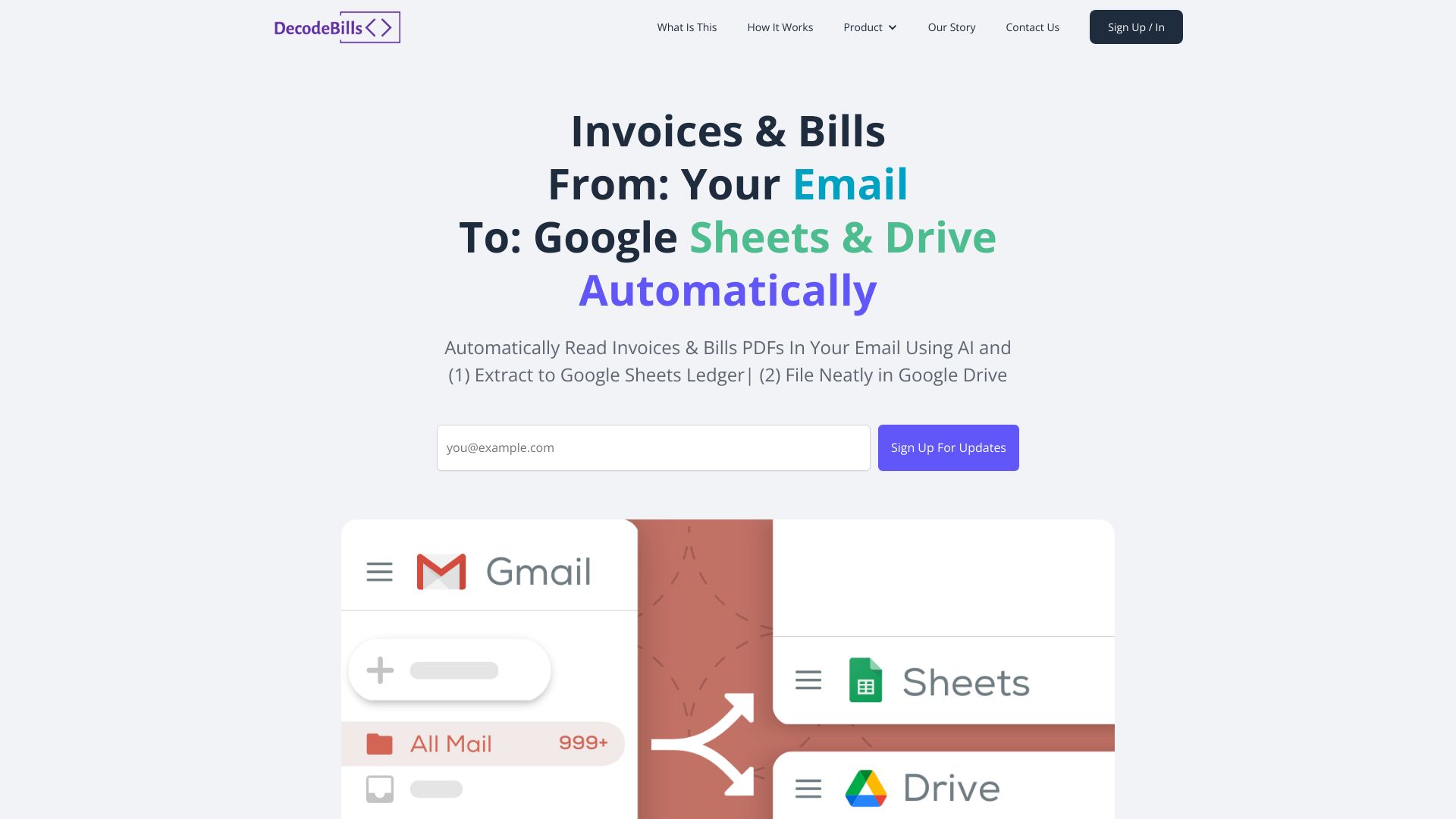
Automates invoice management by saving to Google Drive and extracting data to Google Sheets.
Source rating 5.0
(63)
0 views
0 saves
Paid
$9 per mo
Verdict
A quick read before you dig into the full page.
- Best if
- Automates invoice management by saving to Google Drive and extracting data to Google Sheets
- Skip if
- You need a free plan with no credit card
- Pick this when
- Paid · $9 per mo
Overview
DecodeBills simplifies invoice management by automatically saving email invoices to Google Drive, extracting key details with AI, and adding them to a Google Sheets ledger. It eliminates manual data entry and tedious file management, offering a more efficient way to track expenses.
Access & connections
Where you can use DecodeBills, and what it plugs into.
Platforms
Integrations
Capabilities
What this tool accepts, produces, and is strongest at.
Highlights
- Automatic invoice saving to Google Drive
- AI-powered data extraction from invoices
- Google Sheets ledger creation with invoice summaries
- Handles non-attachment HTML invoices
FAQ 6
What is DecodeBills?
DecodeBills simplifies invoice management by automatically saving email invoices to Google Drive, extracting key details with AI, and adding them to a Google Sheets ledger. It eliminates manual data entry and tedious file management, offering a more efficient way to track expenses.
How to use DecodeBills?
Forward your invoice/bill email to your DecodeBills email address. DecodeBills will automatically save the attachment to Google Drive and extract key invoice details to a Google Sheets ledger.
How does DecodeBills work?
You forward your invoice/bill emails to a unique DecodeBills email address. The service then saves the attachments to Google Drive, extracts data from the PDF attachments, and fills in an invoice/bill summary Google Sheet using the extracted data.
What types of invoices does DecodeBills handle?
DecodeBills handles PDF attachments, multiple attachments, and HTML invoices within emails.
What happens if the AI is not certain about a value?
When the AI is not 99% certain about a value, it will be highlighted as red text in your summary Google Sheets, allowing for easy manual double-checking.
Can I integrate DecodeBills with Xero or Quickbooks?
Yes, integration with Xero and Quickbooks is a coming soon feature. You will be able to download Excel files that you can simply import into Xero or Quickbooks.
Related tools
Recommended


DecodeBills
$9 per mo