traductor

Ddict

AI-powered translation and writing assistant for websites and documents.

Source rating 5.0 (96) 41k views 41k/mo traffic 0 saves Freemium
More categories (7)

Free + from $0.99 (first month), then $3.99

Verdict

A quick read before you dig into the full page.

Best if
You are students and need: Translating sentences and looking up words on websites
Skip if
You need enterprise SLAs or a fully managed team plan right away
Pick this when
Freemium · Free + from $0.99 (first month), then $3.99

Overview

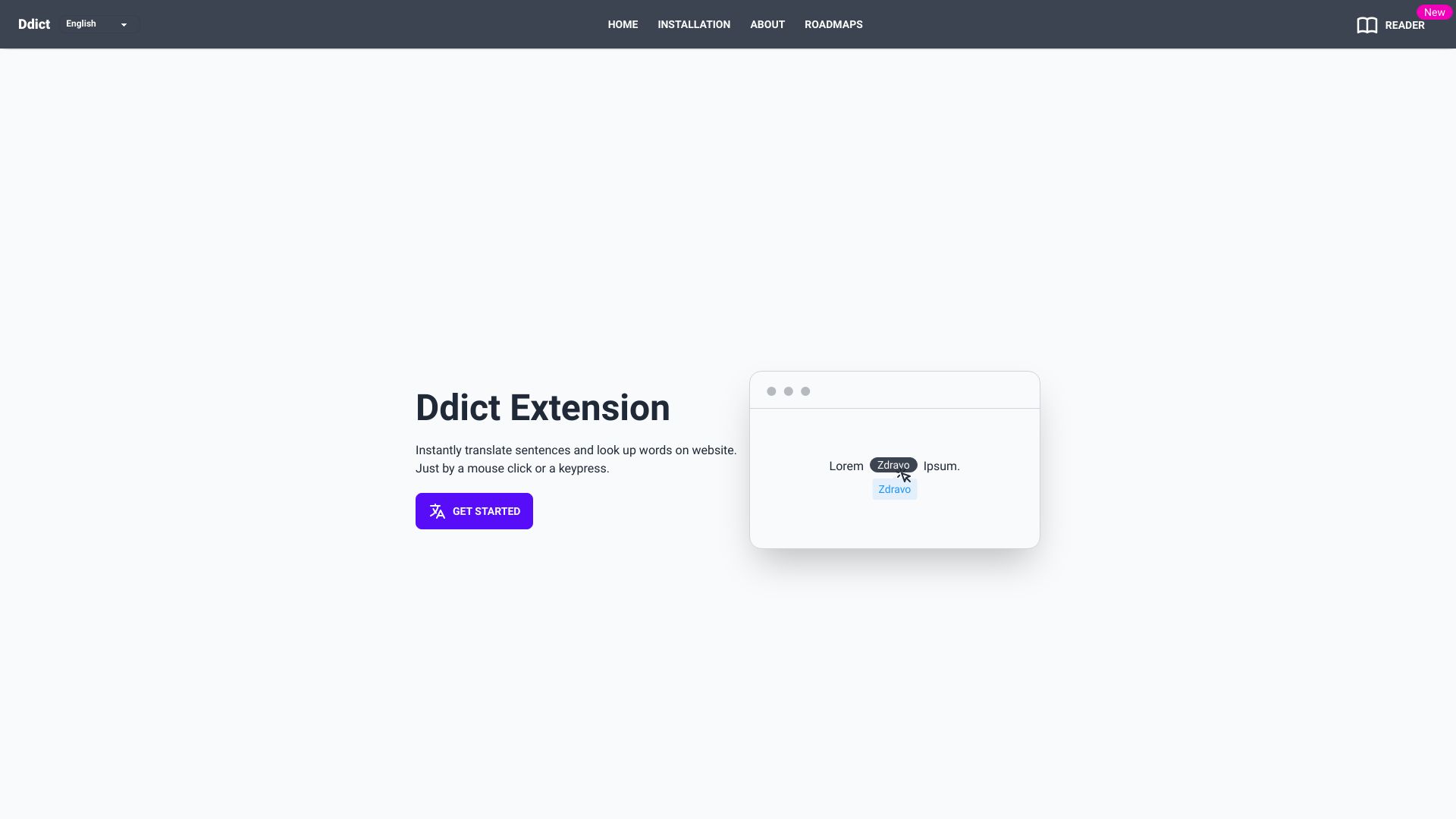
Ddict is an AI Translation & Writing Assistant that helps users effortlessly translate sentences and look up words on any website for free. It allows users to select text and translate it directly within their browser with just a click or keypress. Ddict offers AI-powered translation and summarization, writing improvement tools, and grammar and spelling checks. It supports multiple browsers and offers a reader for translating documents.

Ddict screenshot

Best for

Short scenarios where Ddict tends to shine.

  • Translating sentences and looking up words on websites

    Best for Students

  • Summarizing lengthy articles or documents

    Best for Researchers

  • Improving writing clarity and impact

    Best for Language learners

  • Checking grammar and spelling

    Best for Professionals who work with multilingual content

  • Translating PDF, docx, and epub documents

    Best for Writers

Example outputs 1

Sample generations and before/after results for Ddict.

Access & connections

Where you can use Ddict.

Platforms

Web

Capabilities

What this tool accepts, produces, and is strongest at.

Highlights

  • AI Translation
  • AI Summarization
  • Writing Improvement
  • Grammar & Spelling Check
  • Document Translation (Reader)
  • Website Translation

People also view

Tools that often show up alongside Ddict in collections and comparisons.

FAQ 6

What is Ddict?
Ddict is an AI Translation & Writing Assistant that helps users effortlessly translate sentences and look up words on any website for free. It allows users to select text and translate it directly within their browser with just a click or keypress. Ddict offers AI-powered translation and summarization, writing improvement tools, and grammar and spelling checks. It supports multiple browsers and offers a reader for translating documents.
How to use Ddict?
Install the Ddict extension from your browser's app store. Select the text you want to translate or look up, click the Ddict icon, and view the translation results, access the dictionary, listen to pronunciations, use text-to-speech (TTS), or save the selected text.
How can I cancel my subscription?
You can cancel your subscription at any time by visiting your account page and visiting our customer portal. The process is straightforward and ensures you can manage your subscription easily.
Is there a free trial?
We do not offer a free trial because we have a free plan available, which is free forever. This plan allows you to explore our basic features without any time limitations.
Why Don’t I See the AI Features?
The Ddict AI Translate feature may not appear for dictionary entries and AI Summary appears only for longer texts.
Is it real unlimited?
Yes, you can use our services as often as you like. However, for Premium users, we have rate limits in place to prevent abuse. If you need higher usage, consider the Business plan. Additionally, each request is limited to 5,000 characters. This limit helps ensure better understanding and learning by breaking down larger texts, as Ddict is not intended for full document translation.
Ddict Free + from $0.99 (first month), then $3.99