
DataLang
Platform to create custom chatbots from various data sources using AI.
Source rating 5.0
(80)
912 views
912/mo traffic
0 saves
Freemium
Free + from $19 usd / month
Verdict
A quick read before you dig into the full page.
- Best if
- Platform to create custom chatbots from various data sources using AI
- Skip if
- You need enterprise SLAs or a fully managed team plan right away
- Pick this when
- Freemium · Free + from $19 usd / month
Overview
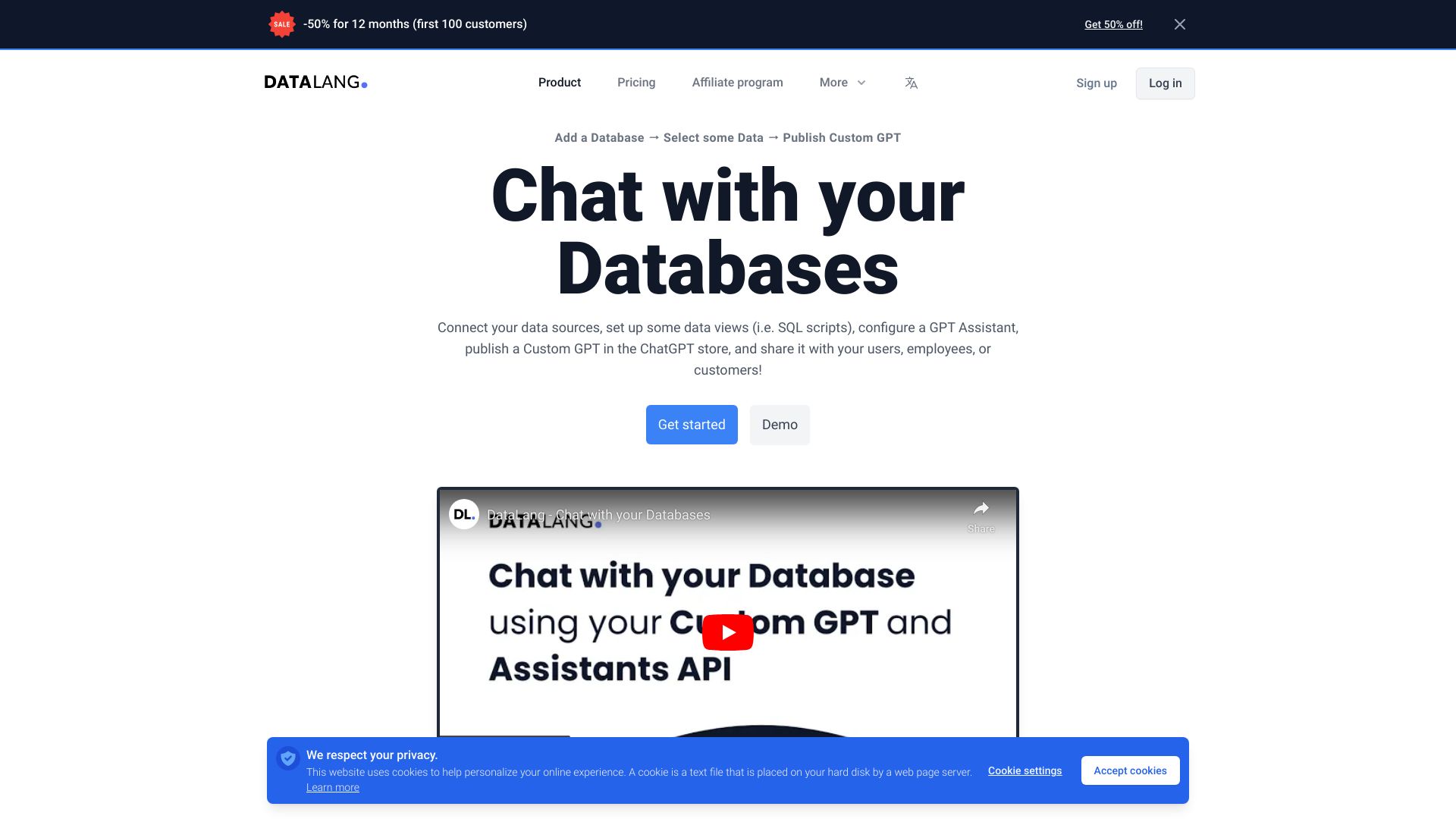
DataLang is a platform that allows users to connect their data sources, set up data views with SQL, configure a GPT Assistant, create a Custom ChatGPT, and share it with their users, employees, or customers. It enables the creation of custom chatbots from various data sources like Postgres, Websites, Google Sheets, Notion, Files, Text, and HTML.
Access & connections
Where you can use DataLang, and what it plugs into.
Platforms
Integrations
Capabilities
What this tool accepts, produces, and is strongest at.
Highlights
- Connect multiple data sources (SQL, Files, HTML, Notion, Google Sheets...)
- Configure chatbot
- Share chatbot via public URL, website embed, or GPT Store
- Natural Language Processing
- AI-Powered Insights
- Data Analysis
- Interactive Querying
- Intuitive Data Exploration
FAQ 5
What is DataLang?
DataLang is a platform that allows users to connect their data sources, set up data views with SQL, configure a GPT Assistant, create a Custom ChatGPT, and share it with their users, employees, or customers. It enables the creation of custom chatbots from various data sources like Postgres, Websites, Google Sheets, Notion, Files, Text, and HTML.
How to use DataLang?
Connect data sources, add data views, train GPT with selected data sources, and share the chatbot via public URL, embed it on a website, or publish to the GPT Store.
What data sources can I use to create a chatbot?
You can create chatbots from Postgres, Websites, Google Sheets, Notion, Files, Text, HTML, and more.
How can I share my chatbot?
You can share your chatbot with a public URL, embed it on your website, publish it to the GPT Store, or ask questions via API.
What are the steps to create a chatbot?
1. Set up your Data Source. 2. Add a Data View. 3. Chat with your data. 4. Share it!
Related tools
Recommended


DataLang
Free + from $19 usd / month