
DataGIF.io
AI-powered animated chart generator for social media, websites, and presentations.
Source rating 5.0
(58)
0 views
0 saves
Unknown
Verdict
A quick read before you dig into the full page.
- Best if
- AI-powered animated chart generator for social media, websites, and presentations
- Pick this when
- AI-powered animated chart generator for social media, websites, and presentations
Overview
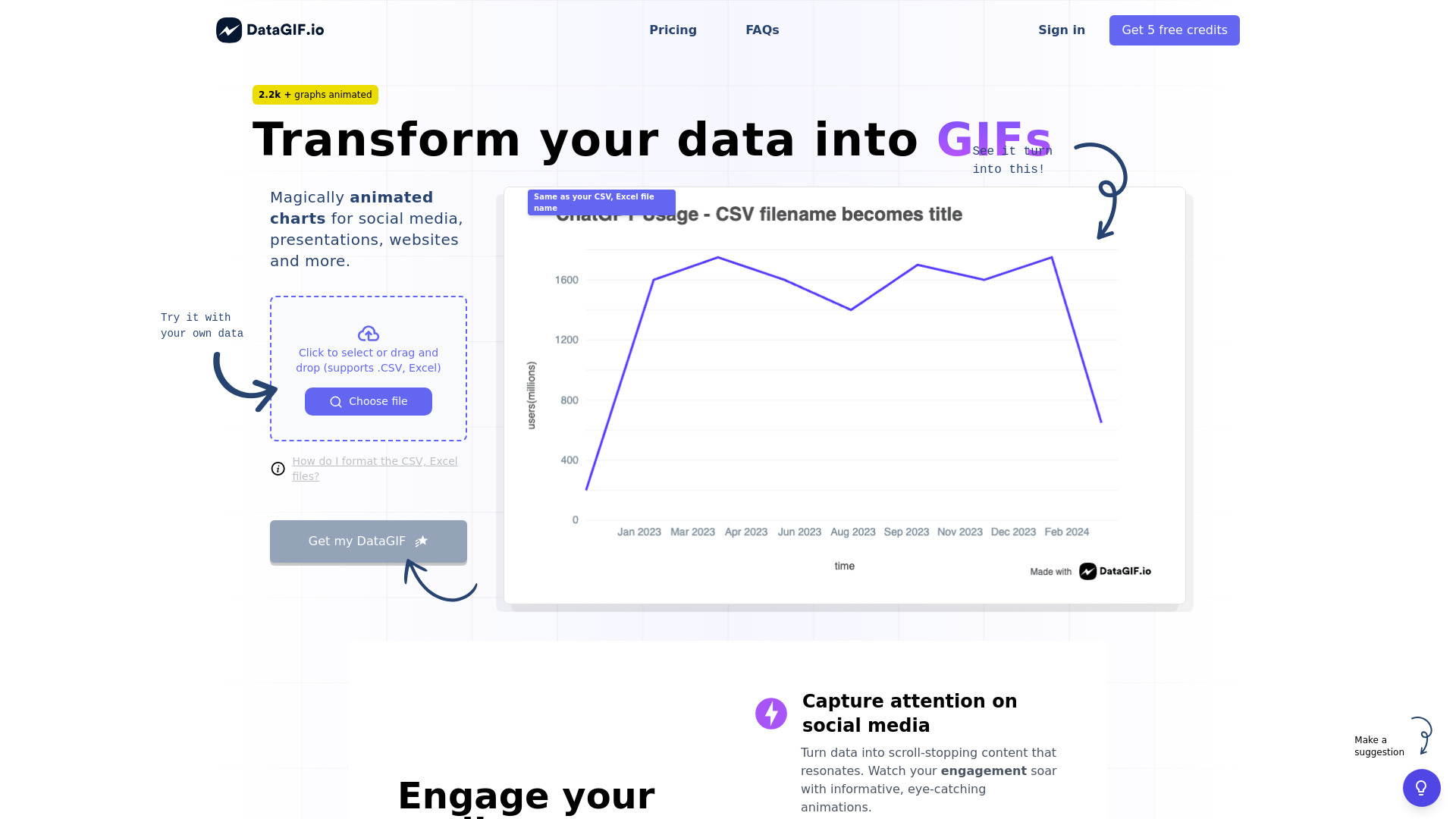
DataGIF is an AI-powered animated chart generator that allows users to create animated graphs for social media, websites, and presentations. It transforms data from CSV or Excel files into engaging GIFs, making complex data accessible and memorable. The platform offers customization options, seamless data import, and flexible sharing capabilities, requiring no design skills.
Access & connections
Where you can use DataGIF.io, and what it plugs into.
Platforms
Integrations
Capabilities
What this tool accepts, produces, and is strongest at.
Highlights
- AI-powered animated chart generation
- CSV and Excel data import
- Customization options (colors, chart type, animation speed, gradient background)
- Direct URL sharing
- Adjustable animation duration
- High-resolution output
FAQ 6
What is DataGIF?
DataGIF is an AI-powered animated chart generator that allows users to create animated graphs for social media, websites, and presentations. It transforms data from CSV or Excel files into engaging GIFs, making complex data accessible and memorable. The platform offers customization options, seamless data import, and flexible sharing capabilities, requiring no design skills.
How to use DataGIF?
Users upload a CSV or Excel file, customize the chart's appearance (colors, chart type, animation speed, gradient background), and then generate an animated GIF. The filename of the data file becomes the chart title.
How do I format the CSV, Excel files?
Your CSV, Excel should have two columns: one for X (dates, numbers, strings), and another for Y (numbers or strings). The first row should contain column headers.
What can I customise?
You can customize colors, chart type, animation speed, gradient background. Detailed options are available in the chart editor.
Where can I use DataGIFs?
DataGIFs can be used on social media platforms, in presentations, embedded in websites, or anywhere you can share animated images.
How do credits work?
Each DataGIF creation uses one credit. Credits are purchased separately.
Related tools
Recommended


DataGIF.io