
Cua
macOS & Linux containers for AI agents on Apple Silicon with near-native performance.
Source rating 5.0
(77)
0 views
0 saves
Unknown
Verdict
A quick read before you dig into the full page.
- Best if
- macOS & Linux containers for AI agents on Apple Silicon with near-native performance
- Pick this when
- macOS & Linux containers for AI agents on Apple Silicon with near-native performance
Overview
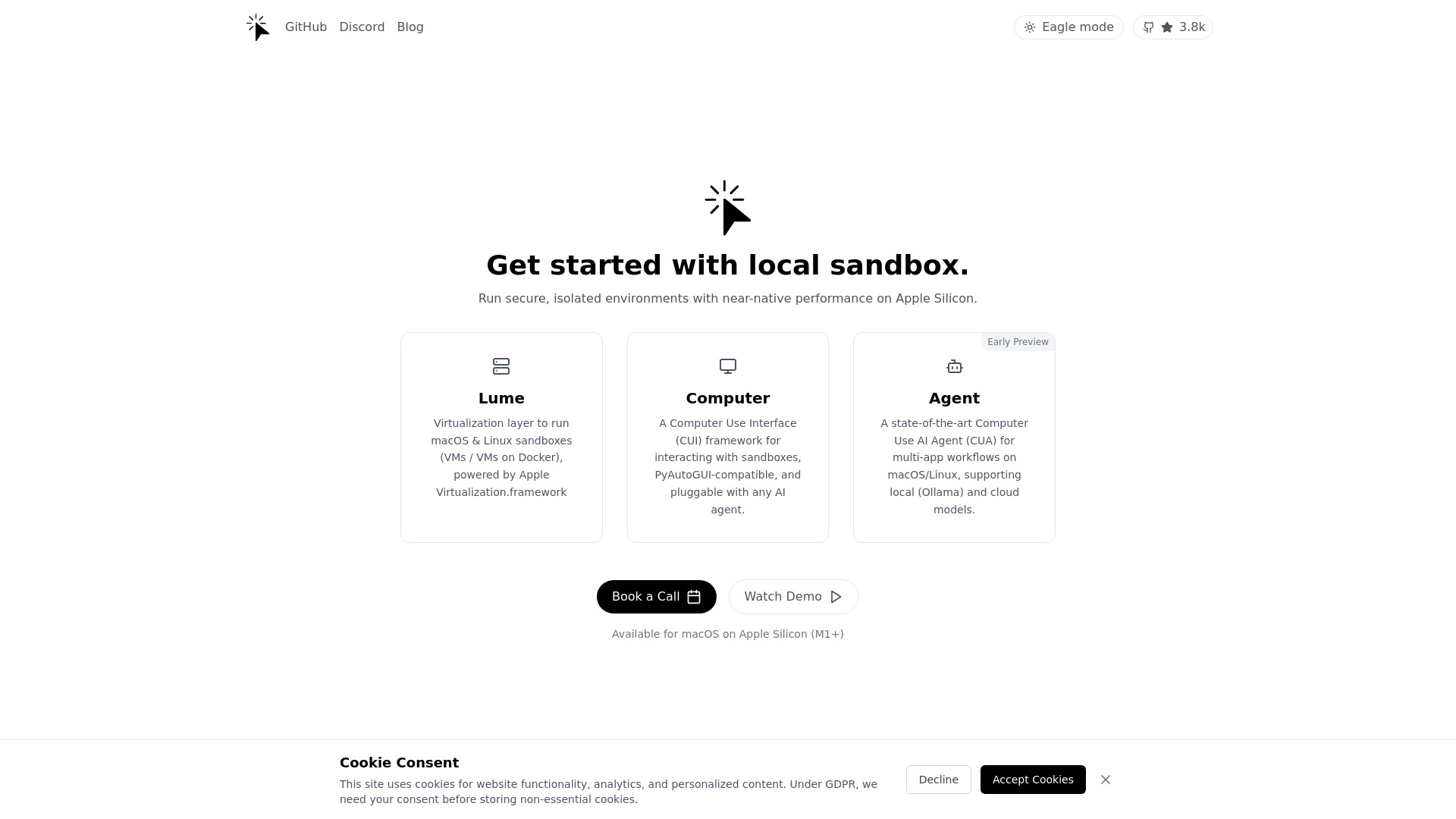
c/ua provides macOS & Linux Containers for Computer-Use AI Agents on Apple Silicon. It features Lume, a virtualization layer to run macOS & Linux VMs on containers with near-native performance on Apple Silicon, powered by Apple's Virtualization Framework. It offers a Computer Use Interface (CUI) for automated interaction with c/ua containers, PyAutoGUI-compatible, and a Computer-Use AI Agent (CUA) framework for running agentic RPA workflows on macOS/Linux, supporting any Vision Language Models (cloud or local).
Access & connections
Where you can use Cua, and what it plugs into.
Platforms
macOS
Capabilities
What this tool accepts, produces, and is strongest at.
Highlights
- macOS & Linux containers on Apple Silicon
- Near-native performance with Lume virtualization
- Computer Use Interface (CUI) for automation
- Computer-Use AI Agent (CUA) framework for RPA workflows
- Multi-provider AI control
- Cross-platform workflows
- Docker-powered macOS virtual machines
- MCP Server for running Agent from Cursor, Claude Desktop, and other MCP clients.
FAQ 6
What is c/ua?
c/ua provides macOS & Linux Containers for Computer-Use AI Agents on Apple Silicon. It features Lume, a virtualization layer to run macOS & Linux VMs on containers with near-native performance on Apple Silicon, powered by Apple's Virtualization Framework. It offers a Computer Use Interface (CUI) for automated interaction with c/ua containers, PyAutoGUI-compatible, and a Computer-Use AI Agent (CUA) framework for running agentic RPA workflows on macOS/Linux, supporting any Vision Language Models (cloud or local).
How to use c/ua?
Get started with c/ua by running Docker containers for Computer-Use AI Agents. You can also book a demo or watch demos to understand the platform's capabilities. The platform offers a virtualization layer (Lume), a Computer Use Interface (CUI), and a Computer-Use AI Agent (CUA) framework. Use the SDK or Gradio UI for simple integration.
What is Lume?
Lume is a virtualization layer that allows you to run macOS & Linux VMs on containers with near-native performance on Apple Silicon, powered by Apple's Virtualization Framework.
What is CUI?
CUI stands for Computer Use Interface. It's for automated interaction with c/ua containers and is PyAutoGUI-compatible, allowing you to program mouse, keyboard, and screen actions.
What is CUA?
CUA stands for Computer-Use AI Agent. It's a framework for running agentic RPA workflows on macOS/Linux, supporting any Vision Language Models (cloud or local).
How can I integrate c/ua into my workflow?
You can integrate c/ua using the SDK or Gradio UI for simple setup.
Related tools
Recommended


Cua