
Ctrly
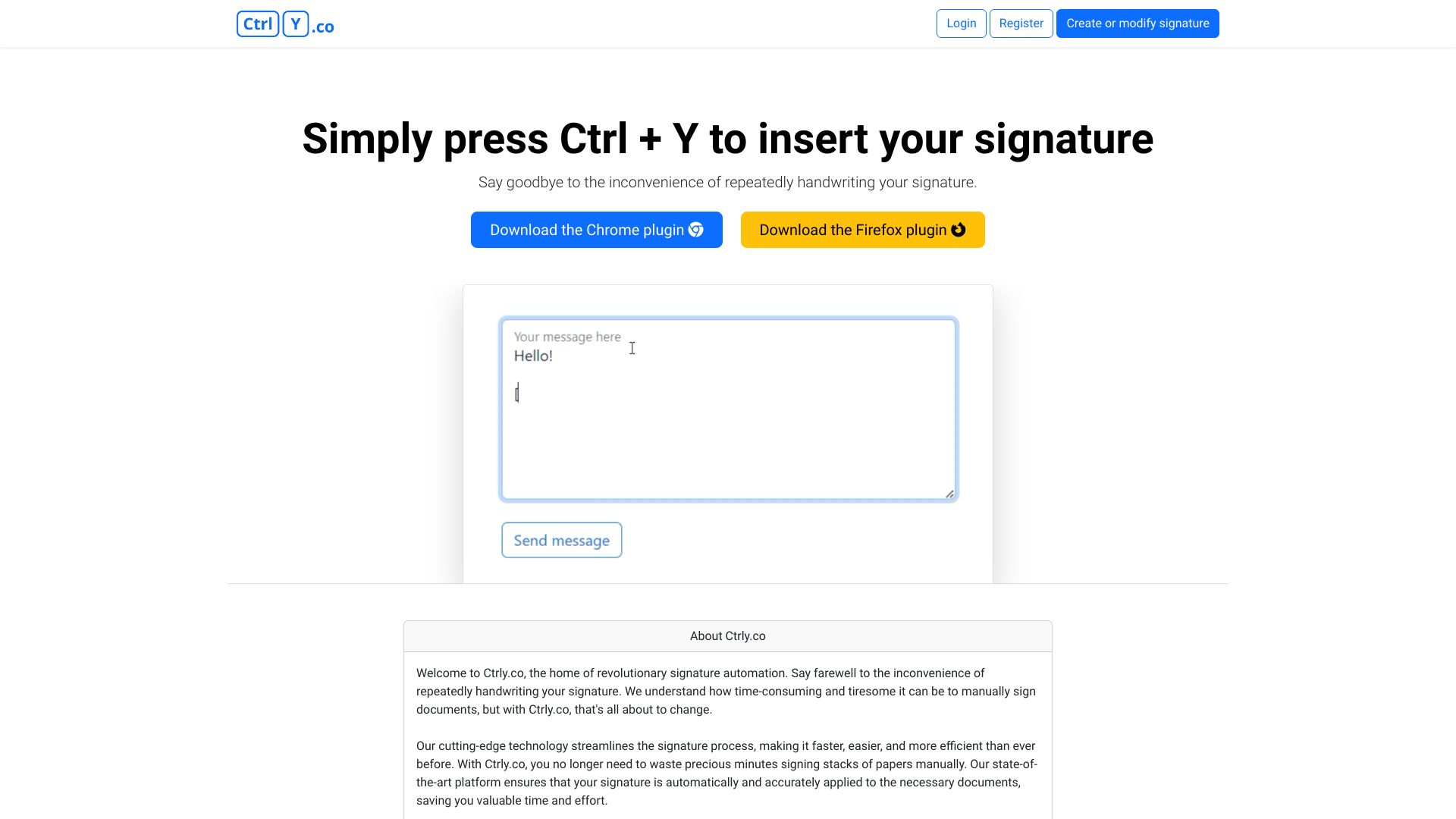
Ctrly.co automates signature insertion, saving time and effort with a simple Ctrl + Y shortcut.
Source rating 5.0
(80)
0 views
0 saves
Unknown
Verdict
A quick read before you dig into the full page.
- Best if
- Ctrly.co automates signature insertion, saving time and effort with a simple Ctrl + Y shortcut
- Pick this when
- Ctrly.co automates signature insertion, saving time and effort with a simple Ctrl + Y shortcut
Overview
Ctrly.co is a platform that offers signature automation, eliminating the need for manual signing. It provides cutting-edge technology for faster, effortless, and accurate signatures. Users can automatically insert their signature by pressing Ctrl + Y after downloading the Chrome plugin. The platform aims to streamline the signature process, saving time and effort for busy professionals, entrepreneurs, and individuals managing personal affairs.
Access & connections
Where you can use Ctrly, and what it plugs into.
Platforms
Integrations
Capabilities
What this tool accepts, produces, and is strongest at.
Highlights
- Signature automation
- Chrome plugin integration
- Automatic signature insertion with Ctrl + Y
FAQ 4
What is Ctrly.co?
Ctrly.co is a platform that offers signature automation, eliminating the need for manual signing. It provides cutting-edge technology for faster, effortless, and accurate signatures. Users can automatically insert their signature by pressing Ctrl + Y after downloading the Chrome plugin. The platform aims to streamline the signature process, saving time and effort for busy professionals, entrepreneurs, and individuals managing personal affairs.
How to use Ctrly.co?
Download the Chrome plugin from Ctrly.co. Once installed, simply press Ctrl + Y to automatically insert your signature into documents or emails.
How do I insert my signature using Ctrly.co?
After downloading and installing the Chrome plugin, simply press Ctrl + Y to automatically insert your signature.
What does Ctrly.co do?
Ctrly.co automates the signature process, allowing you to insert your signature quickly and easily into documents and emails.
Related tools
Recommended


Ctrly