

Workflows 2026 Rank: #1843
Create0 - AI Canvas ✓
Give Your Agent a Canvas, Not Just a Chatbox.
Verdict
A quick read before you dig into the full page.
- Best if
- Give Your Agent a Canvas, Not Just a Chatbox
- Skip if
- Limited error recovery options
- Pick this when
- Streamlines workflow management
Considering PixieBrix instead? Compare side by side
Overview
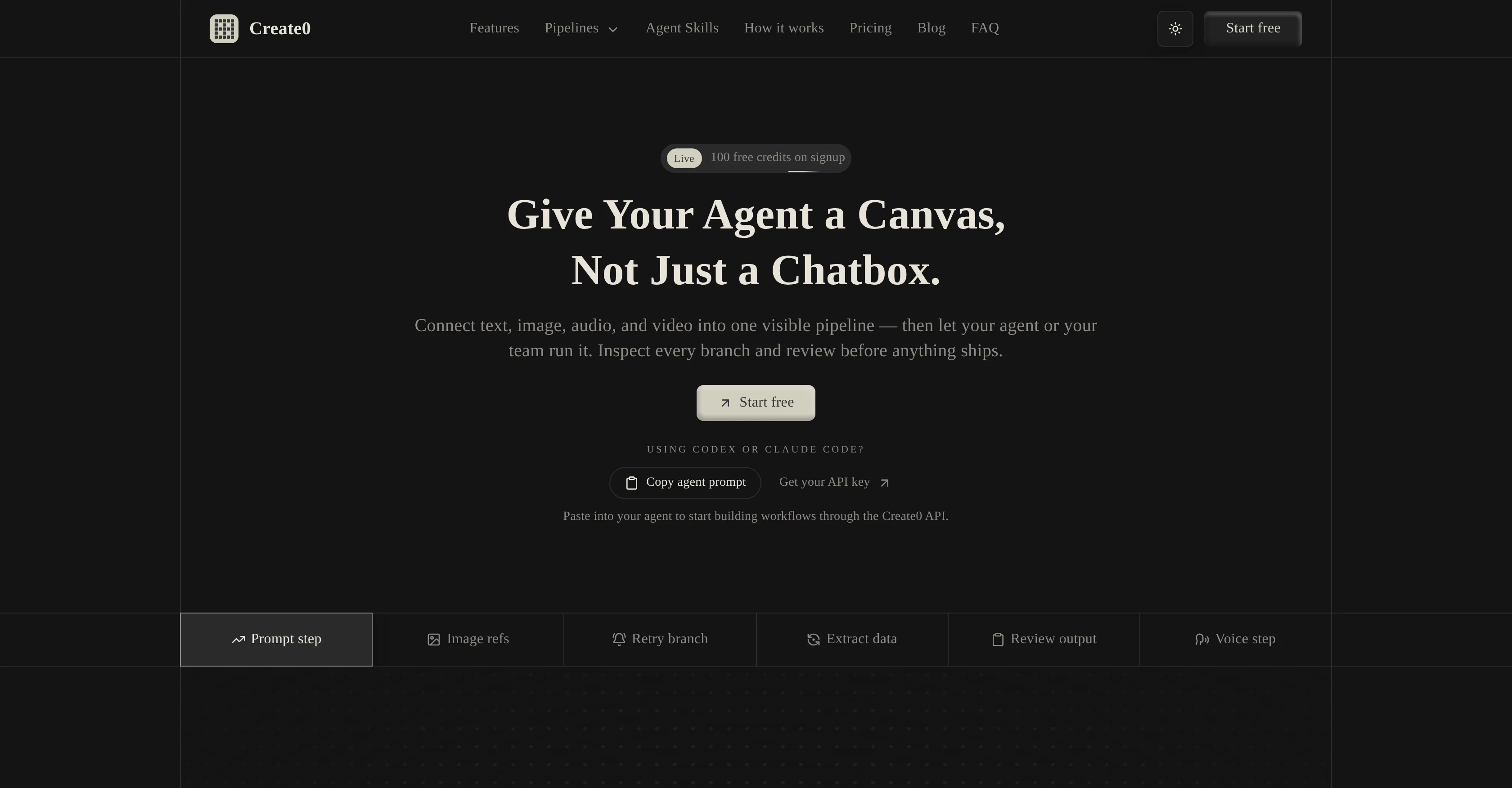
Create0 is an AI-powered tool that serves as an infinite canvas for the creation and organization of different AI agent tasks. Its prime feature includes forming visible pipelines where you can connect numerous elements such as text, audio, images, and video.
This connection enables AI agents to perform tasks within a structured workflow, which can be inspected, refined, and optimized based on your team requirements.
The tool's 'canvas' provides a multi-modal environment that allows teams to see the instructions, inputs, and results in one place while the AI agent works.
This visibility can improve the collaboration within the team for running the pipeline, inspect results, and making refinements in real-time. Additionally, Create0 allows the use of other AI tools like Codex or Claude Code through its API for building workflows.
One of the key features of Create0 encourages the transformation of often chaotic agent tasks into repeatable processes within constructed pipelines. This feature permits improvements on prompts, order, and settings without having to rebuild the whole system.
One can also move across different mediums such as text, image, audio, and video within a single pipeline according to the task requirement. The tool also provides a feature to inspect the outputs of various stages in the pipeline, and decisions about what should move forward could be made before committing to the next step.
The tool's distinct feature of 'Agent Skills' provides a constrained workflow surface for AI agents to work from, ensuring secure and efficient task execution.
Pricing of the Create0 tool is based on actual workflow usage, offering flexibility to scale based on your needs.
Access & connections
Where you can use Create0 - AI Canvas.
Platforms
Capabilities
What this tool accepts, produces, and is strongest at.
Input
- API
- Tabular
- Image
- Text
- Video
- Audio
Output
- Audio
- Video
- API
- Text
- Image
Highlights
- Agents
- API
Supported features
- Agents
- Automation
- Team Collaboration
- API
Pros & cons
Pros
- Streamlines workflow management
- Increases visibility
- Accommodates text, image, audio, video
- Single pipeline usage
- Improved productivity
- Conversion of experiments into pipelines
- Structured output system
- Easy integration with other tools
Show 43 more
- Secure access
- Refinement of workflows
- Increased collaboration
- Single canvas with instructions, inputs, results
- Real-time reviewing
- Transforms tasks into repeatable processes
- Use of multiple task mediums
- Output inspection capability
- Secure and efficient task execution
- Pricing based on actual usage
- Pipelines for organization of tasks
- Multi-modal environment
- Allows improvements without system rebuild
- Decide to proceed before committing
- Constrained workflow surface for agents
- Agent skills feature
- Infinite canvas
- Reusable pipelines
- Compatibility with Codex or Claude
- Flexible pricing
- Supports visibility of instructions
- Enables results inspection
- Optimization of agent tasks
- Facilitates authentication
- Structured workflow surface
- Workflow and task refinement
- Real-time task refinement
- Increased team collaboration
- API integration
- Supports different multimedia formats
- Facilitates task inspection
- Simplifies workflow execution
- Inspect, branch and edit results
- Workflow visibility management
- Infinite canvas for agents
- Multiple medium support in pipeline
- Run, inspect, refine
- Workflow surface for agents
- Inspection of agent skills
- Agent-ready design
- Cross-format task operation
- Pipeline visualization
- Flexible scaling based on needs
Cons
- No offline functionality
- Limited integration options
- Requires frequent refinement
- Needs structured system
- Lacks prebuilt workflows
- Runs only structured workflows
- Pricing based on usage
- No granular control in pipeline
Show 1 more
- Limited error recovery options
Compare alternatives
Similar tools in the catalog — with a clear reason to open each one.

PixieBrix ✓
FreemiumExtend your apps, accelerate work
Why look Higher community rating
Full comparison


Unframe AI ✓
UnknownThe Managed AI Delivery Platform
Why look Higher community rating
Full comparison

WebFill ✓
FreemiumFilling forms and emails, solving MCQs, for students and professionals.
Why look Typically cheaper
Full comparisonReleases 1
FAQ 12
What is the main functionality of Create0?
What kind of tasks can be accomplished with Create0?
How does Create0 enhance team productivity?
How does pipeline visualization work in Create0?
Can Create0 handle multiple formats in a single workflow?
How does Create0 ensure that workflow tasks are not lost in chats or disjointed inputs?
Can I convert one-time experiments into repeatable pipelines with Create0?
Does Create0 allow for output inspection and editing?
How does Create0 facilitate integration with other AI tools like Codex or Claude?
Is Create0 suitable for teams requiring a structured approach to managing workflows?
Does Create0 accommodate tracking of work in pipelines?
How does the process diagram functionality work in Create0?
Related tools
Recommended

remio: Your Personal ChatGPT ✓
FreemiumGet Tailored Answer with Your Personal ChatGPT

Denovo ✓
FreemiumTurn your idea into a real business in minutes.

AI Builder | Hostinger Horizons ✓
Free TrialBuild web apps and websites without writing any code.

Chattee AI App Builder ✓
Free TrialTurn ideas into full-stack apps instantly with GDPR-compliant builder.

SellShots ✓
Free TrialTurn one photo into high-converting product images

ImgLume ✓
Free TrialGenerate polished images from text prompts.