
Correctify
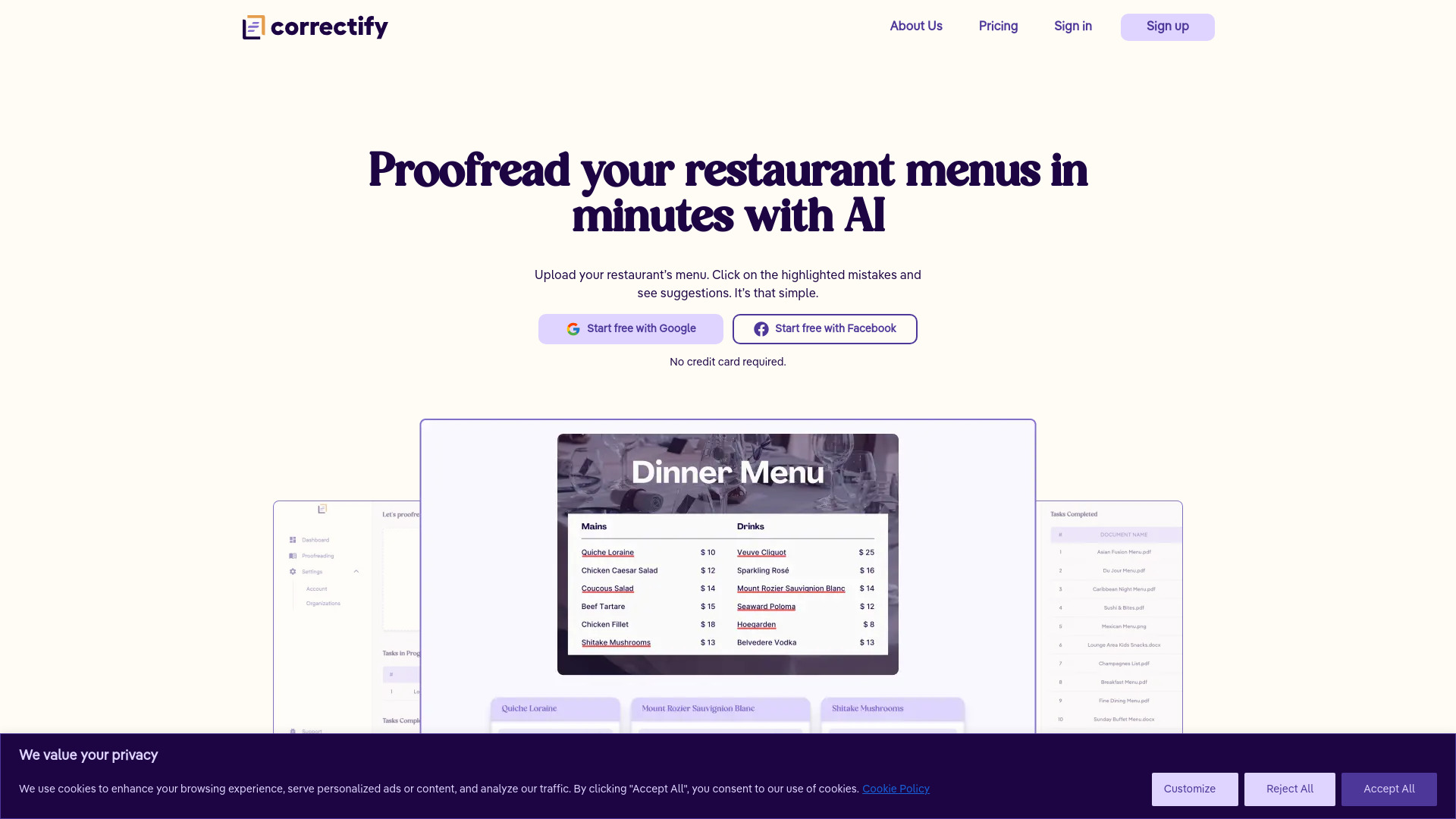
AI-powered tool to proofread restaurant menus quickly and accurately.
Source rating 5.0
(60)
2.2k views
2.2k/mo traffic
0 saves
Paid
From €10
Verdict
A quick read before you dig into the full page.
- Best if
- AI-powered tool to proofread restaurant menus quickly and accurately
- Skip if
- You need a free plan with no credit card
- Pick this when
- Paid · From €10
Overview
Correctify is an AI-powered tool designed to proofread restaurant menus for typos and grammatical mistakes. It helps hospitality professionals quickly check any document in minutes, understanding culinary terms, dishes, and ingredients from around the world. Correctify offers a faster way of proofreading restaurant menus, ensuring accuracy and professionalism.
Access & connections
Where you can use Correctify.
Platforms
Capabilities
What this tool accepts, produces, and is strongest at.
Highlights
- AI-powered proofreading
- Culinary term recognition
- Team collaboration
- Multi-format support
FAQ 12
What is Correctify?
Correctify is an AI-powered tool designed to proofread restaurant menus for typos and grammatical mistakes. It helps hospitality professionals quickly check any document in minutes, understanding culinary terms, dishes, and ingredients from around the world. Correctify offers a faster way of proofreading restaurant menus, ensuring accuracy and professionalism.
How to use Correctify?
To use Correctify, upload your restaurant's menu in various formats (JPEG, PNG, PDF, Word, Excel, PowerPoint). The AI highlights mistakes and provides suggestions. Collaborate with your team in a shared workspace to keep all menus under one roof.
What is Correctify?
Correctify is a tool that helps hospitality professionals proofread their menus in minutes. It can analyze restaurant menus, identify mistakes and provide corrections. It can understand culinary terminology and brands in English, French, German, Italian, Spanish and Portuguese.
What languages does Correctify support?
At the moment, Correctify can proofread only English-based menus but it recognizes culinary terms written in French, German, Italian, Spanish and Portuguese.
What types of files does Correctify support?
Correctify can proofread files of any size in these formats: PDF, Microsoft Word, Microsoft Excel, Microsoft PowerPoint, png, jpg and jpeg.
Can I use Correctify for free?
When you sign up, Correctify provides you with 1 free task. This means that you can proofread 1 document for free. You don’t need a credit card to sign up.
How does pricing work? What is a task?
Correctify offers 4 annual subscription plans based on your required usage. Each plan includes a number of tasks which are used to measure usage. 1 task = 1 document processed. Every time you upload a document for proofreading, a task is deducted from your balance. If you run out of tasks, you have to upgrade by purchasing a bigger plan. Any credits not used by the end of billing period will expire. If for any reason, a document has failed to be processed, then no tasks will be deducted from your balance.
Can I get a refund?
Payments for Correctify subscriptions are non-refundable. However, if for any reason you are unhappy with Correctify, please let us know by emailing us at [email protected]. We take customer feedback very seriously and we will make sure that you have the best experience possible.
How do I cancel my paid plan?
Your annual Correctify plan will automatically renew until you cancel it. You can cancel your Correctify plan at any time by visiting the Billings page on your dashboard. Only the organization’s admins can access the billing page. You will be notified in advance before your Correctify annual plan is set to renew.
How we make our corrections?
When Correctify identifies a mistake inside your document, it provides similar words or phrases as possible corrections. All corrections come from trusted sources and vocabularies, widely accepted culinary terminology or official brand names. Correctify constantly improves its effectiveness based on user feedback, therefore you should expect the corrections to improve drastically over time.
Can I invite other members?
All of our plans allow you to invite unlimited users to your organization. Members of an organization can upload tasks or see tasks uploaded by the rest of the members. There are 3 different roles a member can have: admin, editor or viewer.
How do I contact support?
Getting in touch with our team is very easy. You can do so via the support page found inside the app or by emailing us at [email protected].
Related tools
Recommended


Correctify
From €10