Agent

CoPaw

Open-source personal AI workstation for local LLMs and multi-channel messaging integration.

Source rating 5.0 (82) 0 views 0 saves Unknown
More categories (7)

Verdict

A quick read before you dig into the full page.

Best if
Open-source personal AI workstation for local LLMs and multi-channel messaging integration
Pick this when
Open-source personal AI workstation for local LLMs and multi-channel messaging integration

Overview

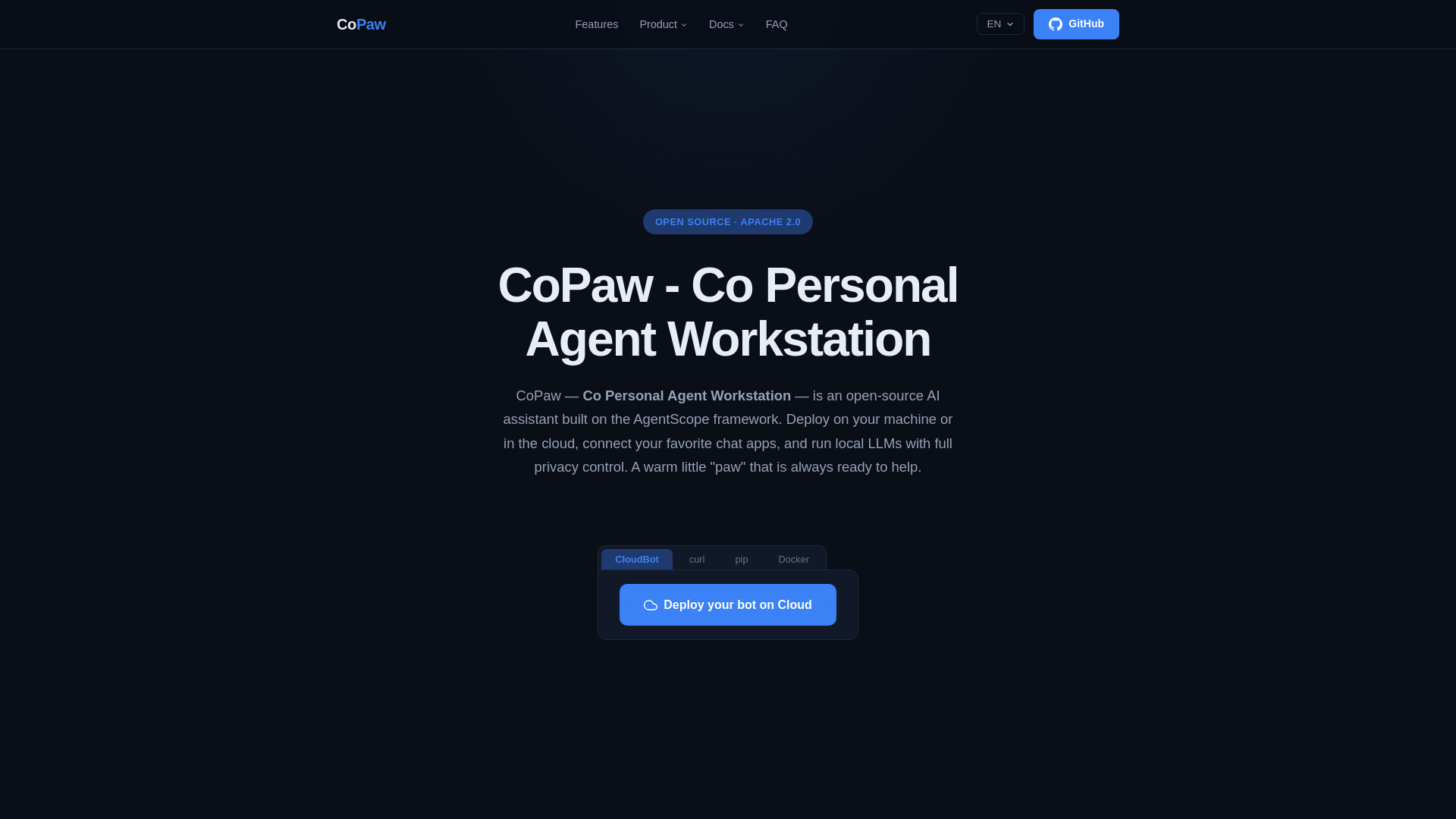
CoPaw (Co Personal Agent Workstation) is an open-source personal AI assistant workstation built on the AgentScope framework. It allows users to deploy a fully modular AI agent locally or in the cloud, connecting it to popular messaging platforms like DingTalk, Feishu, QQ, Discord, and iMessage. CoPaw distinguishes itself by offering full privacy control through local LLM execution (supporting llama.cpp and MLX), a proactive 'heartbeat' mechanism for autonomous tasks, and a long-term memory system that learns user preferences over time.

CoPaw screenshot

Access & connections

Where you can use CoPaw, and what it plugs into.

Platforms

Discord Bot

Integrations

Capabilities

What this tool accepts, produces, and is strongest at.

Highlights

  • Multi-Channel Chat Integration (DingTalk, Feishu, Discord, iMessage, etc.)
  • Local LLM Execution (llama.cpp, MLX, and Ollama support)
  • Modular Agent Architecture with decoupled Prompt, Hooks, and Tools
  • Proactive Heartbeat Mechanism for scheduled autonomous tasks
  • Long-Term Memory for tracking user decisions and preferences
  • Extensible Skill System with built-in cron scheduling

FAQ 5

What is CoPaw?
CoPaw (Co Personal Agent Workstation) is an open-source personal AI assistant workstation built on the AgentScope framework. It allows users to deploy a fully modular AI agent locally or in the cloud, connecting it to popular messaging platforms like DingTalk, Feishu, QQ, Discord, and iMessage. CoPaw distinguishes itself by offering full privacy control through local LLM execution (supporting llama.cpp and MLX), a proactive 'heartbeat' mechanism for autonomous tasks, and a long-term memory system that learns user preferences over time.
How to use CoPaw?
Users can get started by installing CoPaw via 'pip install copaw' or a one-line curl script. After installation, run 'copaw init --defaults' and 'copaw app' to launch the web-based console. From the console, users can configure their preferred local or cloud models, connect chat channels, and manage automated skills.
Does CoPaw support local models?
Yes. CoPaw supports running large language models entirely on your machine via llama.cpp (cross-platform) and MLX (optimized for Apple Silicon), requiring no API keys or cloud dependencies.
Which messaging platforms can I connect to CoPaw?
CoPaw natively integrates with DingTalk, Feishu (Lark), QQ, Discord, and iMessage. It also allows developers to build custom channel plugins.
What is the 'Heartbeat' mechanism?
The heartbeat is an innovative feature that allows CoPaw to autonomously perform scheduled tasks, such as checking emails or compiling reports, without being explicitly asked by the user.
