
Contentable.ai
End-to-end testing platform for generative AI models.
Source rating 5.0
(75)
0 views
0 saves
Unknown
Verdict
A quick read before you dig into the full page.
- Best if
- End-to-end testing platform for generative AI models
- Pick this when
- End-to-end testing platform for generative AI models
Overview
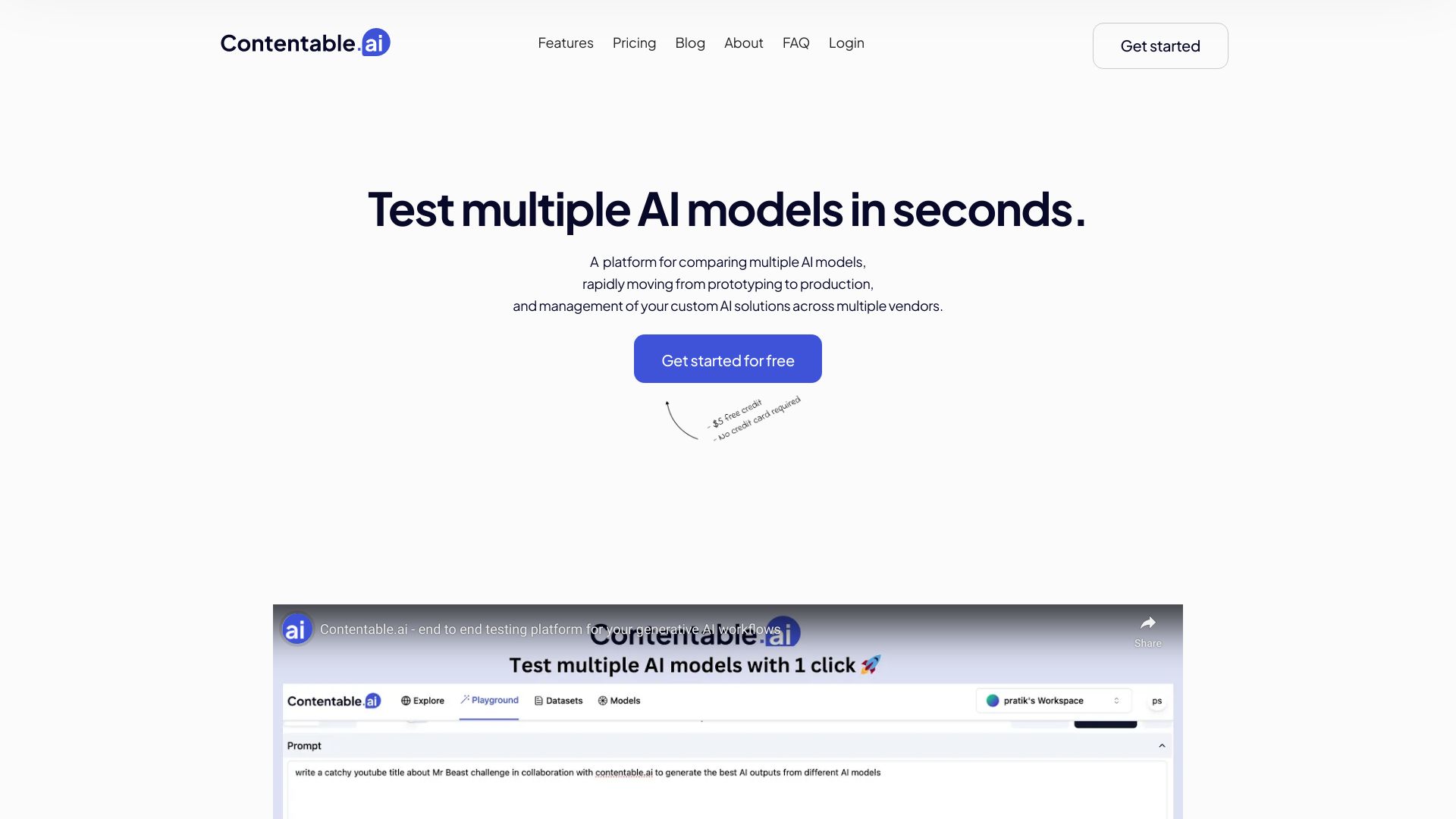
Contentable.ai is an end-to-end testing platform for generative AI. It allows users to A/B test multiple AI models, compare speed, costs, and outputs, and build and deploy low-code AI models. It supports major AI vendors and facilitates rapid prototyping and collaboration on AI models.
Access & connections
Where you can use Contentable.ai.
Platforms
Capabilities
What this tool accepts, produces, and is strongest at.
Highlights
- A/B testing of multiple AI models
- Side-by-side comparison of model outputs
- Low-code AI model building and deployment
- Prompt management across multiple vendors
- Visual workflow design
- Collaboration features for teams
FAQ 9
What is Contentable.ai?
Contentable.ai is an end-to-end testing platform for generative AI. It allows users to A/B test multiple AI models, compare speed, costs, and outputs, and build and deploy low-code AI models. It supports major AI vendors and facilitates rapid prototyping and collaboration on AI models.
How to use Contentable.ai?
Users can compare models side-by-side, test prompts, design workflows, and share models with their team. The platform allows for prompt management across multiple vendors and provides shareable links for users to consume the models and provide feedback.
How many LLM providers are supported by Contentable?
Contentable supports Open AI, Google, and Llama models at the moment. They are working hard to add more models for their users.
How can I test different prompts in the playground?
You can test different prompts by turning off the synch prompt button. This will allow you to have 2 different prompts and test the output of them against various scenarios.
Can I finetune my model?
They are working on the fine tune feature and it will be available soon.
How many models can I compare side by side in the playground?
You can compare upto 3 models side by side and upto 3 scenarios in one run.
How can I save a model and share it with my users?
Once you have finalised your prompt in the playground. Click on the save icon and provide a name and description to your model. This model will be available in the models tab. Click on the ... button and choose 'View shareable Link'. This link can be shared with your users and they can start consuming the model right away and provide you with feedback
Can I compare the chat functionality from multiple models?
Absolutely. Just toggle the mode on top left corner from text to chat. In the chat mode you can compare the chat outputs from various providers for the system prompt
Can I share the playground view with my team members?
Anytime while working on the playground you can click on the share button in top right corner to share the playground with your team members. Your team member can execute the same prompt and check and confirm the results. They are working on real time collaboration in the playground and in future you will be able to comment and notify your users right away from the playground.
Related tools
Recommended



Contentable.ai